Windows 10, Finale Version 26.1.530. The selection list for Articulations is presenting like the attached screenshot. It refuses to restore defaults. How can I correct this?
Thank you.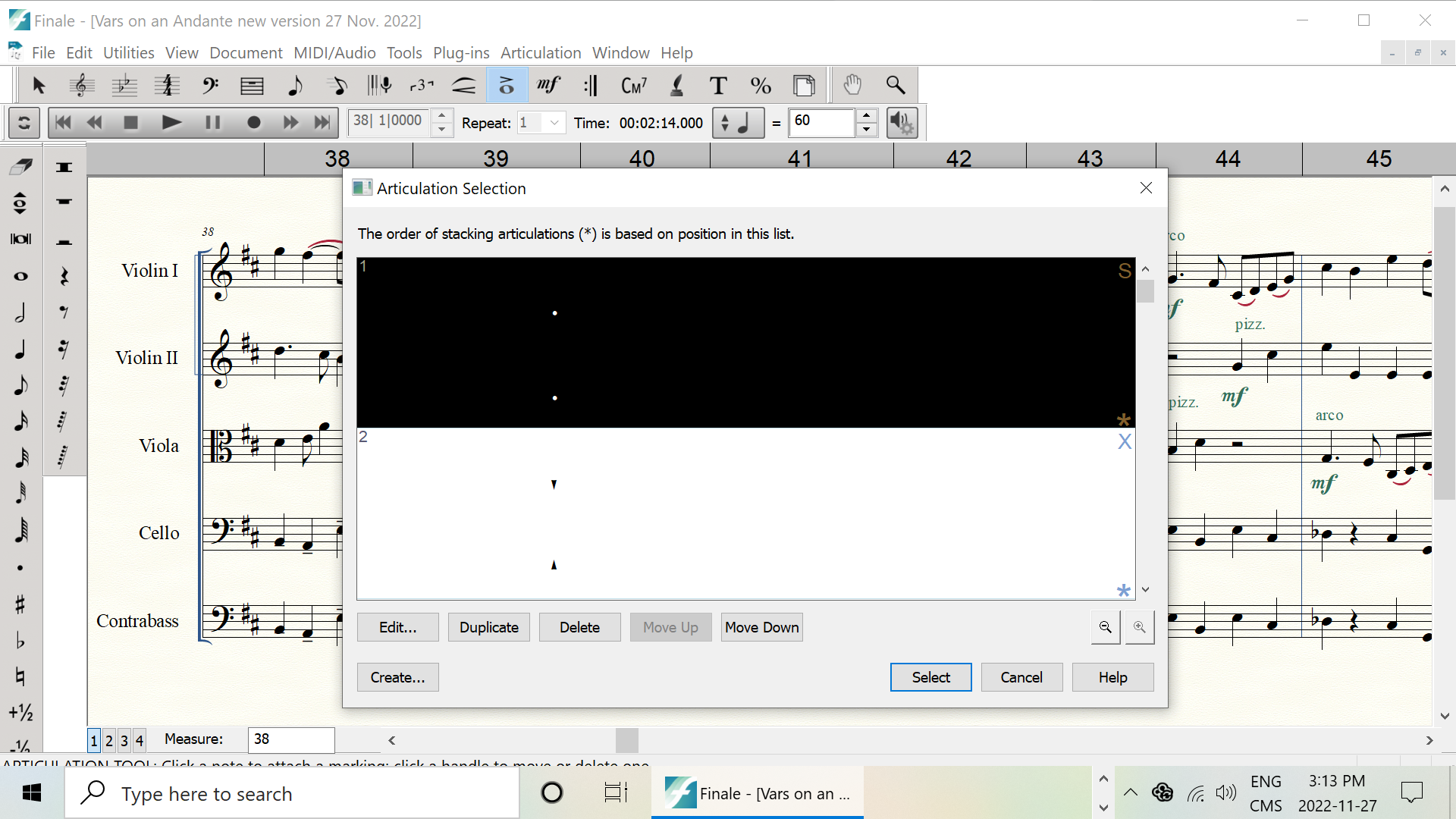


Have you tried clicking the “zoom out” button in the lower right corner of this dialog? It is the button directly above the “Help” button. The one with the minus sign in the magnifying glass.
In your image above, the “zoom in” button appears to be greyed out - which might indicate the articulation display setting is at the max zoomed in setting.
Please sign in to leave a comment.
1 comment
Date Votes