New post
Avatar
0

Windows 10 Pro

Finale v25

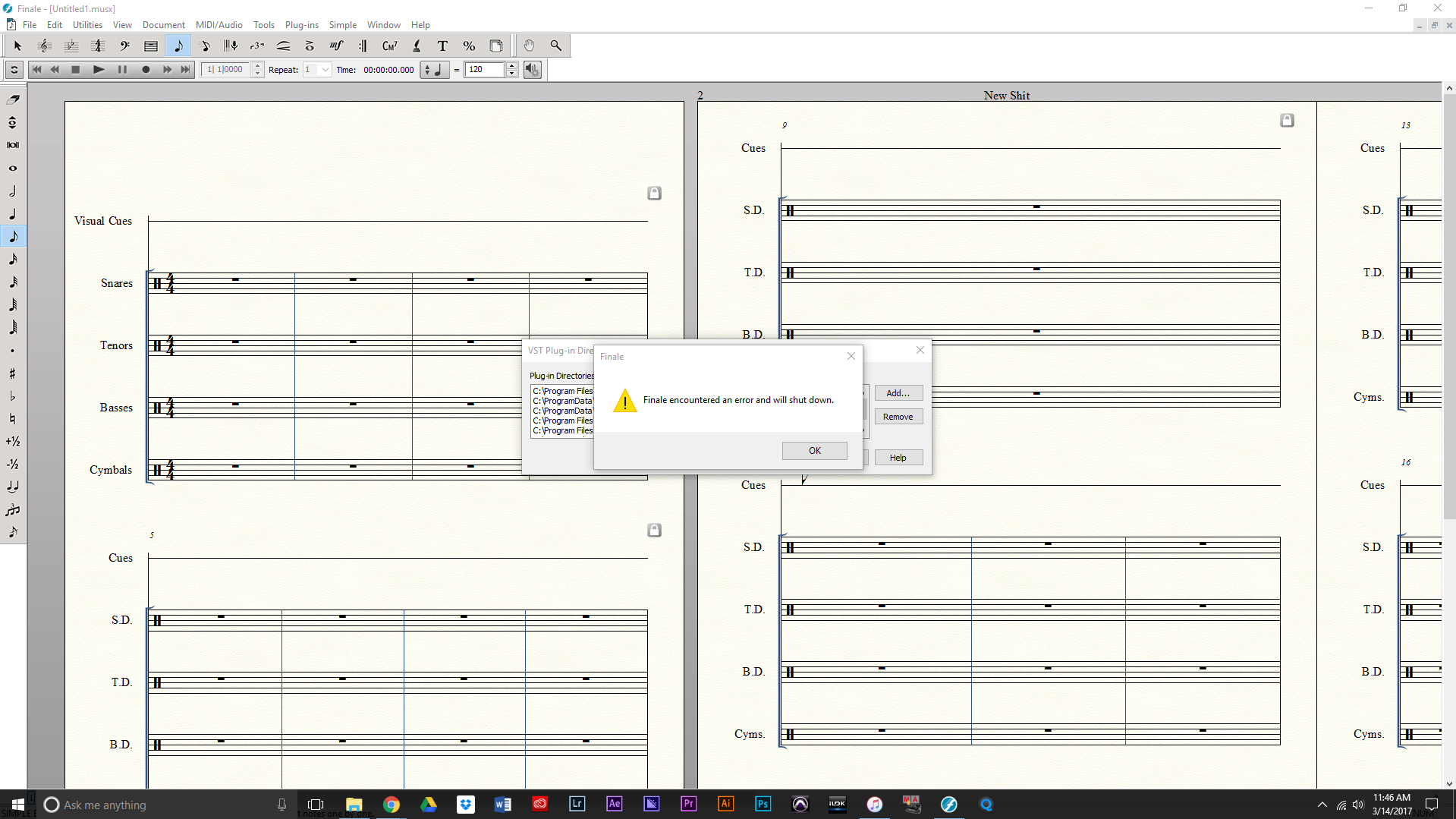
Finale crashes in the vst plugin manager after I add the dll file folders. All x64 plugins. 


7 comments

Date Votes
Avatar
0

That doesn't give us much to go on.

  1. remove all .dll's from the VST folder
  2. restart Finale to see if it works
  3. add the .dll's back one at a time and restart until Finale crashes
  4. now you know what the problem is.
Comment actions Permalink
Avatar
0

I know it isn't much info. I have very little to go on. I ran 2012 and 2014 for years with no issues. After upgrading, v25 won't even recognize Aria player when I add the dll folder. Finale just shows me this...


Comment actions Permalink
Avatar
0

The problem is when I close out of the manage vst window. It doesn't matter what I add or remove, Finale crashes and restarts when I hit the close button.

Comment actions Permalink
Avatar
0

Are the .dll's compatible with 64-bit Finale v25? Aria makes both a 32-bit and 64-bit .dll

Comment actions Permalink
Avatar
0

They are all x64. 

Comment actions Permalink
Avatar
0

You can seek help from MM via the "Submit a request" link at the top of the screen. One thing they may tell you to try is to reinstall Finale v25.

Comment actions Permalink
Avatar
0

I'm not sure if you have already resolved this issue, but I had the same problem until I realized there should be no space in the path that you add to your .dll file.


Cheers

Comment actions Permalink

Please sign in to leave a comment.