

I'm using Finale v. 26.3, on Windows 10. I am using linked parts from an orchestral score such that Flute 1 and 2 appear on the same staff in the score but have separate parts (the default Full Orchestra Template).
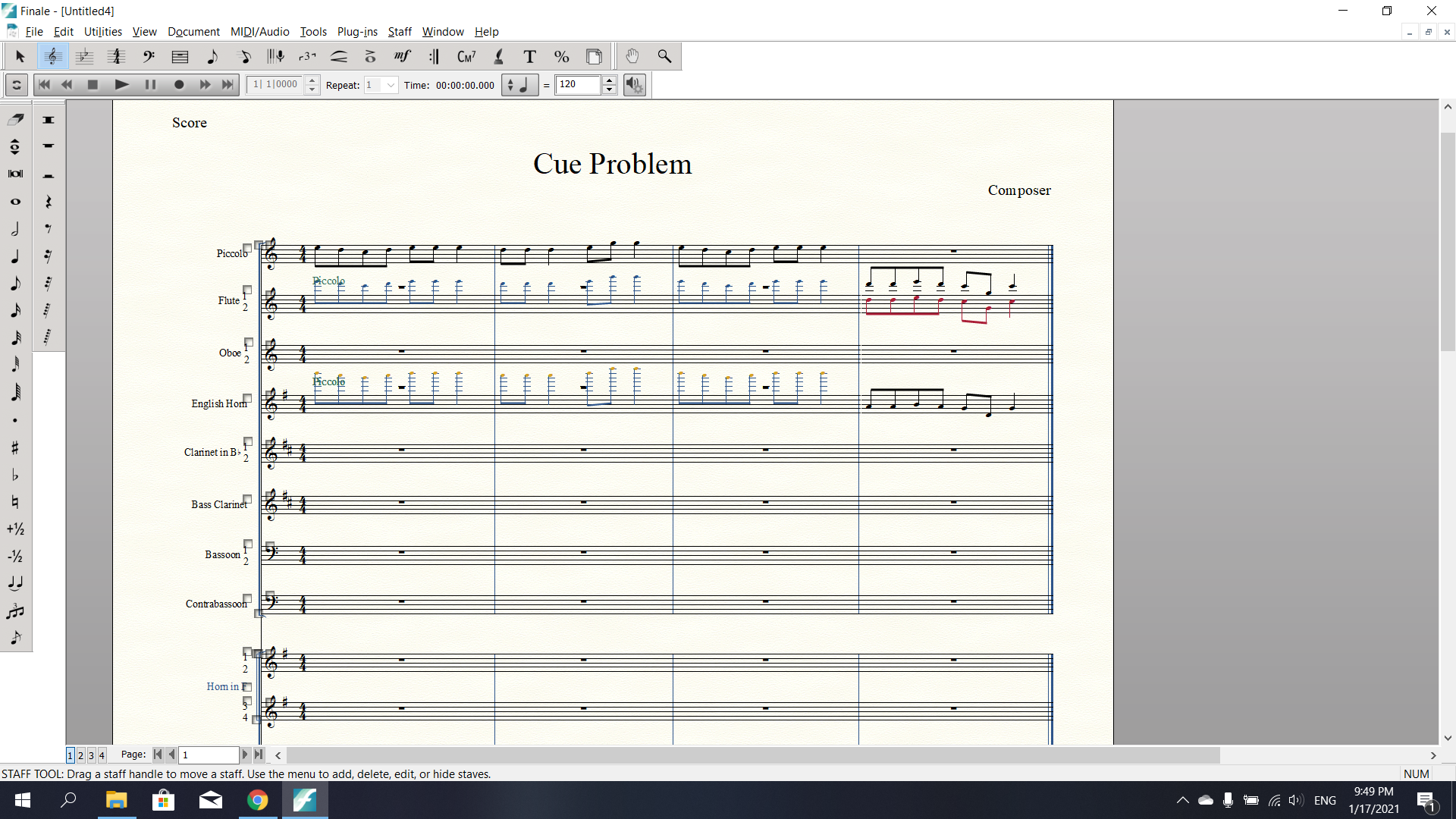
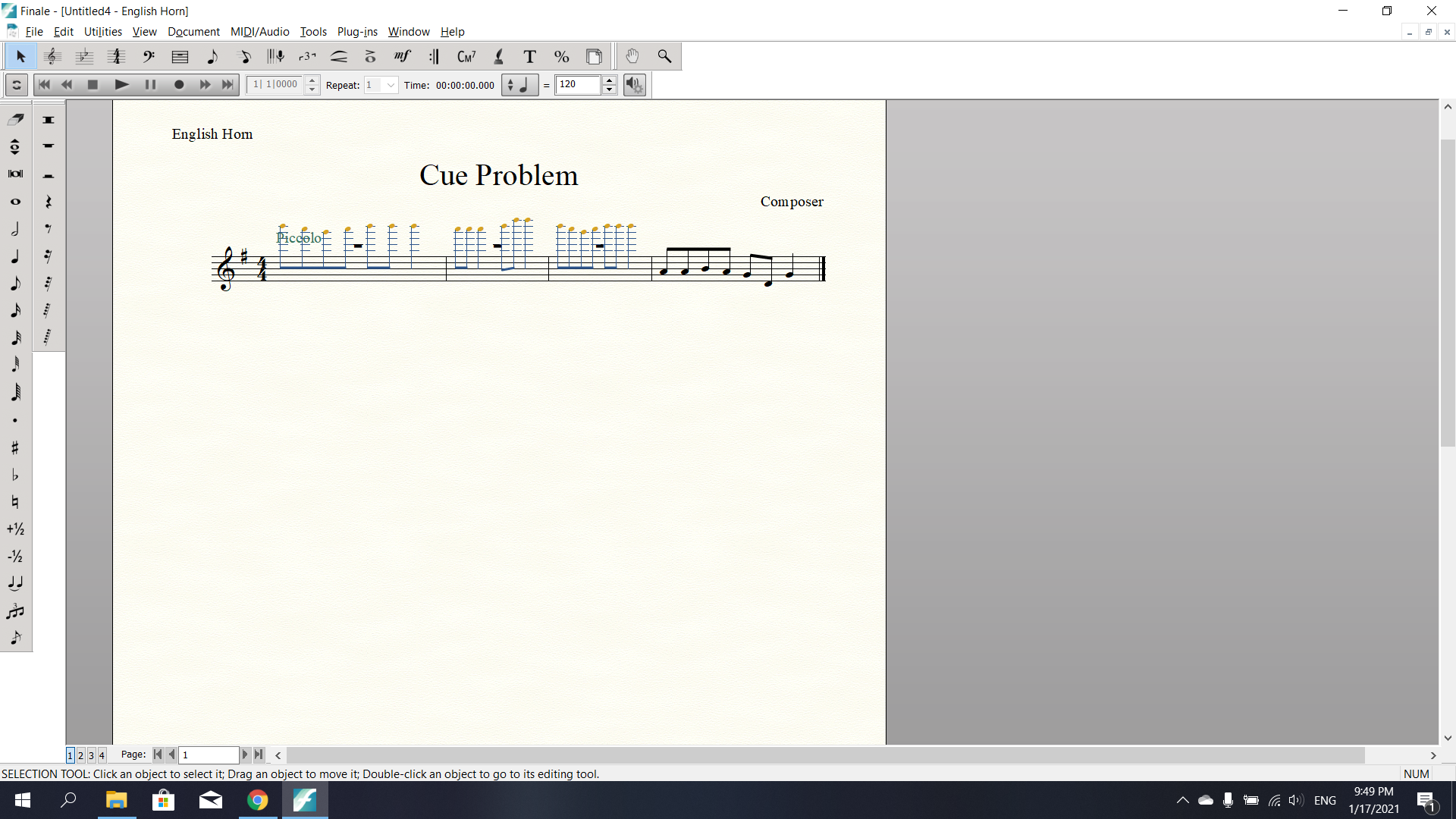
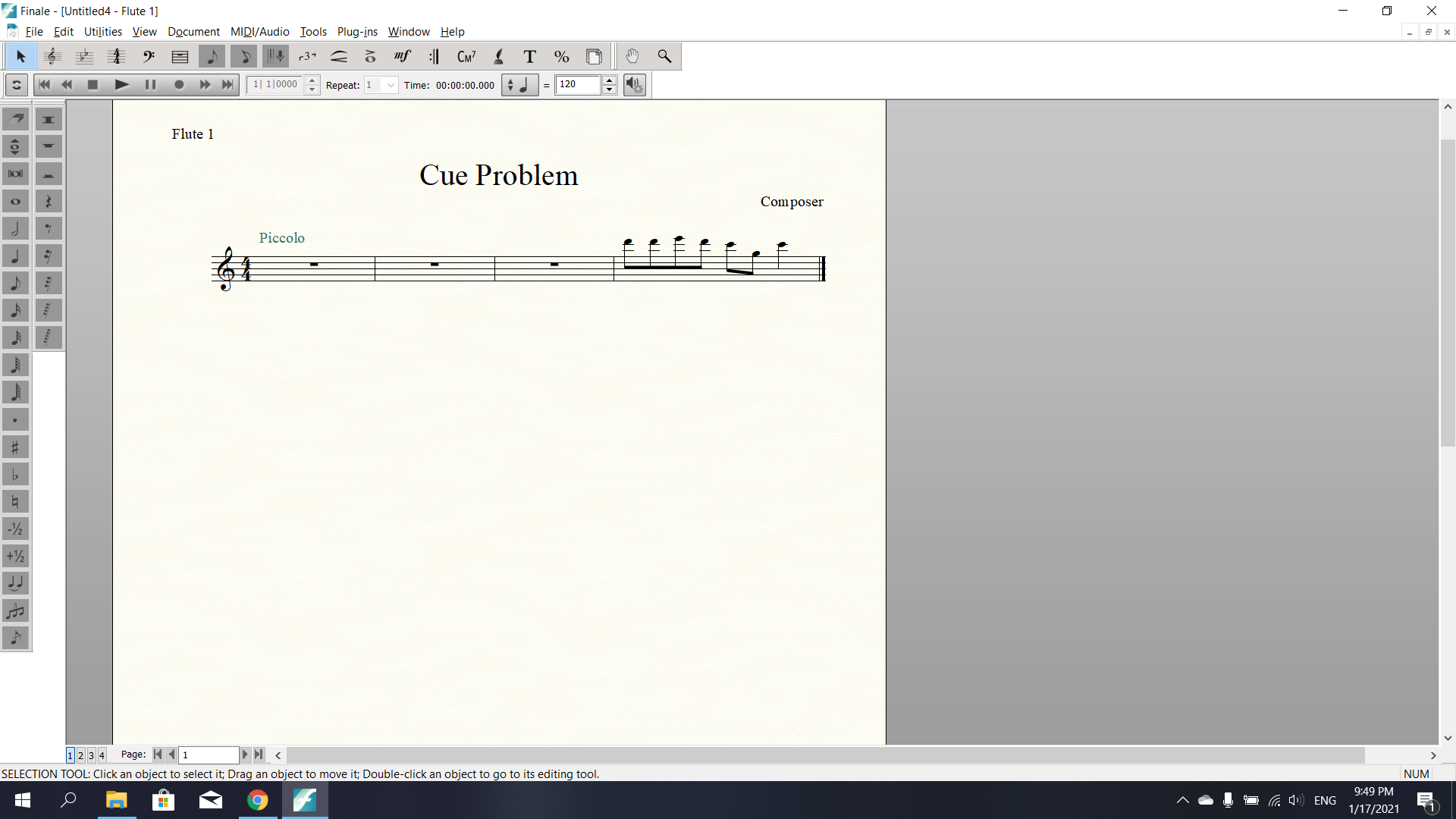
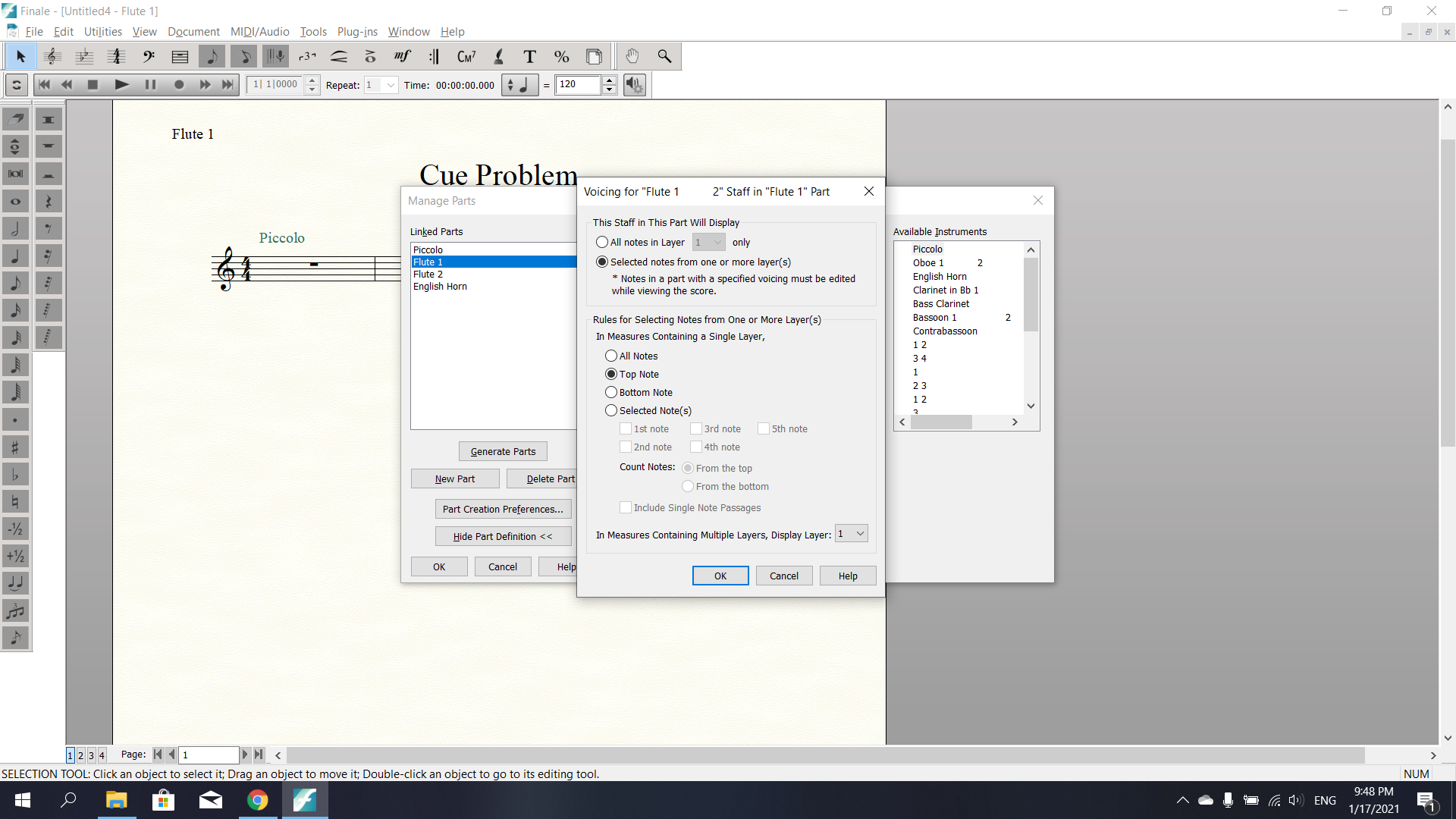
I used the "Add Cue Notes" plug-in to put a Piccolo cue in the first three measures of the Flute parts and the English Horn part, using Layer 4. The cue shows up in the English Horn part, because it is a single part, but neither of the Flute parts, because under "Manage Parts > Specify Voicing" they have the box checked "In Measures containing multiple layers, Display layer 1" or "2". This box needs to be checked so that the parts are separate (i.e. you don't want Flute 2 part to have Flute 1 notes in it).
Is there an easy way to create a cue for the Flute parts? Thanks!
~Jeremy
See photos:
0 comments