

Windows 10, current; Finale 26, current.
A weird thing happened...
When I work on a new composition, I regularly do a "Save as..." to version 02, 03, etc.
For some reason, a piece which I currently am composing started showing the little squares one sees when clicking on the "Expression Tool," except there is no expression there. It the same little square that appears next the "mf" "arco," etc. :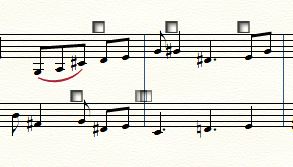 When I double-click on any of these "blank" squares, here's what appears in the "Expression Selection" dialog box:
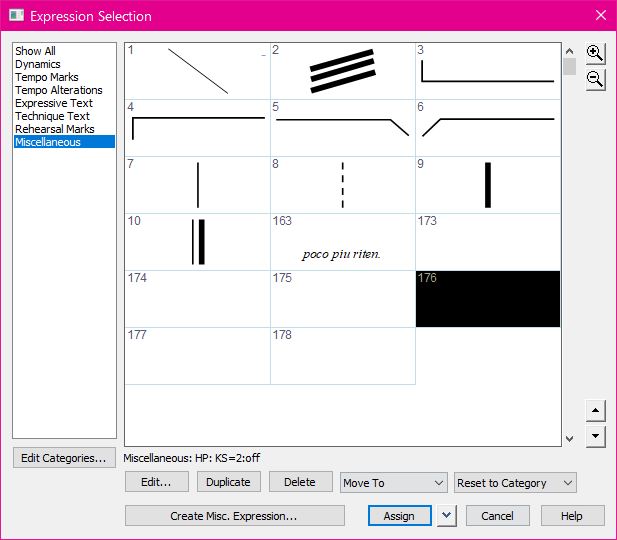 It appears to be a Human Playback item with "keyswitch" referenced.
These only began to appear after about the 10th "Save as..."
Any ideas?
Thank you, again!
:-)
Vanessa

2 comments
Date Votes