

This upgrade is the absolute worst! I'm copying my first real score since upgrading a couple of months ago and I think that the only way that I'm going to get it done is to revert back to Finale 2012c, which was no prize but certainly didn't have the problems that I'm running into. Here are some of them:
1. Invisible note note heads cause the ledger lines to quadruple in length.
2. Hiding notes or rests in layer 2 causes the dots in layer 1 to shoot off way over to the side.
3. Everything in the special tools pallet is SLOW as all get out (why should it take 5 seconds to nudge a dot?).
4. They STILL have not fixed the issue with blank note heads and invisible stems printing as obscure characters. Worse yet, the blank characters that used to work, no longer do.
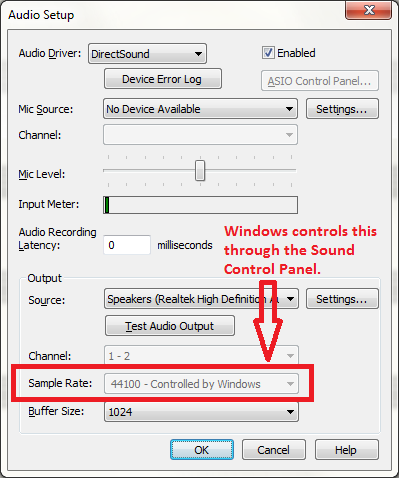
5. The sound cuts out for no apparent reason requiring me to quit and restart. Sometimes I need to shut down my computer. I don't really care about playback but I like to hear the pitches as I enter them. Sometimes, but not always, the note will be loud as hell when I first press a key and get quieter with each additional note until I eventually hear nothing.
6. Many of my third part fonts do not work, and I need them since Make Music refuses to include many of the symbols that have become common over the course of the 20th and now 21st century.
There are many more issues with spacing, copying material from one measure to the next, etc.
I'm looking forward to what Steinberg comes up with with Dorico. I've been reluctant to switch to something else since all of my scores since 1992 have been copied in Finale, and I spent the better part of 20 years learning how to trick Finale into doing what I need it to do, but this is ridiculous. It seems that each upgrade just gets worse.


7 comments
Date Votes