
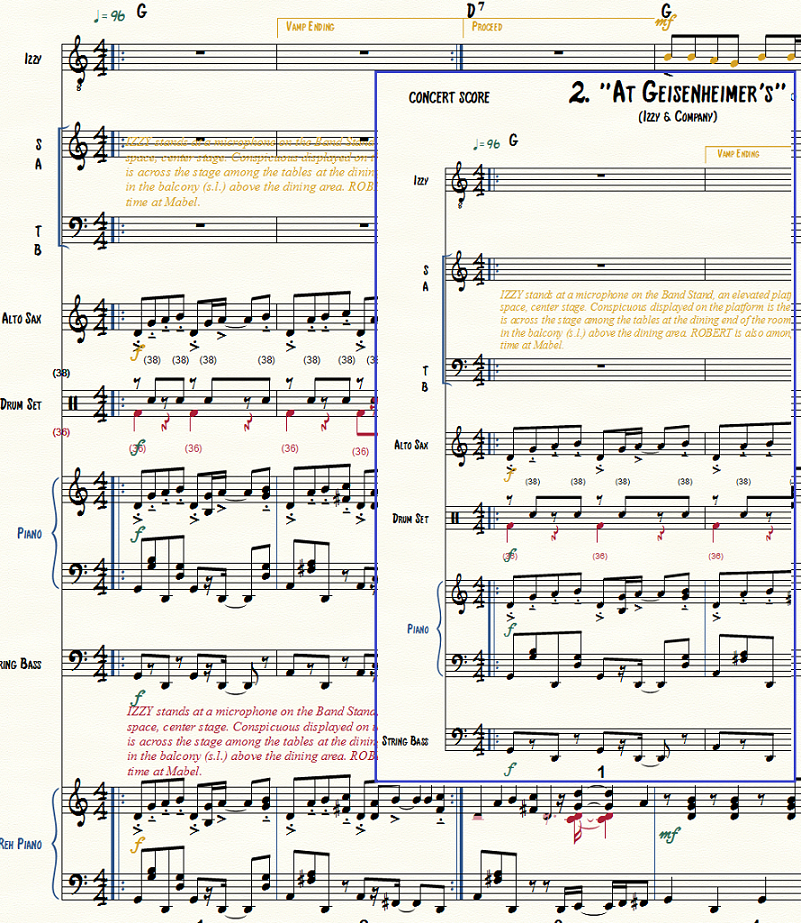
I am using osx yosemite and Finale 2014.5. I have completed a score with voices SATB, brass quartet, organ, and timpani. I now need a (rehearsal) piano vocal score. I know that I can do this by imploding the brass quartet into 2 staves, yielding a piano part, then deleting the quartet. However, there seems to be no way of doing this in Manage Parts. If I do it as a separate score, then corrections, edits, are no longer linked and it becomes a confusing mess. I did a separate score, but in rehearsal, found a couple of clinkers. Now, I have to go back to the original score and make the changes, and then go into the separate score and make them there, too. All this because there is no way to generate a new part in which I implode the brass parts. I'm sure my explanation is too complicated, but so is the problem.


2 comments
Date Votes