

Finale 25; Windows 10
When going to page view, after a certain point, the notes change size. The only way to adjust the size is on a percentage basis. How do I get all the notes the same size BEFORE adjusting them percentage wise??
Document>Document Options>Fonts has no effect whether or not measures are selected
Utilities>Change>Note Size uses percentages.
So, what I think I need to do is find a way to make all notes the same size first, then adjust by a percentage.
Step 1 eludes me
HELP


 Please note the note size difference in Page View
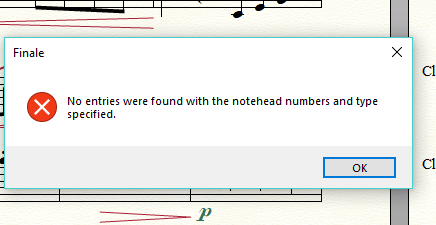 and the change note size from the utilities menu was tried before ... see first post.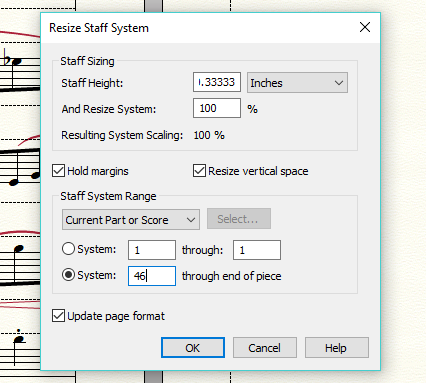

 Even so, it doesn't change anything. And, regarding the note size, to adjust as a percentage means I would need to guess at the percentage to use by trial and error. Not a very good way to proceed for something that will be used in a performance etc.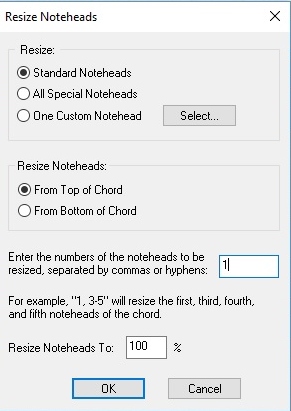


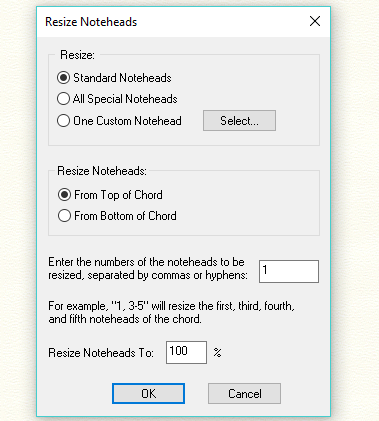

 But now the small notes are larger than the previous notes.... again, this is because a percentage is used ...
12 comments
Date Votes