

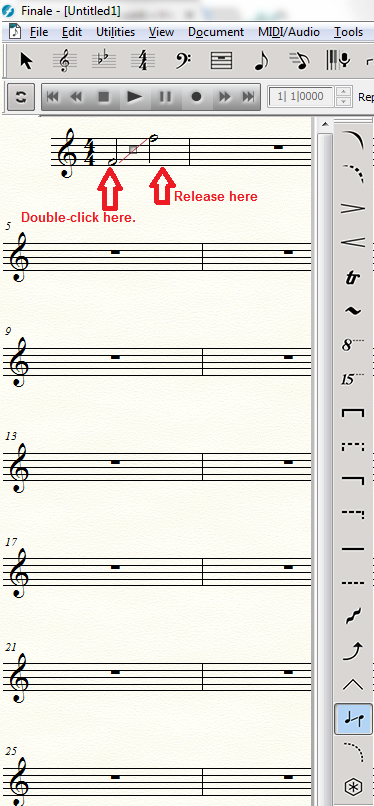
I want to add a slide between two notes. The help files says that there will be a small Arrow that I have to drag and drop between two notes. But when I select Smart Shapes > Tab Slide Tool the cursor changes into a cross with a point in it. When I move that cursor over the first note and I click and drag between two notes there is only a line created that is not linked to the notes.
OS = Win 10, Finale Version 25.2.0.92

1 comentario
Fecha Votos