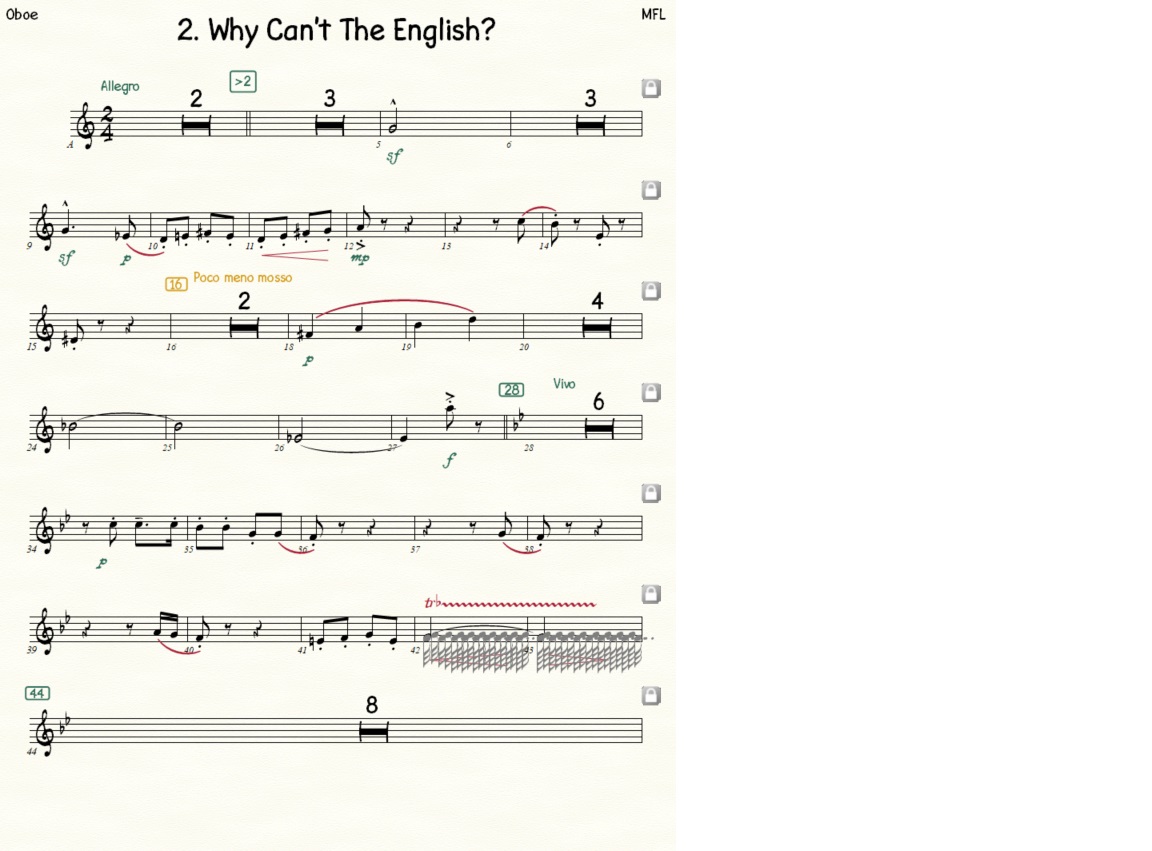
Is there a way to make these greyed out trill notes (bar 42) not appear on my screen? See attached sample page. I know they don't print, but I don't want to see them when I'm laying out the pages. Finale Version 27.4.1.110 Windows 11 Pro Thanks.
Yes that did it. Thanks! Couldn't seem to find this in the manual but I'm sure it's in there somewhere.



2 comentarios
Fecha Votos