

Mac OS 10.13.3, Finale 25
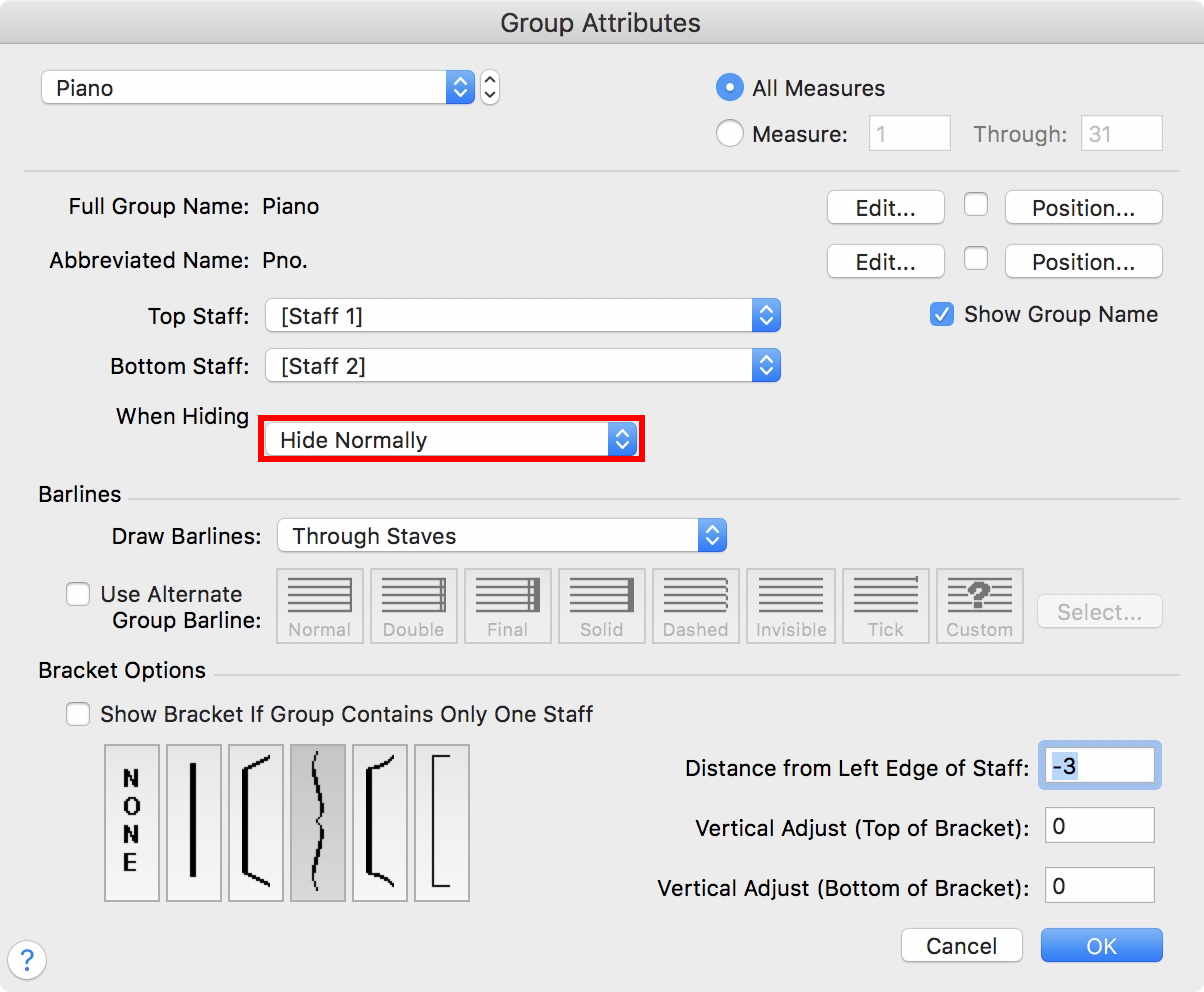
I've used Finale since the dark ages (seriously, dark, 1990) and never had trouble when it came to (what they called then "optimizing") hiding blank staves in a score. I've read all the entries in the forum I could find, but none describe my situation. It's a straight forward Grand Staff/lead sheet style piece, but I have several sections where only one staff or the other is needed (wanted) on the score. I'm in Page View. I have already made sure Staff Attributes for both staves are set to "Allow Hiding When Empty", triple checked that the measures in question were indeed blank. I even performed the shift+command+U to unlock forced measure groups. I have tried selecting the whole system, the staff only for that system, the entire score (command A). Selecting "Hide Empty Staves" has no effect.
In case it makes a difference, sometimes I'm using a Staff Style in one staff, while the other is blank. It is also a group, since I started with the standard grand staff template. I have never had a problem hiding blank staff systems in a grand staff before. I will admit to a long gap between ver. 2012 and ver 25. HELP!


3 comentarios
Fecha Votos