

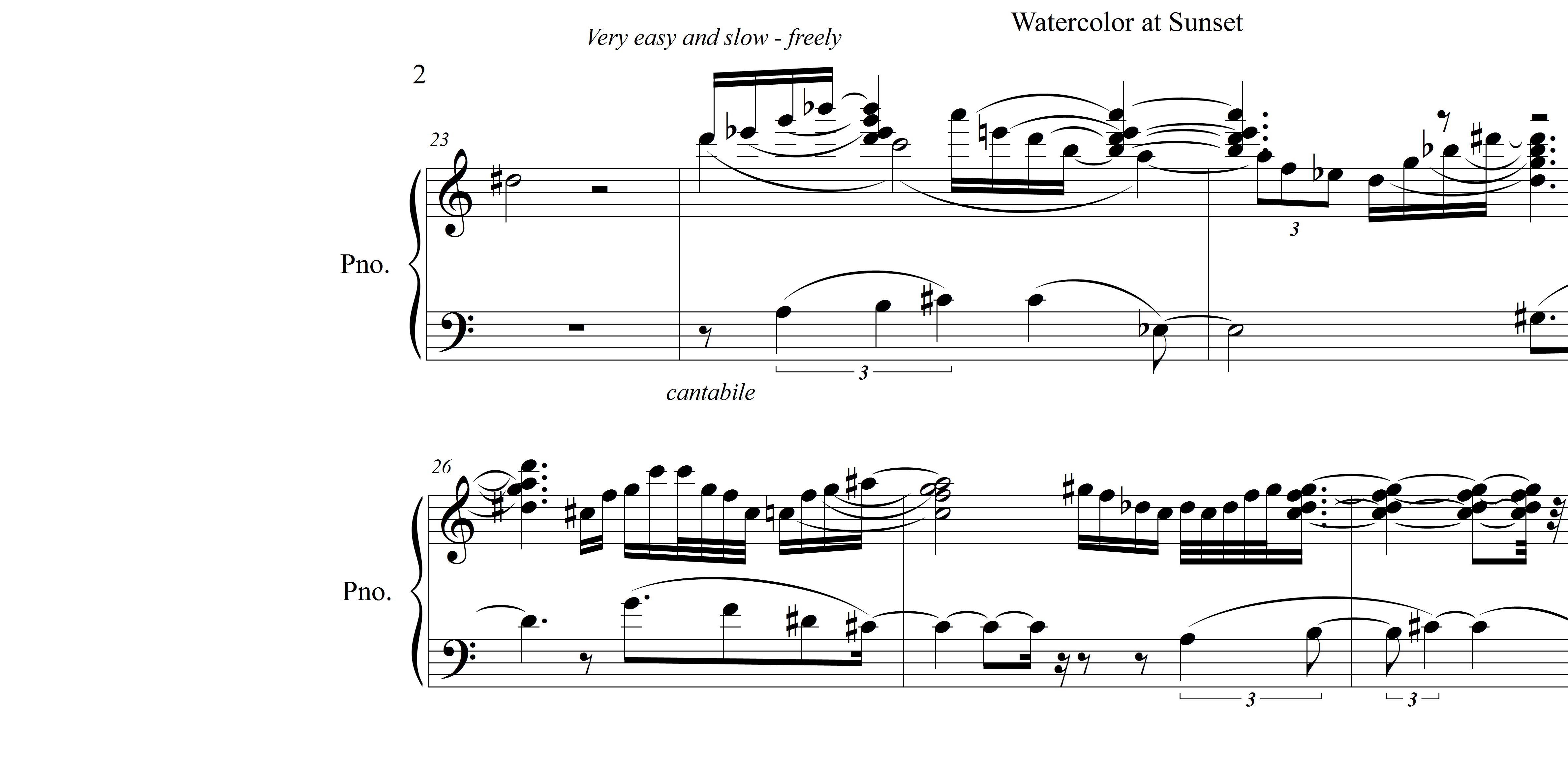
Why don't ties from the Smart Shape Palette stay in the place you put them?
Why don't ties from the Smart Shape Palette stay in the place where you put them?
It's very frustrating - you place the tie to tie a note to another note and it does not stay in the same place you put it, but flips
up to some default position at the top of the staff, then it take 5 more clicks to get into the original place you wanted. Is there some way to defeat this "Stupid Shape" feature?
I have tried deleting or changing every entry in the "Smart" shape dialog box but this does nothing. ARGGG.

7 comentarios
Fecha Votos