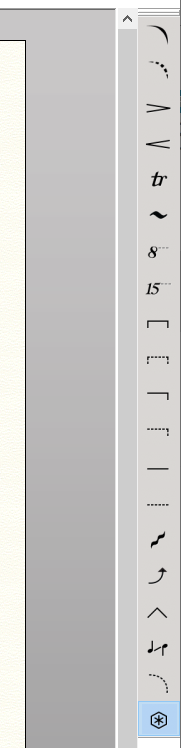
Slur Tool Palette only Slur Tool works. How can I activate the rest of the Icons?
I'm pretty new at Finale v26 (window 10)


Have you used other versions of Finale in the past, so you know how the tools work?
Is this a new installation? Did it ever work properly?
Have you restarted the computer? Or trashed the preferences?
When you click on a tool, does the tile that you clicked, indicate as selected?
The more info we have, the better we can make suggestions!

Sorry, I was not following the instructions at the bottom left of the screen!
I thought a hairpin was to appear as I double click the measure, like the slur for instant, but I re-read it and follow it and it worked!
Lesson learned: Read the instructions CAREFULY and follow them!
Thank you Mike and J Adrian for your quick respond. You guys are great!
Iniciar sesión para dejar un comentario.
4 comentarios
Fecha Votos