Nueva publicación
Avatar
0

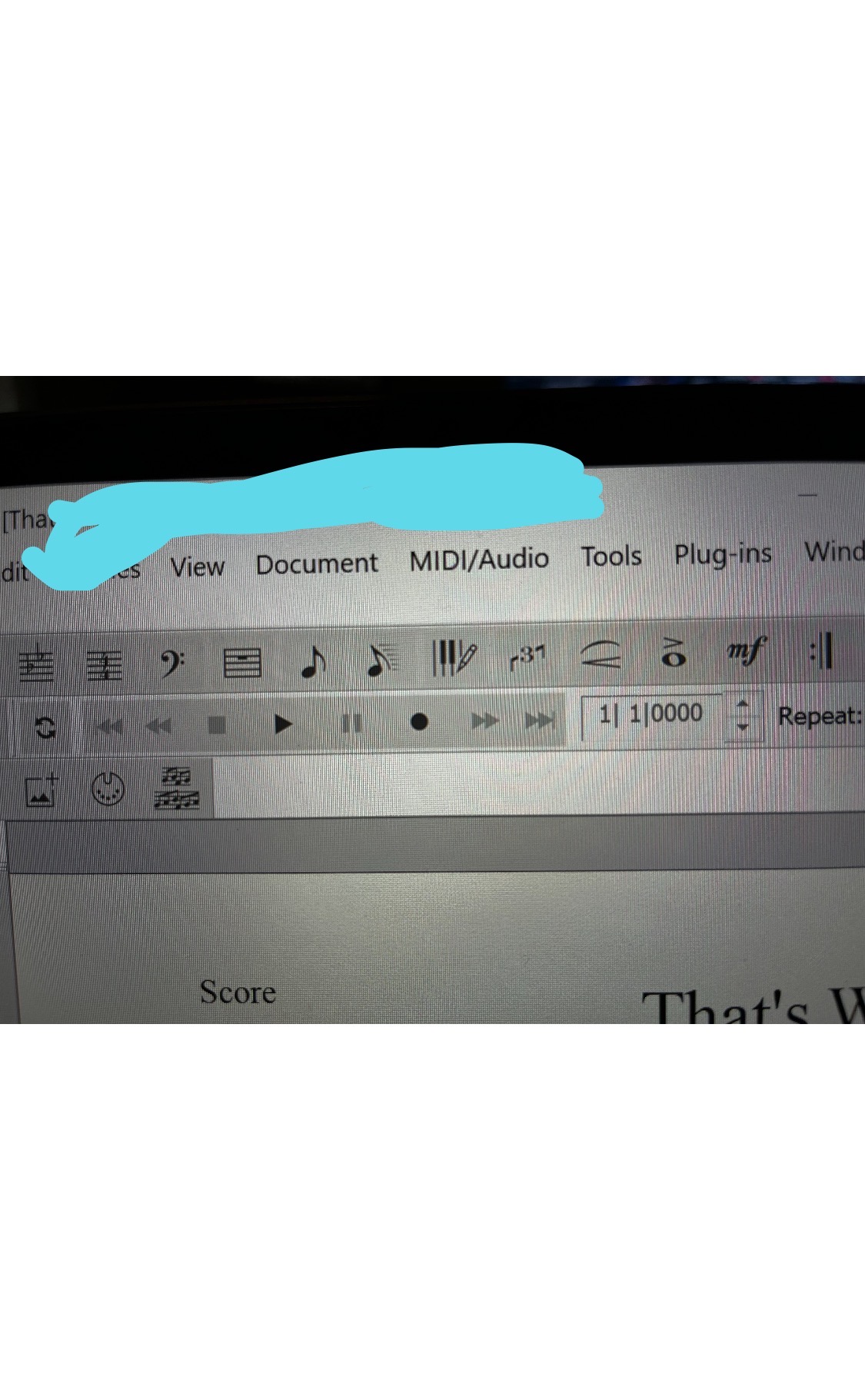
My playback controls and measure numbers are grayed out!

I can only play and stop, and then it always plays back to the beginning. I cannot listen to specific measures or type any measure numbers as it is grayed out.

Latest version of finale v27.2 on a Windows 11 computer

I tried creating a brand new document and it still has the same problem

Playback is perfect with all my previously made files

Would greatly appreciate any assistance as my projects are on pause until I can fix this issue!

Thank you!
3 comentarios

Fecha Votos
Avatar
0

Welcome to the forum!


My only guess would be that you did not stop the Playback, but rather paused the Playback (by clicking the Pause button instead of the Stop button).


Apart from that I do not have any ideas.

Acciones de comentarios Permalink
Avatar
0

You need to go to Playback Settings (button on the right of the Playback Panel) and take a look at your settings. You probably have selected "Always start at measure 1" Therefore you can not type other measure numbers in the Playback Controls. If you select "Current Counter Setting" then you can enter measure numbers.

By the way, you can always play back by using Spacebar + Click on any measure to play from there (this will not use Human Playback, though), click again (without the spacebar) to stop.

Acciones de comentarios Permalink
Avatar
0

Thank you!! Fixed the issue!! I really appreciate it!

Acciones de comentarios Permalink

Iniciar sesión para dejar un comentario.