

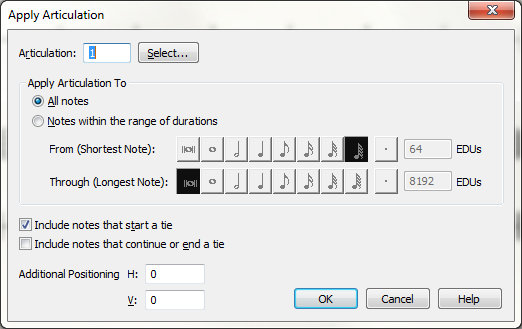
When trying to select one or multiple notes in the articulation tool, after the apply articulation window opens, if you click select, finale crashes.
EVERY TIME!
PLUS It forgets all the settings i was using, for example, i use mac keyboard to enter notes not a midi. Now everytime finale crashes i need to uncheck use midi device for input... this is only one example
in finale 2012 once you did it, finale always remember the settings even if it crashed...
This is by far the buggiest version of finale i ever used
Congrats to the developers for the work!
Still functions long overdue not implemented (ever used sibelius playback? how easy and quick is to play from any bar instead of typing all the time?), other bugs not fixed and now this...
mac, el capitan, finale 25



3 comments
Date Votes