New post
Avatar
0

I'm using Finale 25 on Mac ox 10.11


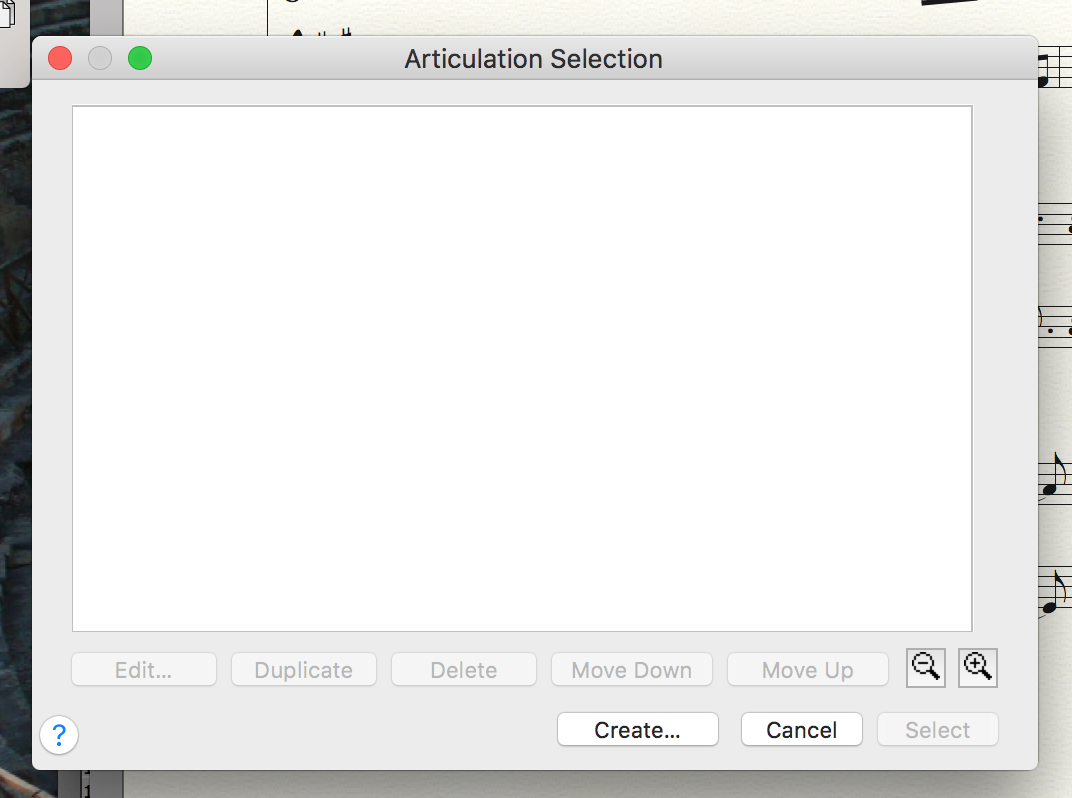
A coworker borrowed my finale for one of our projects and might have changed my settings.  I'm just now opening it and went to place a simple staccato marking but the articulation tool box is empty!  I can't wrap my brain around how to get it back to the default setting.  I've tried quitting and restarting and still the same.  Unfortunately my coworker is traveling and is unavailable to help (he's much more savvy with Finale than I am).  

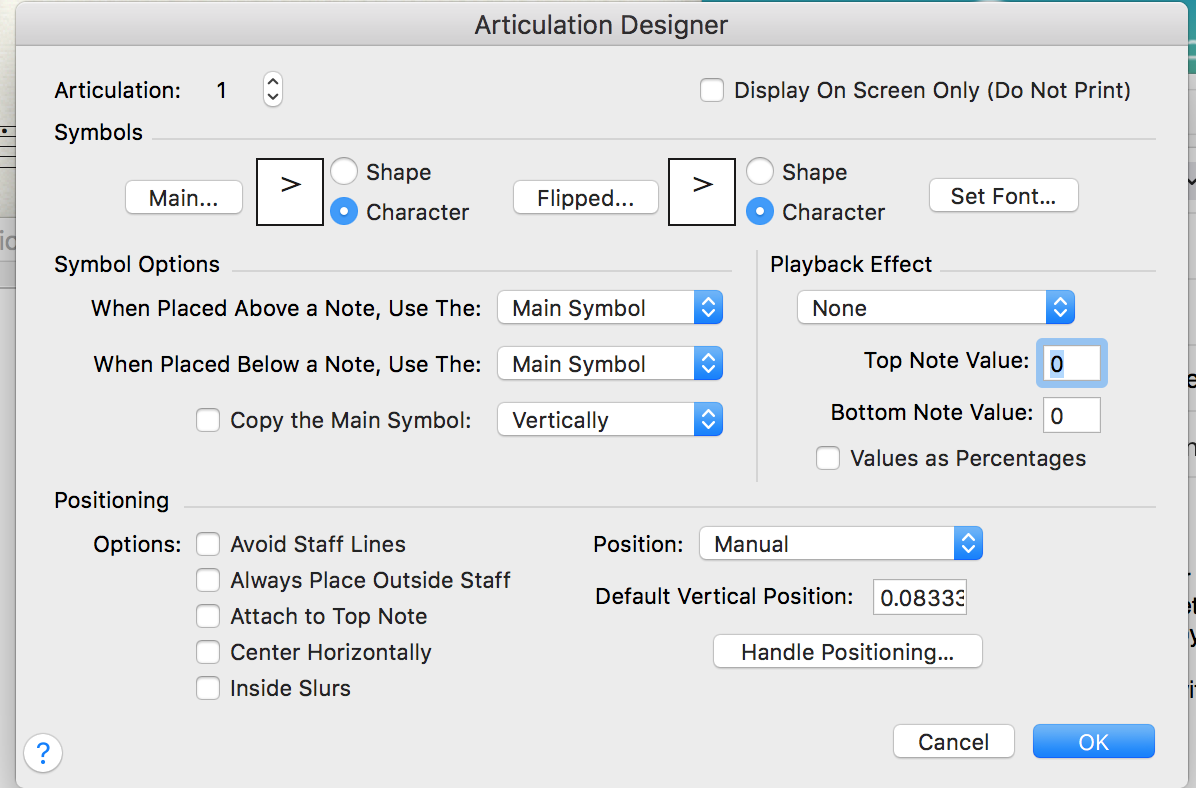
Here's a screen shot of the box.  When I click Create, the Designer box opens normally.  Thank you for your help.


4 comments

Date Votes
Avatar
0

Articulations are document-specific, so this only applies to the actual file you have open. Was it a file your co-worker was working on (and possibly deleted all the articulations)? Or is this a new file (this means that your DEFAULT file has no articulations in it)?


In either case, this means loading a default articulation library. File menu>Load Library... open the Maestro Font folder and choose the Articulation.lib file.


You will probably have to assign all the metatools. For staccato, hold down shift-S. When the box opens, choose the staccato. From now on (in that document) when you hold down S and click a note, you will assign the staccato to that note. Repeat for other metatools.

Comment actions Permalink
Avatar
0

In the window Articulation Selection (= what you call “the articulation tool box”) the available articulations are document specific, not program specific.

To get articulations you can create your - via clicking “Create…” - or you can load an articulation library:

File menu > Load Library…

Comment actions Permalink
Avatar
0

I wonder if re-installing Finale would help.

Comment actions Permalink
Avatar
0

Thank you, Christopher! I was experiencing this exact problem on my Windows 10 machine. Your solution fixed it (and my panic attack) immediately!

Comment actions Permalink

Please sign in to leave a comment.