New post
Avatar
0

Hi there, 

I'm using Finale 25 (with the most recent upgrade to 25.4.0.144) on Windows 10, and I have very little control over the volume of the accordian.  I have the dynamic currently at pp (with all other parts at mp or p) and it's still too loud; however, if I go to ppp, you can't hear it.  In the mixer panel, the volume for it is set to 1 (with everything else at the default 101) and it's made no difference.  I'm not really sure what else to do, and substituting the part is non-negotiable.  Please help!

19 comments

Date Votes
Avatar
1

Are you using the VST (Aria) accordion? When I just tried it, I was able to vary the volume with dynamic expressions (HP is set to Standard, just in case that makes a difference). Sorry to hear you are not experiencing the same.


What happens if you make a short sample program with just the accordion? Do dynamics work then?

Comment actions Permalink
Avatar
0

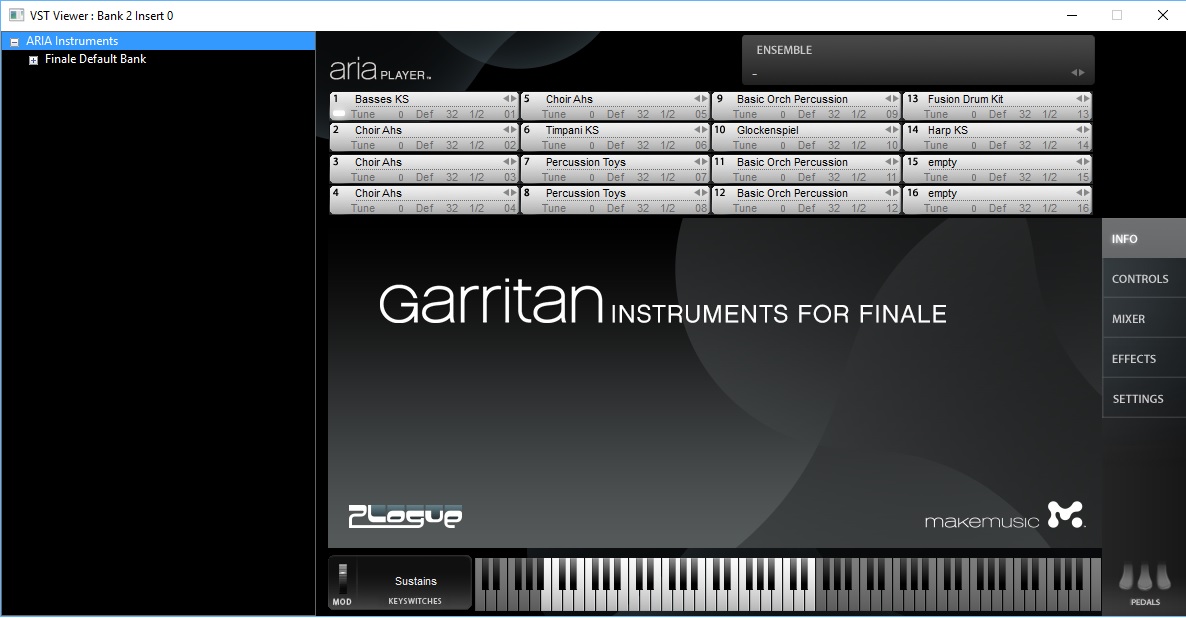
Thanks so much for your reply J Adrian!  I admit, I've always only used the default Garritan sounds.  I tried changing it from Garritan to Aria in the Score Manager, but have no clue what I'm doing.  It's not as easy as I thought it would be, nor is finding a how-to guide.  I'm currently scoring an arrangement for full orchestra and choir, so when I open up Aria Player, I don't know what to adjust, as nothing says "accordion."  Instead, I see thinks like "percussion toys," and "basic orch percussion," in several fields.  I have the 2012 Trailblazer guide, which doesn't have much info on this topic either.  

Interestingly, when I did create a solo program, the dynamics worked fine.
 

Comment actions Permalink
Avatar
1

Look under the World pull-down in the Finale 25 Default Bank to access the Concert Accordion. It seems to reflect dynamics just fine.

Comment actions Permalink
Avatar
0

Yep, that's what I'm using.  Thanks so much for your help on this - I'm thinking I should just submit to the tech team before scrapping it and starting all over!

Comment actions Permalink
Avatar
1

I’ve struggled with the same problem with ukulele not responding to Mixer volume, and then did a brief check of other relatively obscure Garritan instruments and found several others that also didn’t respond: tenor uke, zither, and balalaika to name a few.  And now you mention accordion.  I’m sure there are others.  This has also been discussed in the Finale User Forum. 


I contacted customer support and they said they are aware of the issue and it has been reported to the development team “for their consideration for a fix”.  No details on when or if it would actually get fixed.  Given how long ago this problem was initially reported in the User Forum (several updates to v25 since), and suspecting that it only required a simple fix to the instrument’s SFZ file and yet apparently still wasn’t receiving the necessary attention, I wasn’t hopeful it would get fixed anytime soon.  


So… by comparing SFZ files of instruments that worked against instruments that didn’t, I was able to identify the missing lines of “code” that allow the instrument’s volume to be controlled by the Mixer.  A simple cut and paste of the two lines of missing code inserted into the SFZ file of any instrument not responding to the Mixer fixes the volume problem.  I can now control the ukulele’s volume through the Mixer like any other instrument.  I’ve done the same to other instruments (including accordion) with same good results. 


I’m sure the Finale development engineers would be able to spot the missing lines immediately upon opening and looking at the file, so it should be a very quick fix for them to integrate into the next update.  Surprising that this hasn’t been addressed yet since it’s such an easy fix.


If people are still experiencing a problem with certain instruments not responding to Mixer volume, let me know and I'll post a step-by-step process on how to fix it.

Comment actions Permalink
Avatar
0

If the problem is with the .sfz files, good luck. Finale engineers (AFAIK) do not work on Garritan sounds, and if you have looked at the Garritan Blog, it is for all intents and purposes dead (last post was on October 2). I don't know what MakeMusic's plans are for Garritan, but the division doesn't seem to have any priority in the organization at all, which is sad, because they produced some useful, affordable products.

Comment actions Permalink
Avatar
0

Thanks for that info.  Makes sense and explains why the folks at MakeMusic haven't addressed it.  Glad I didn't wait in vain for the fix and was able to figure out how to modify the SFZ files to make it work.

Comment actions Permalink
Avatar
1

Michael.

I'm experiencing the same volume issue with accordion and bandoneon. Could you be so kind and post your solution?


Comment actions Permalink
Avatar
0

Michael,


I'm having the same accordion volume-control issue, and I'd love for you to post a step-by-step of how you fixed it.  I've got an arranging gig for a local Klezmer ensemble, and I'd like to be able to send them a playback mp3 of the arrangement they want, but there's no way I can leave in the accordion part in it's current state (which is LOUD).  Thanks!

Comment actions Permalink
Avatar
0

This was, in fact, an issue with the Garritan Instruments included with Finale v25 that we were aware of. There is a fix that some users use to edit the .sfz files which Michael can post if he would like. This has however been fixed in the v26 release for all of the instruments that we were of being affected by the problem.  

Comment actions Permalink
Avatar
0

Hi all - sorry I missed Pawel's post from 2 months ago or would have posted this sooner.  Here are step-by-step instructions to get your mixer volume back for any instrument that isn't responding to mixer volume.  It looks more complicated than it actually is because I'm taking safeguards to preserve the original file.

How To Fix Garritan Instrument SFZ Files That Do Not Respond To Mixer Volume

 PROCEED AT YOUR OWN RISK!

These instructions are for Finale v25 on a Windows Platform.  For Mac, adjust accordingly.         

1) Create two new folders somewhere on your computer and name them: Original SFZ Files and Modified SFZ files (or name them anything you want). This is done to preserve the original SFZ file in case you need to go back to it.

2) Go to your Program Files folder (or whatever folder you installed Finale in) and find the folder named Garritan. Open the Garritan folder --> Instruments for Finale --> Programs.

3) Within the Programs folder you will see a list of about 15 folders, named 001. Woodwinds; 002. Brass, etc. These folders contain all of Finale’s individual instrument SFZ files.

4) Open the respective folder to find the instrument’s SFZ file needing fixing.

5) Copy the SFZ file to both of the two new folders you created in step 1.

6) Open the Modified SFZ Files folder (or whatever you named it) and double click on the SFZ file you put there in step 5.

7) The file should come up in Notepad or whatever your default text reader is.

8) You should see on the first screen or so a section called <global>. It will look something like this:

  <global>
  group=0
  polyphony=16
  off_mode=fast
  lovel=1  hivel=127
  lokey=0  hikey=127


9) This is where you need to add the two missing lines to the bottom that control Mixer volume so it now looks like this:
 
<global>
  group=0
  polyphony=16
  off_mode=fast
  lovel=1  hivel=127
  lokey=0  hikey=127
  pan_oncc10=100 pan_curvecc10=1
  amplitude_oncc7=50.1187 amplitude_smoothcc7=50 amplitude_curvecc7=7
 
10) Save the file as an SFZ file. If you ‘Save As’ instead of simply ‘Save’ then Notepad will default to saving it as a TXT file which you will need to change to SFZ.  Much better just to simply Save the file which will automatically save it as an SFZ of the same name as the original.  The file must have the same name as the original.

11) Go back into your Garritan --> Instruments for Finale --> Programs folder where the original SFZ file was copied from. Delete it.

12) Copy the modified SFZ file you created and saved in steps 9-10 into the same Garritan --> Instruments for Finale --> Programs folder that you just deleted the original file from. You have now replaced the original file with the modified file of the same name.  That’s it!  All should work now and the instrument’s volume will be controlled by the Mixer.

13) In case you messed up, there is a copy of the original file still intact that you copied into the Original SFZ Files folder in Step 1.

Comment actions Permalink
Avatar
0

I cannot applaud loudly enough Michael's suggestion to save the original .sfz file first.

Comment actions Permalink
Avatar
0

Michael Toben,

It works like magic! Thank You so much!!! Now I have instruments responding to mixer. No way around needed.

Comment actions Permalink
Avatar
0

Glad it worked for you Pawel!

Comment actions Permalink
Avatar
0

Yet another reason for this board to be organized by threads.


It would be great to group similar posts and make Michael’s solution a sticky.

Comment actions Permalink
Avatar
0

Concert Accordion Volume and Dynamics:

I had the same problem with the concert accordion and ukulele.  I corrected the sfz file with the suggestion Michael offered above, but still could not get any variation in the dynamics between pp and ff.  After a substantial amount of trial and error.  I finally found out how to get the variation in volume I was looking for under:

 MIDI/Audio>Human Playback>Human Playback Preferences>Dynamics/Volume

I cranked up the <>Hairpin Pair Emphasis to 75% or so.

Also,I changed the Dynamic Approach to Sustaining Instruments to Modulation (CC#1) + Velocity for Attack.

I bet this works with most of the World Instruments that do not respond to dynamic expressions such as  the Ukulele and Bandoneon that other people have complained about.

I have been very disappointed in the support offered by MakeMusic/Finale/ARIA/Garritan.  If Finale is going to offer an instruments patches as part of the purchase, there should be support agreements between the companies to make sure that errors are corrected and patches sent out to users.  Making customers purchase a new version in the hopes that problems like this might be fixed is not good customer service.

For users that need support from the community, I offer my version as Finale 25.5.290 running on Window 10.

Comment actions Permalink
Avatar
0

Dear Sean,

Thx for Your support. I did not check it yet, but hope it works. Btw my version is 26.3.1 and problem still exists...

Comment actions Permalink
Avatar
0

Do any Mac users have this issue? Can't say that I ever noticed it.


>Btw my version is 26.3.1 and problem still exists...<


Use the Submit a request link at the top of the page to get this over to Support.

Comment actions Permalink
Avatar
0

Hi Sean - I just had a chance to check if the variation in dynamics are working for ukulele after the fix I suggested, and it is responding properly to pp and ff for me. I'm using Finale version 25.5.0.290. The fix was designed to address the fact that the ukulele, accordion and several other instruments were not responding to changes in the mixer volume. Until just now, I never checked to see how it responds to embedded variations in dynamics but that also is working fine on my end. Can you confirm that after applying the fix you were able to at least achieve changes in mixer volume?  If not, then could be something else is amiss.

Comment actions Permalink

Please sign in to leave a comment.