New post
Avatar
0

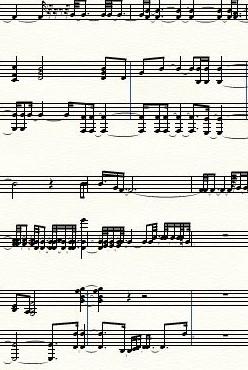
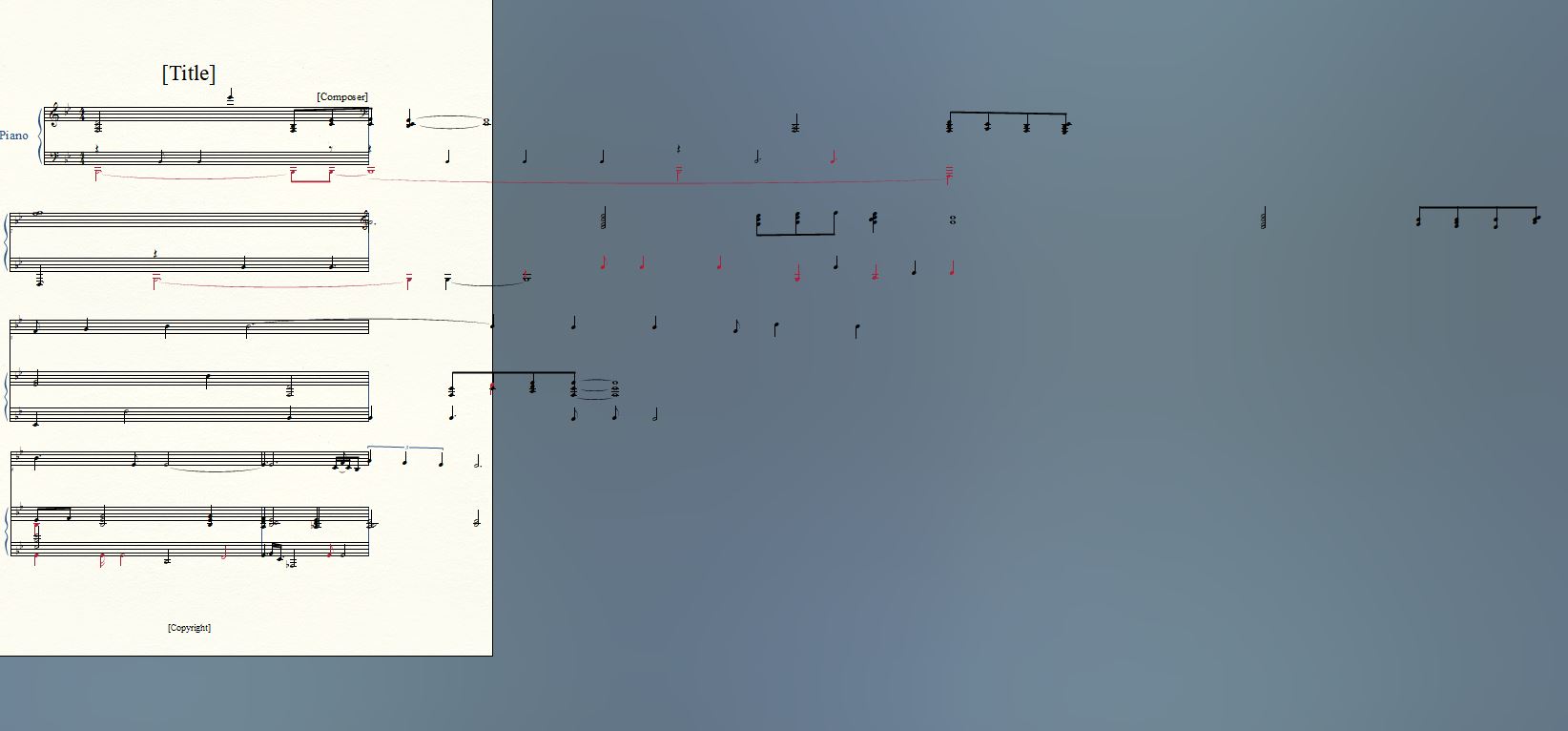
 I am using Windows 10 with Printmusic 2011.  When I import music from an existing tiff file,  this is what happens: (see photo).  How can I fix this, make the notes go into measures?  Do I need to upgrade to Printmusic 2014?  This I am willing to do if necessary, but I don't want to do it if there is a way to fix using 2011.  Another question, does Printmusic 2014 have smartscore lite?  Thank you so much!  Julie
4 comments

Date Votes
Avatar
0

Have you tried Select All (in Edit) and then Apply Music Spacing from the Utilities menu (or whatever menus give these options in PM 2011)?

Update layout may be helpful as a final step.

Comment actions Permalink
Avatar
0

Yes, PM 2014 still has SmartScore Lite, but I doubt that it will make any difference. If Adrian's Music Spacing doesn't help, you might be stuck. The problem with the lite version is that you have no opportunity to make corrections in the recognized scan. It's likely that the full version of Smart Score would be able to create a file that will work a lot better.


If you like, send me the TIFF or PDF at wawoodman at aol dot com, and I will have a look.

Comment actions Permalink
Avatar
0

Thank you both so much! I was able to work around this by going to the measures with triplets and manually setting them up as such.  That brought many of the notes back onto the staff, as originally the measures with triplets were seen as having too many beats.  As you know, the lite version of SmartScore leaves much to be desired.  One other thing that happened often, and I am wondering if either of you knows what went wrong....when I would select a group of measures and then change the meter signature to 4/4 (trying to 'force' each measure to have four beats), the notes would go crazy with beams, changing to 16th and 32nd notes and adding rests as well from what had been a fairly simple measure.  Any ideas of what happened there?  sometimes I couldn't undo it through editing. Here is an example, any advice?  Thank you!

Comment actions Permalink
Avatar
0

I would suspect Time Signature errors. The program may have picked up a measure as 5/4 rather than 4/4, or something similar.


Right click on a problem measure, and go to Edit Time Signature. This will show you what TS is assigned, and you may be able to correct it. Both tuplets and duration errors are corrected wirh one or two keystrokes or clicks, in the full version of SmartScore.


As I offered in an earlier post, if you send me the TRIFF or PDF, I'll be happy to take a look!

Comment actions Permalink

Please sign in to leave a comment.