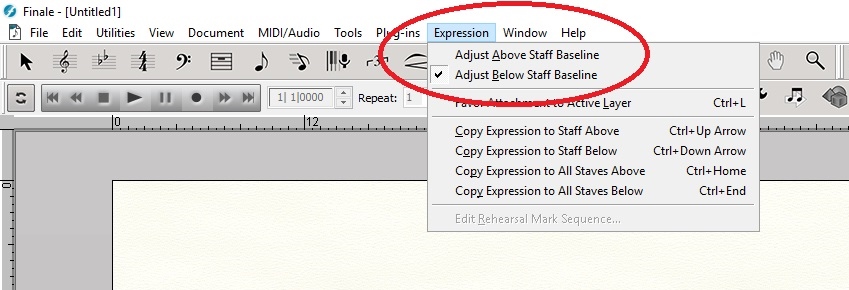
Is there a way to change the default above/below staff baselines for expressions?
Windows 10
Finale v. 25.3


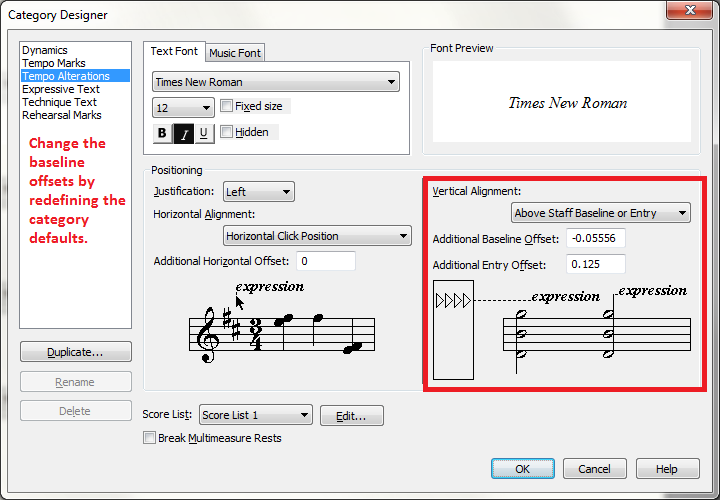
No, that's not what I meant. I was looking for a way to change default, predefined baseline--what is essentially the "zero" value. In any case, I ended up solving my own issue. It's funny that I never noticed this before .......
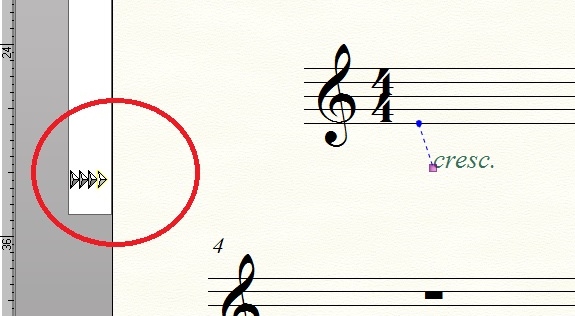
adjusting the arrows seem to do what I want. I just don't know how each arrow is supposed to affect the expressions. The far right arrow doesn't seem to do anything while the other three move objects. Is there more to this?

Quoting the online manual:
You can see it for yourself here:
https://usermanuals.finalemusic.com/FinaleWin/Content/Finale/Expressions.htm
(Go to the section “To adjust the vertical positioning of expressions on a baseline”)
Please sign in to leave a comment.
4 comments
Date Votes