Finale 25 on Mac Sierra 10.12.6.
I'm trying to make a lesson book about key signatures. As you can see in the attached photo, I can't get the key signature to display after the clef. Please help.
Thank you,
Mat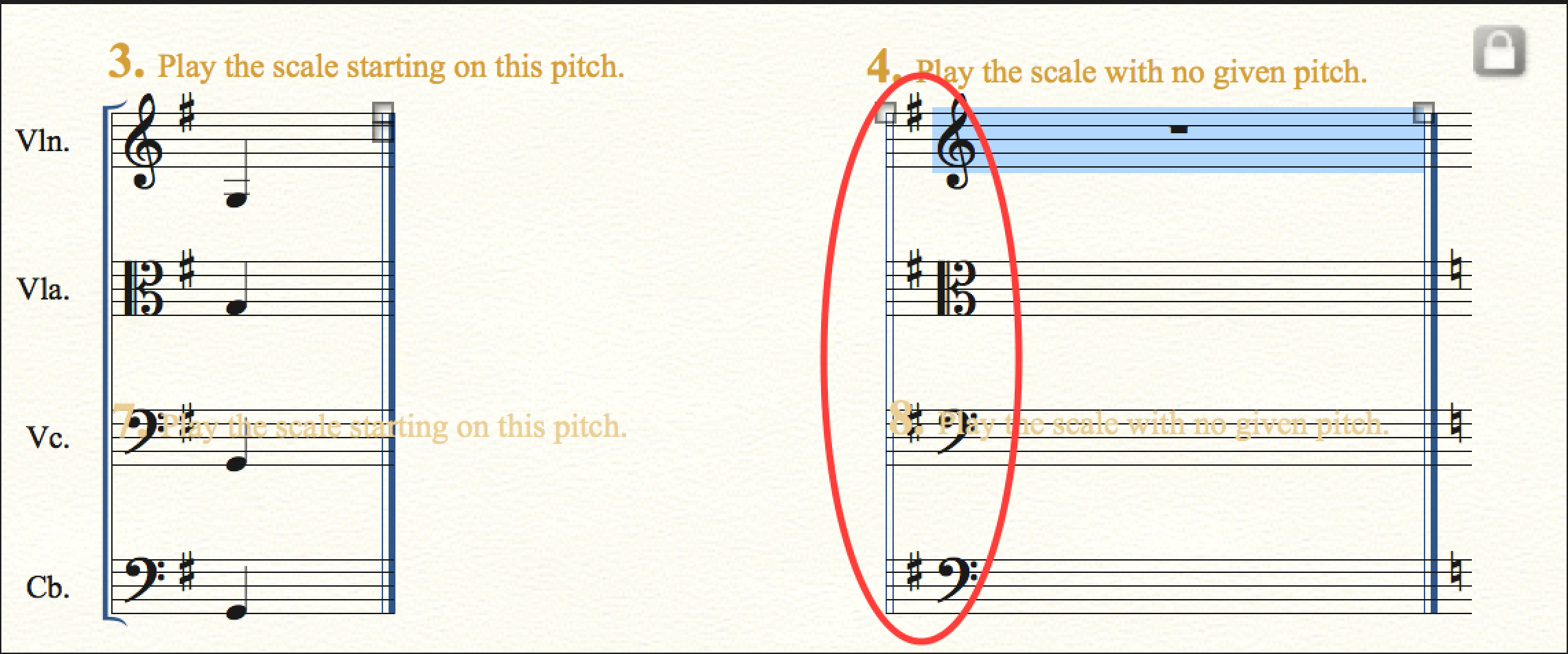


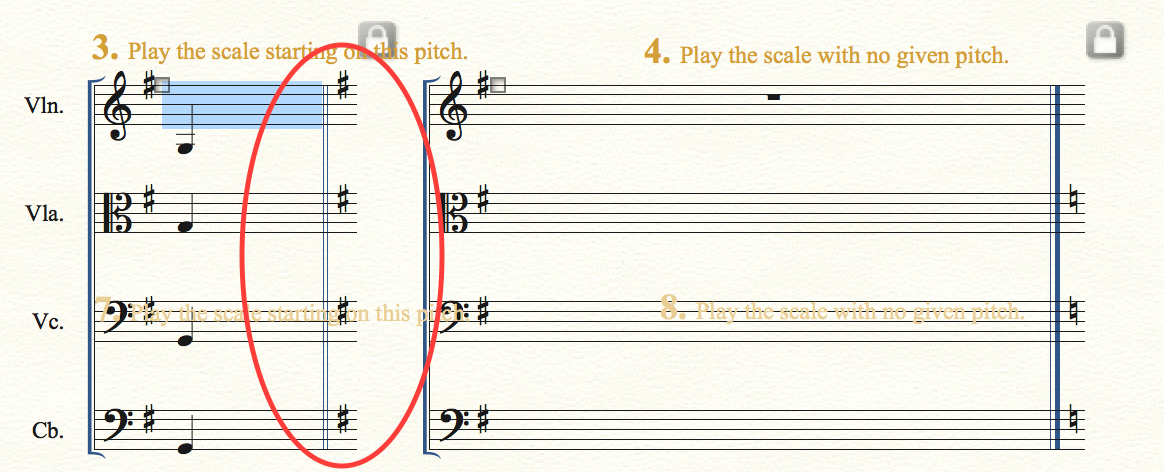
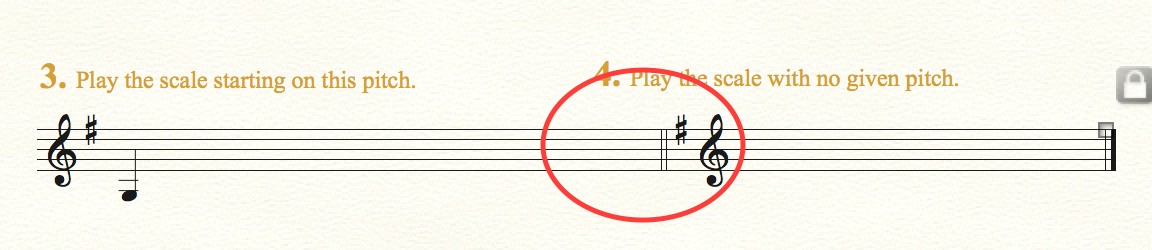
I suppose that you created the blank space (between 3 and 4) with a staff style, right?
Instead, delete the blank region (so that 3 and 4 are directly next to each other).
Then, use the plug-in Create Coda System to get the blank space between 3 and 4.
In that way you will also get the staff group bracket displayed on 4.

Unfortunately the plug-in Create Coda System does not work in the linked parts.
Instead you have to do “manually” in the linked part what the plug-in does in the score.
And that is always possible.
A plug-in only does what you can do yourself, “manually” - the plug-in just does it faster.
One idea:
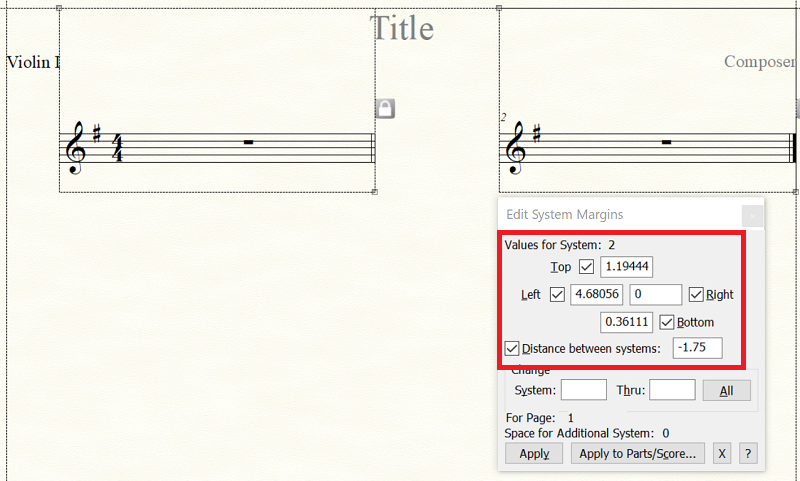
Extract the part, and run the plug-in on the extracted part.
Then you can just use the extracted part instead of the linked part.
Or you can examine the system margins in the extracted part, and use the same system margins in the linked part.
Please sign in to leave a comment.
6 comments
Date Votes