New post
Avatar
0

I'm using iMac Big Sur, version 11.4 with Finale 26.3.1.  I have used Finale for years and this never happened before.  I created a score with the Wizard, and extracted the parts.  Finale will not allow me to create multi measure rests.  I have checked to make sure that they are Default Whole Rests and it still does not work.  Any assistance would be greatly appreciated.

14 comments

Date Votes
Avatar
0

Welcome to the forum!


… Finale will not allow me to create multi measure rests.  I have checked to make sure that they are Default Whole Rests and it still does not work …


1) You are right that the culprit could be Real Whole Rests instead of Default Whole Rests.

I suppose you are aware, that you have plug-ins for changing back and forth between Real Whole Rests and Default Whole Rests.


2) Another possible culprit can be seen in the Measure Attributes:

Meaasure Tool.

Double-click to open the Measure Attributes for the selected measure(s).

The option {Break a Multimeasure Rest} must be de-selected.

You can select all the measures in the entire document, then double-click, to de-select {Break a Multimeasure Rest} for all the measures “at one fell swoop”.


3) Also, a possible culprit could be the expression option {Break Multimeasure Rests}.

This option is available for expressions with a Score List (= expressions from categories such as Tempo Marks, Tempo Alterations and Rehearsal Marks).

Comment actions Permalink
Avatar
0

Peter, thank you for your suggestions.  I'm sad to say that they didn't work.  Do you have any other ideas?  I'm wondering if it is some type of setting in the original document that might have been accidentally turned on or off?  Maybe some setting in in extracting parts? Thanks.

Comment actions Permalink
Avatar
0

In document options, under multimeasure rests, is "update automatically" checked? If not, try checking it.

Comment actions Permalink
Avatar
0

Yes, it is checked.

Comment actions Permalink
Avatar
0

We may need to examine the actual Finale document.

The forum software does not give the option of attaching Finale documents, but you can upload the document elsewhere, and here add a hyperlink to the document.

Comment actions Permalink
Avatar
0

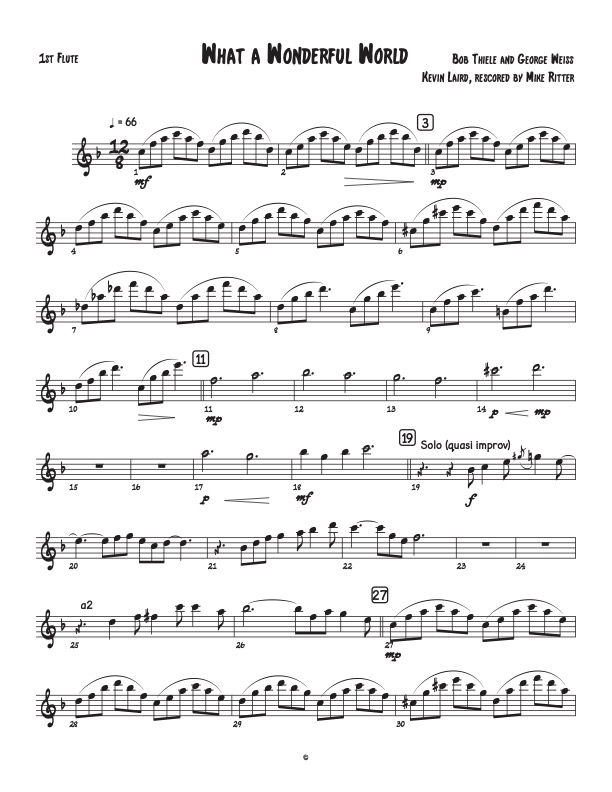
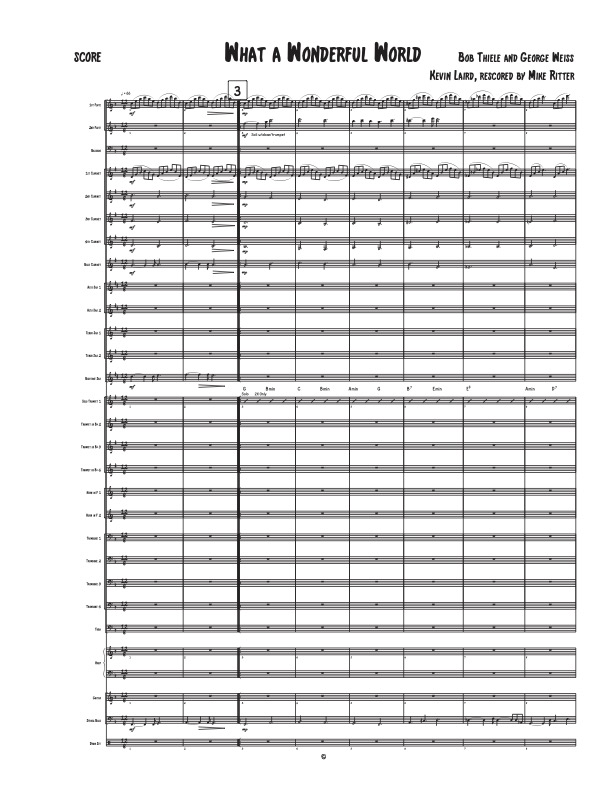
Peter, I'm attaching the score and an extracted part.  (FYI-it is not a completed score for concert band.)  A thought occurred to me this morning - I just received an Apple update a few days ago that was automatic.  Over the years, I haven't installed an Apple update until Finale comes out with updates.  This one got past me and was auto-installed.  This problem with multi-measure rests could be the interface with my new version.  The update is macOS Big Sur, version 11.4.

Comment actions Permalink
Avatar
0

Michael F Ritter,


You have attached two .jpg graphic files.

Unfortunately your attached graphics do not tell much new about the problem.


To find the culprit we may need to examine the actual Finale .musx document.

The forum software does not give the option of attaching Finale documents, but you can upload the document elsewhere, and here add a hyperlink to the document.

Comment actions Permalink
Avatar
0

Will dropbox work for you?

Comment actions Permalink
Avatar
0

Indeed it will - if the Dropbox hyperlink works correctly.

Comment actions Permalink
Avatar
0

Peter, Is there an email address that you are able to share?  I'll send an invite to you.  Dropbox isn't allowing me to provide a link.


Comment actions Permalink
Avatar
0

gtpthomsen ad aim dot com

Comment actions Permalink
Avatar
0

Peter, you should have received a Dropbox invite.

Comment actions Permalink
Avatar
0

Michael F Ritter,


Open your Finale .musx document,


Document menu > Edit Measure Number Regions…


De-select the option

Break Multimeasure Rests


That should do it (at least it does for me).

Comment actions Permalink
Avatar
0

Peter, that works!!!!  You're a life-saver!!  Thank you so much! Mike

Comment actions Permalink

Please sign in to leave a comment.