

Hi,
I am new to Print music. As of now, I only purchased Print music to change keys, light transposing and and change a few chords with existing lead sheets. After purchasing, I was watching the tutorial videos and I could not find a few things which is essential.
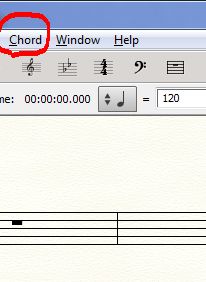
1) I need to change some chords. After pressing t he chords tool, I can see that the tool has been activated. However, according to the manual, the chord suffix selection dialog box is suppose to pop up, I think. On my print music, it does not. Nor does the chord suffix selection in any of the drop down menus up at the top (file, edit view documents, etc) Can u tell me where this dialog box is located?
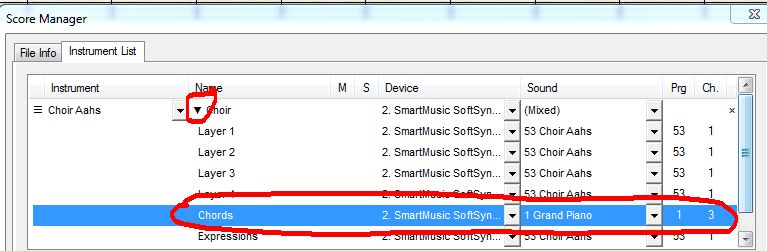
2) How do I change the playback music? For example: using an existing sheet music, when I begin to play the sheet music, the sound is a choir sound.. How do I change it to a basic piano sound?
3) How do I erase an existing chord and enter a new chord in its place?
I have spent a fair amount of time already trying to find answers to these questions and am not able to. Its almost like Finale wants to cater only those who write music from a blank piece of staff paper and not existing sheet music. :) If you could help me find these answers, I will most appreciative!
Thank you,
Shannon



4 comments
Date Votes