

Mac Finale 2014
When placing rolled chord symbols, both up and down, the manual states: "Double-click the  symbol (#103). If you have trouble finding it, scroll to slot 103 and click the symbol. Click OK"
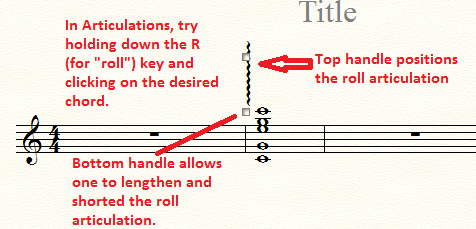
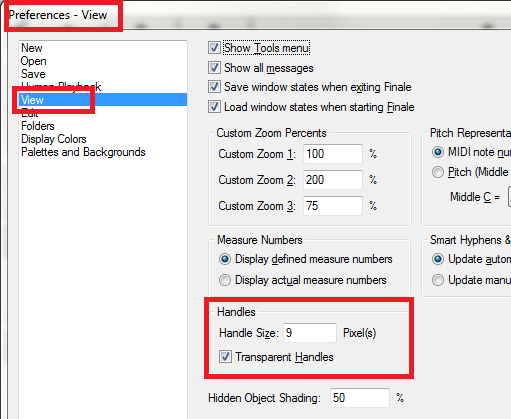
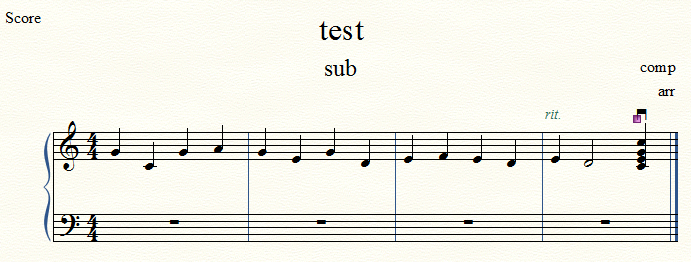
FIRST, there is no "103." Only goes to 71. But the issue is how to adjust the scope of the rolled chord. The manual states to simply drag the handles (per most adjustments). But there are NO handles; only one in the middle that will allow dragging into position or deleting. But there are no adjustment handles. Am I missing something simple here? Longtime user. Can't figure it out.



10 comments
Date Votes