

Finale 25.1, Windows PC - Win 10 Anniversary.
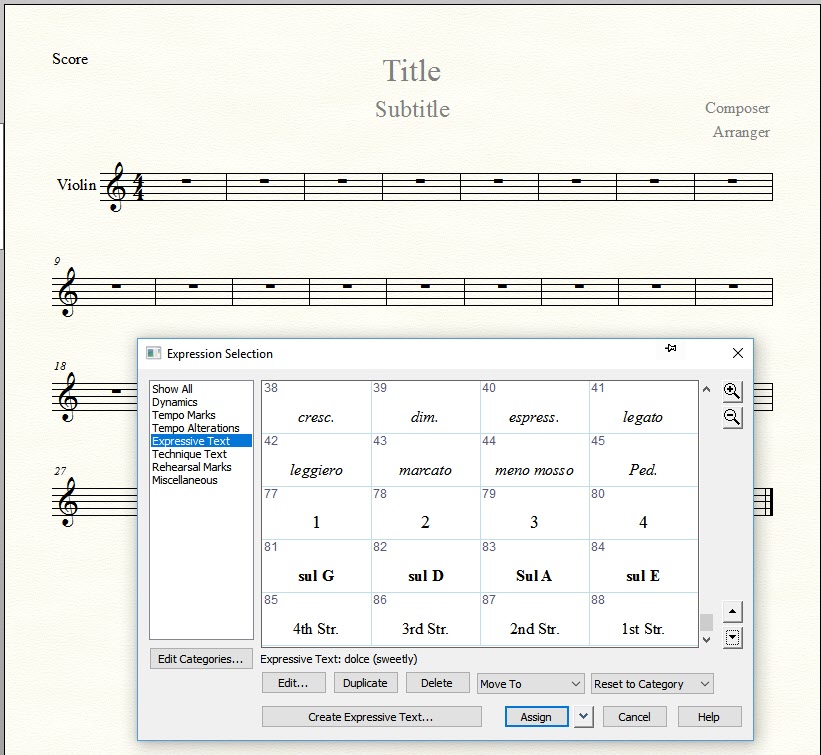
I have always used text to notate violin fingerings and markings like sul D, 1st Str., IV, fingerings ...1,2,3,4 ... etc.
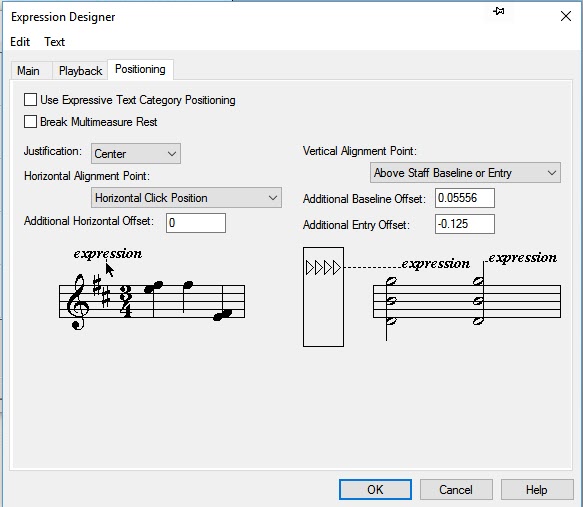
because the text is positioned relative to the page, when the staves are moved then the text does not travel them.I created a series of expressions but noticed that they disappeared with a new project... So...
Is this correct...
To solve this I created these marking in a document's expression's tool under "text expressions" and then I saved them to a library file called 'Violin.', importing the text expressions I had just created.
I then created a solo violin template and imported the 'Violin' library file to it. I set up the margins and saved the template as Solo Violin for use when needed.
It seems to do the job. I don't know any other way to type in text that will stick relative to the staff or noteheads when the document is resized, reduced or re-spaced. I did however discover that reducing page size (%) works the best.
Am I missing an easier way to notate common violin markings, Thanks in advance

1 comment
Date Votes