

Recently, I accidentally updated the Aria engine which caused Finale to stop recognizing the player. I uninstalled and reinstalled Aria player back to v 1.872 and Finale was able to recognize Aria again. However, now when I open a score, Finale has been going directly to the "Preprocessing file for Human Playback" loading dialog instead of loading the Aria GIFF sounds denoted in Score Manager first. This leads to the standard playback procedure without any sound because the Aria sounds weren't loaded in the first place.
The only fix I've found for this is using the "Reassign Playback Sounds" feature which loads the sounds and resets the score to soundmap defaults, but this is annoying because I have to then go back into Score Manager and manually change the default sounds to the ones I want. What could be causing this? I've tried a reinstall of the program, as well as updating it from version 25.0 to 25.5, but the results are still the same.
Interestingly, I was able to load the sounds in a couple of older scores which I believe were created in Finale 2014.5, but I'm not sure. The perfect playback in this case makes this even more baffling. Additionally, any new scores created don't have automatically loading sounds, regardless of how they are set up.
Windows 10 - Finale 25.5.0.290


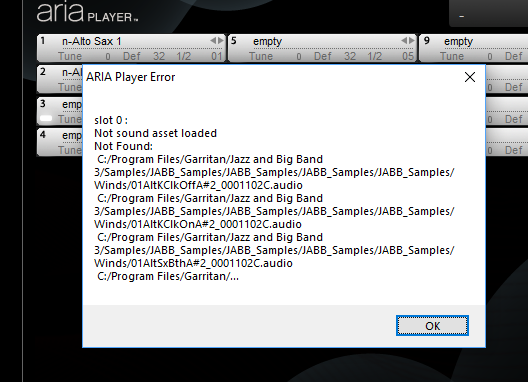

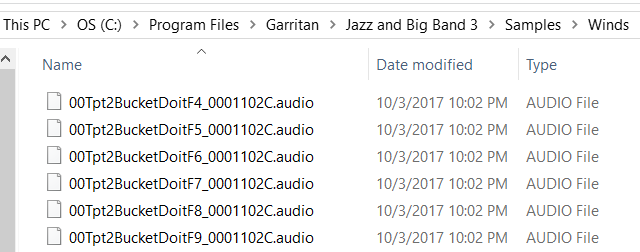

18 comments
Date Votes