

I've spent a ton of time using Finale on Windows, but recently installed Finale on my work computer which has macOS (this is a requirement for my workflow). Instead of the application running in a neat application frame, each palette/toolbar sits in its own space, which makes switching screen areas a pain — especially when attempting to move Finale to a second monitor. On Windows, when I drag the app over to the second monitor, everything comes along with it. On Mac, I have to manually move each and every toolbar each time. It never quite clicks correctly and feels super messy.
Is there a way we can customize the Mac version of Finale to look/function like the Windows version?
Edit: adding links below to show Windows and Mac versions of Finale to illustrate the application frame concept:
Windows:
https://wpmedia.finalemusic.com/wp-content/uploads/2010/09/PDFCreate-WIN.gif
Mac:
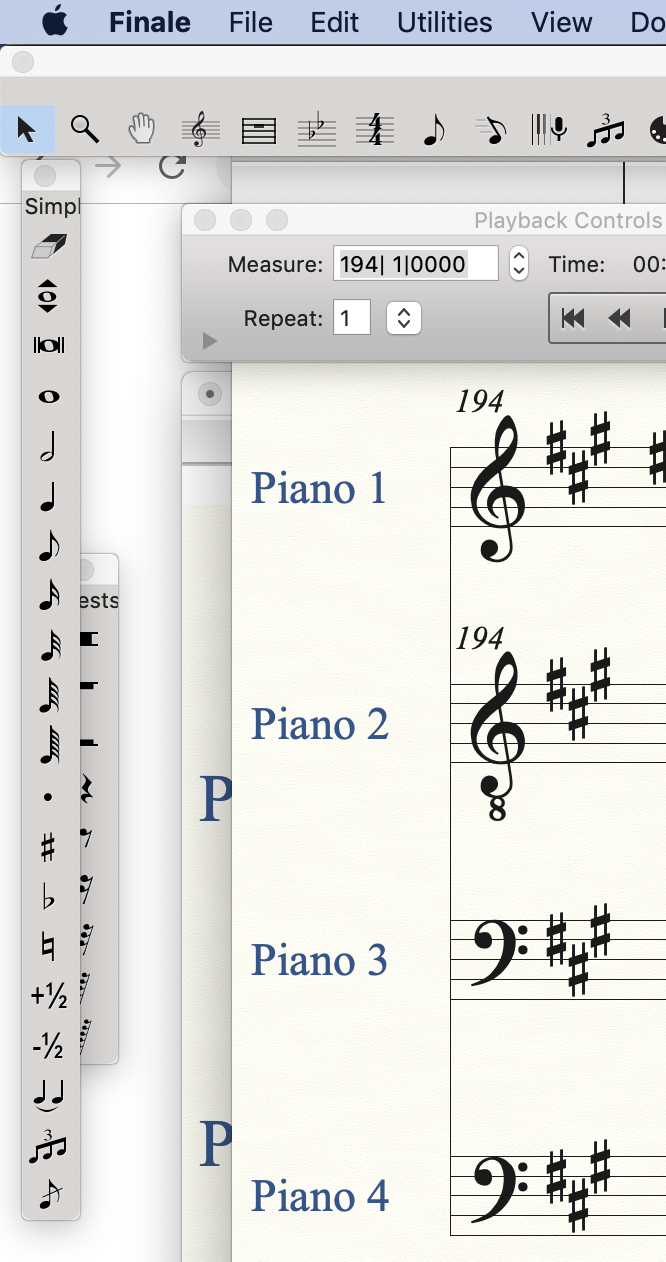

1 comment
Date Votes