New post
Avatar
0

I just installed Finale v26, returning to Finale after several years (and used for 10 years before that) and decided I needed an upgrade.

So, I installed v26.

On Mac, I downloaded Finale v26.

I installed from the .dmg. Everything said it was installed.

I open it, and there are no existing expressions, articulations, and chord symbols in any of the dialog boxes (pictures attached). There is no choice of selection. I can create new ones if I so choose, but the standards are not in there.

I also noticed that drum maps are missing too.

So, just in case, I trashed everything like the uninstall pages recommends, restart, and try again. Same thing. I have no idea what's going on. Any help would be much appreciated.
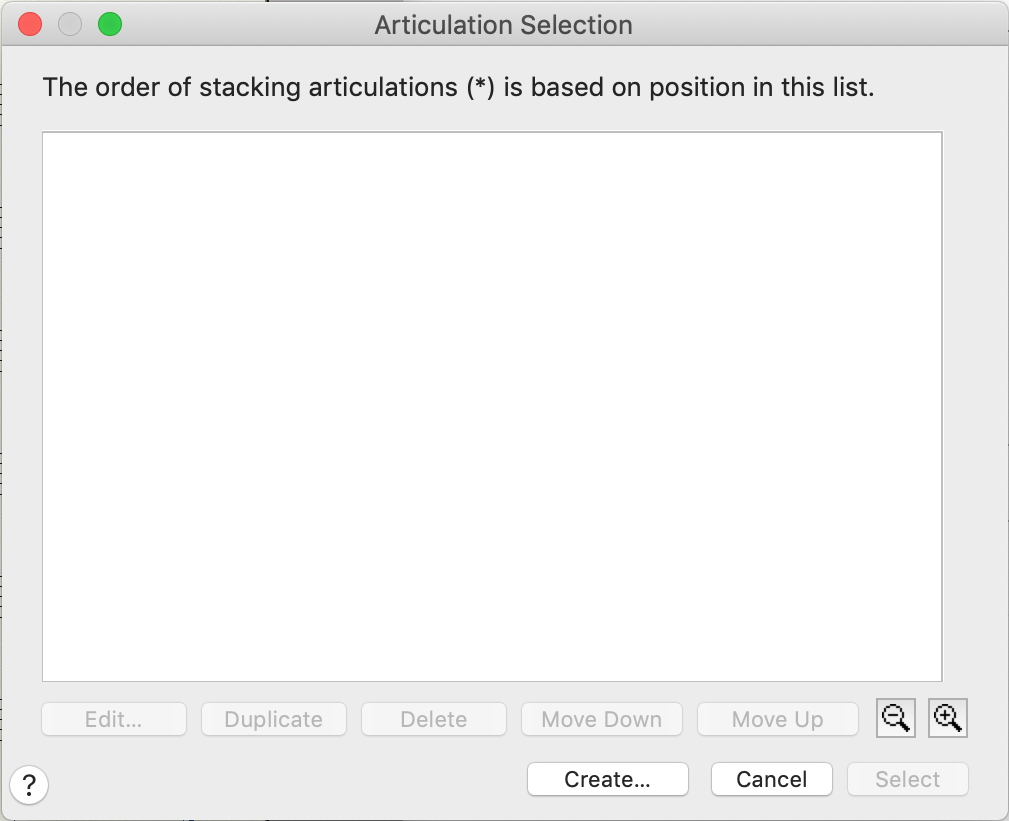
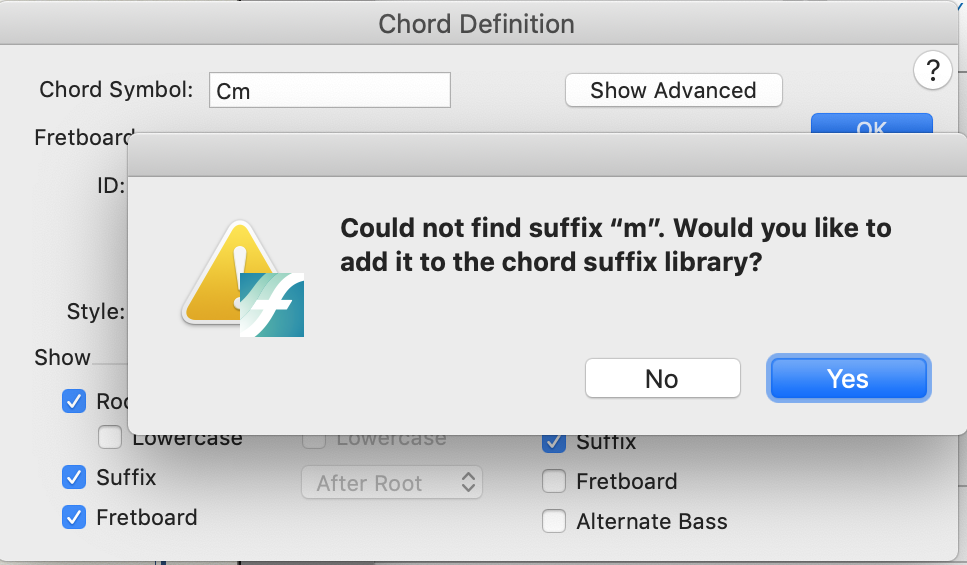
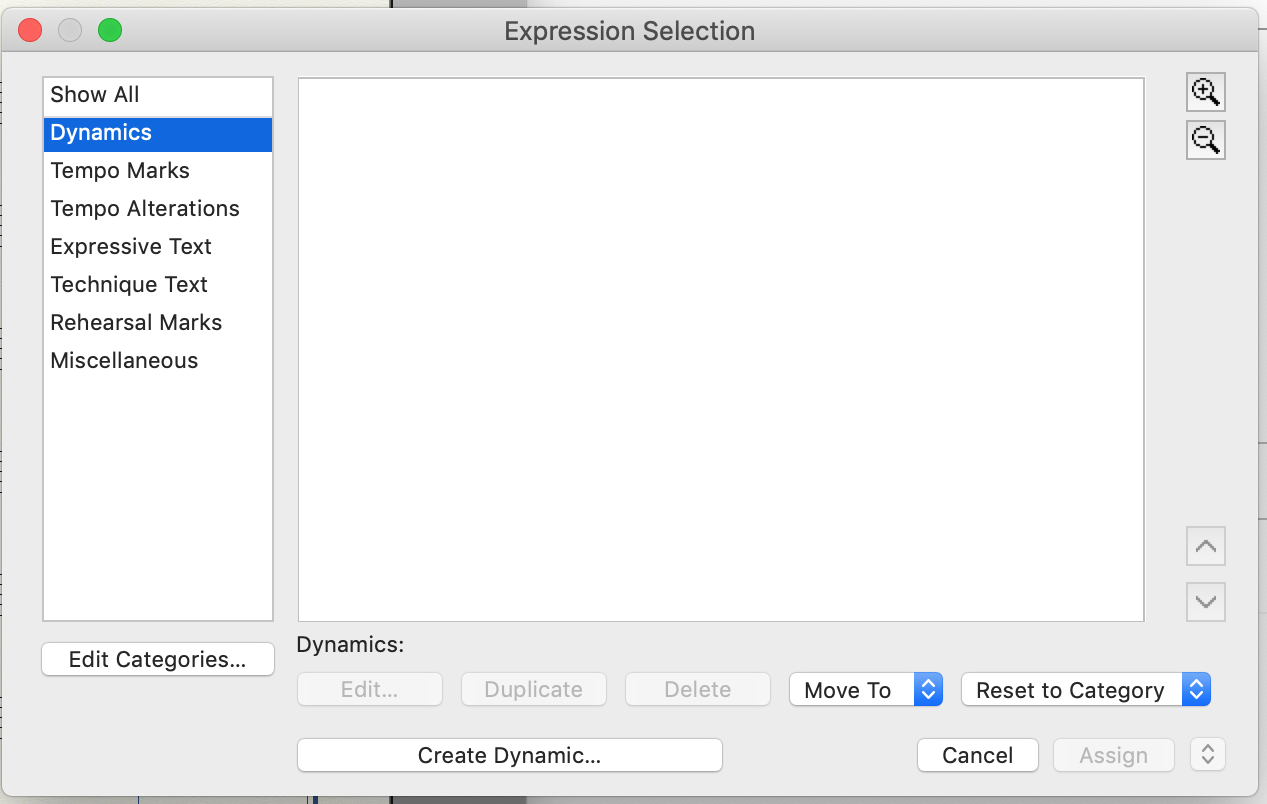


MacBook Pro (2015), MacOS Mojave 10.14.1

Finale 26.0.1.706

3 comments

Date Votes
Avatar
0

Wesley Johnson,


The items You mention (expressions, articulations, chord symbols, drum maps, &c.) are document specific, not program specific.

I. e. they are saved in the document.


If You begin a new document via

File menu > New > Document Without Libraries

then all Selection dialog boxes are empty, like your attached screen shots.

Comment actions Permalink
Avatar
0

Thanks, that was it. I don't know what happened, because I set it up through the Document Wizard and didn't even know there was a "New Document Without Libraries" until you just told me.

Comment actions Permalink
Avatar
0

Well, if you are updating from a fairly old version of Finale, you may find all your expressions for legacy documents in the Miscellaneous category.

Comment actions Permalink

Please sign in to leave a comment.