New post
Avatar
0

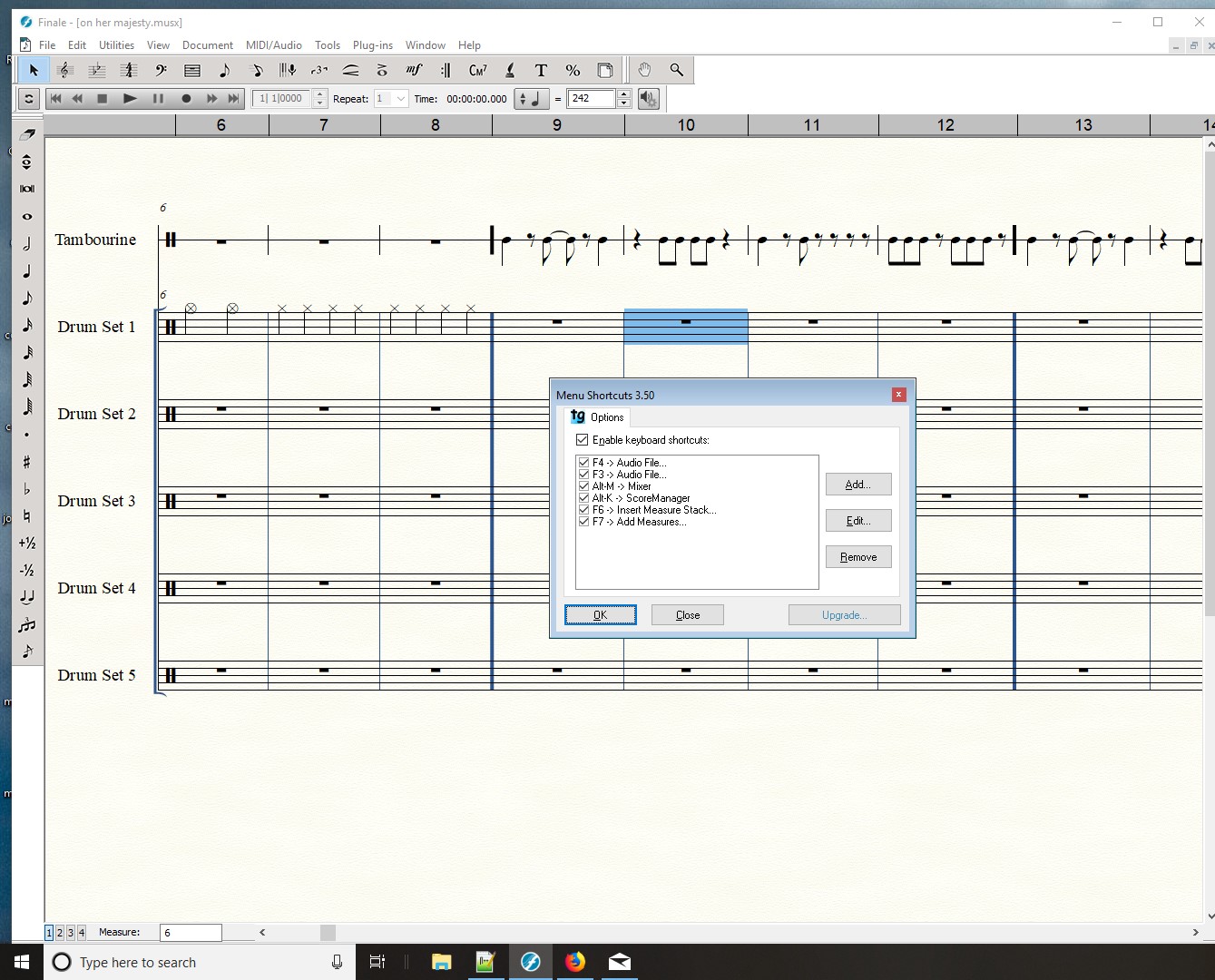
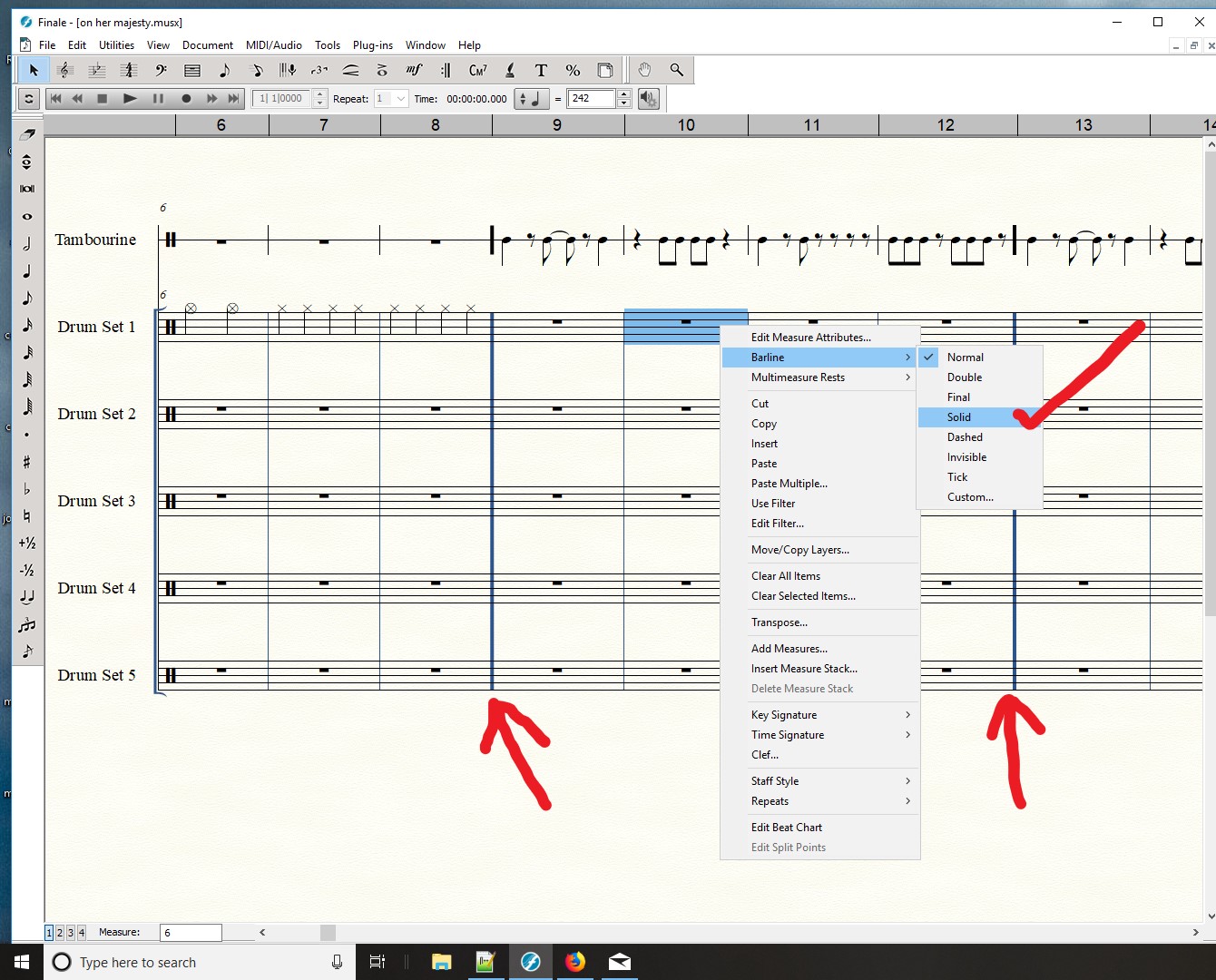
Hi, I was wondering if I missed something in Finale. I would like to assign a keyboard shortcut, to RIGHT click, Barline, Solid. Is there a way to do this? in the title of this post, I noticed that custom 104, is the same barline as "Solid."  But down the line, Or if you know of a way, custom shapes could be extra cool if these could be mapped using TG-Tools Menu shortcuts. but for now, Solid will work for me.
ps = I noticed the forum admins posted a thing about spam, and adding Captcha, which seems like it'll solve it. Anyways, I had spam issues last month and they seem to be fixed because I kept forwarding the spam to report_spam@outlook.com. perhaps forward the junk spam to this email and will help. I tried to post to the spam posting, but it would not let me suggest this tip for reporting spam. good luck!

10 comments

Date Votes
Avatar
0

If you had a shortcut to make a barline solid, wouldn't you have to use the mouse to choose the barline in question? I am not sure I see the advantage to having a keyboard shortcut for this.

Comment actions Permalink
Avatar
0

I don't have a shortcut for this. I'm try to avoid using the mouse. Are you saying you know the way to make this a short-cut and if so what is it? I'm simply trying to notice the things I often use, and this is one of them. And assign a short cuts to it. It's very helpful to reduce mouse movements in half each time I use finale. I use Finale often to make repetitive songs. Clicking once on a bar then pressing a key, would be awesome. I like technology!

Comment actions Permalink
Avatar
0

Instead of clicking on the measure, right-click on it and select solid. You may find it most efficient to do that after you have entered the music rather than as you go.

Comment actions Permalink
Avatar
0

? "right click and select....solid? I already said I know how to do this using my mouse, using RIGHT click. cookie dough.

Comment actions Permalink
Avatar
0

I don't know if Finale can do what you want, but have you tried using a Macro Program? I used to create shortcuts like this with Quickeys. I would imagine that this would entail highlighting the measure in question, then running the macro. which would follow the commands: right click>choose barline from dropdown menu>select solid. Something like that. I don't use Quickeys any longer, so I don't know for sure if it will work, but that's the route I would follow if I wanted to automate this task.


Good luck.

Comment actions Permalink
Avatar
0

no, I haven't tried this macro program. sounds good. thanks.

Comment actions Permalink
Avatar
1

Mike Richardson,

How would you indicate the measures where you want to apply the custom barline? It seems to me that you have to click somewhere, unless one of the macros can detect a selected note (and even then, wouldn't you have to somehow select the note?

Comment actions Permalink
Avatar
0

yea, I think I need to LEFT click some bar, then ideally, press F8, or whatever I map a short cut to. I kind of was thinking it would also be in the toolbar menu somewhere, but it's not.

Thinking aloud, as a reminder, TG tools menushorts seems to work off of the toolbar menu. And yeah, if a macro could somehow know the bar the selected not is in, perhaps continue flow of keyboard note entry. Good idea to re-examine my process, but it's repetitive music so if I do this, add distinguishing bar lines, after I finish the song, it makes it quiet more difficult, to me, because then I have to count and make sure I put bar lines after counting 32 bars for example. currently I finish a verse and chorus, then replicate with copy and paste.

Comment actions Permalink
Avatar
0

The solid barlines copy along with the music on my machine. Have you checked that?

Comment actions Permalink
Avatar
0

yes, copy and paste, if I include the last measure that has a solid barline, for example, is working. thank you.

Comment actions Permalink

Please sign in to leave a comment.