Two questions:
1. My drum midi notes appear well below the drum staff after generating a rock drum groove.
2. The tempo increases (ms. 7) when the drum groove measures begin to play.
Windows 10
Finale 26.1
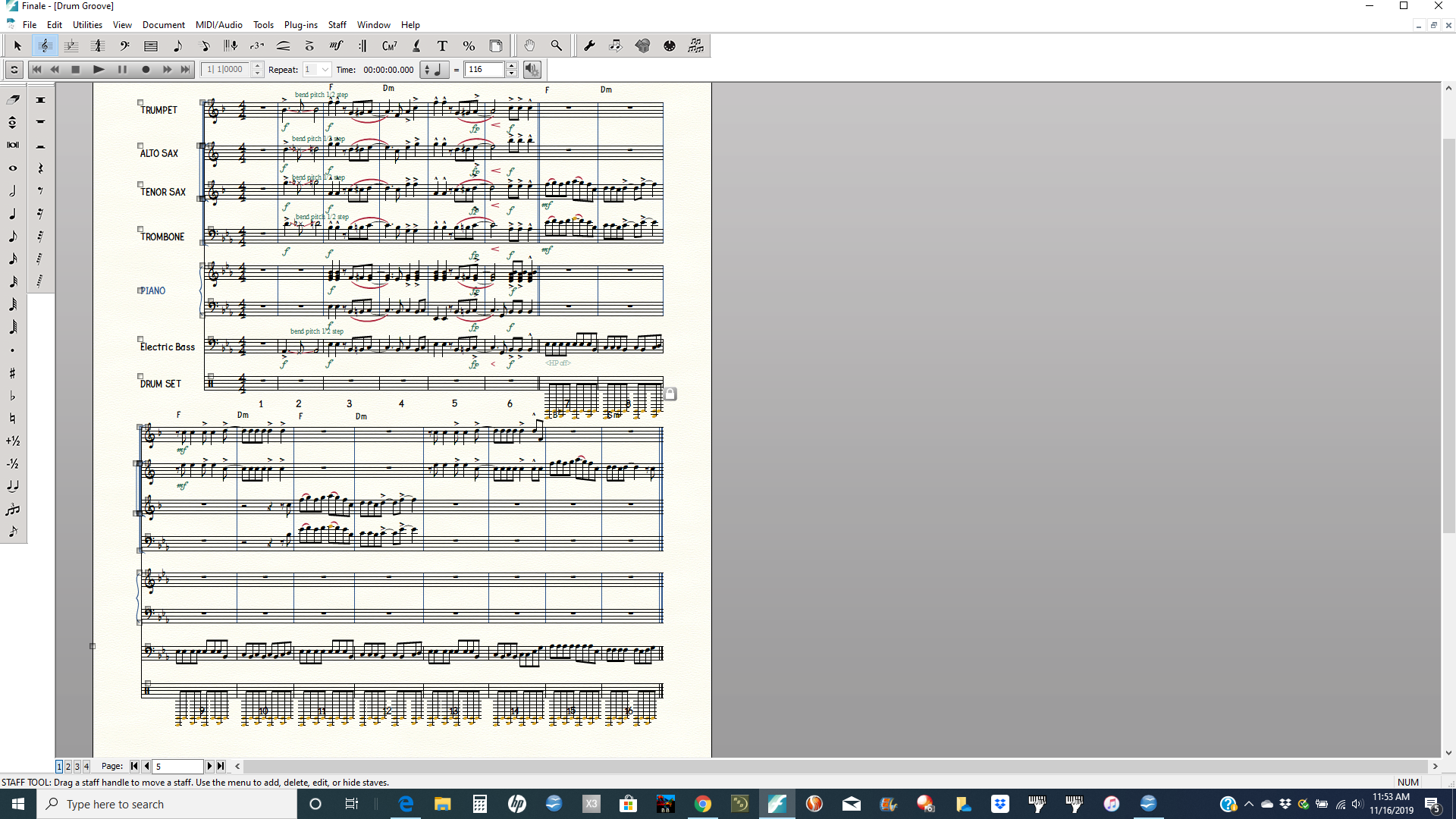


You need to create a Percussion Map to associate the name of each of your drum/percussion instruments with its corresponding MIDI number.
Then you need to find or create a Percussion Layout to tell Finale which instrument goes on which line or space of your percussion staff.
What VST instrument played the drums in the program where you created the file? The MIDI numbers for the instruments should be listed in that VST instrument's manual.

… The tempo increases (ms. 7) when the drum groove measures begin to play …
My first guess would be that the culprit is an expression (with playback effect Tempo), where the tempo increases.
To test this assumption, use
Edit menu > Clear Selected Items…
to clear expressions.
If that step fixes the problem, then you know that you should look for an expression.
When you have found the culprit, you can remove the expression, or disable its Tempo playback effect.
… I checked the expressions for that measure and also deleted them, but the tempo still remains fast …
In that case I suspect that the culprit is in the document’s MIDI Data.
Again, use the dialog box Clear Selected Items, but this time de-select everything, then select only Tempo Changes.
Please sign in to leave a comment.
6 comments
Date Votes