
I am using Finale V26 on iMac and have the $19.99 monthly subscription to EastWest's superb sound libraries. I wanted to use the key switch capabilities in some of the EW Symphony Gold solo instruments and tried all sorts of methods using text expressions, etc. to force key switch changes to no avail. I later found out that by simply writing the notes that correspond to key switches I can get these to function - though these have to be placed just before the desired changes. Visually it is hard to count down to the pitch needed way below the staff. Simply by increasing the number of staff lines (16 for treble instruments, 11 for bass clef - both displayed in concert pitch) and spacing the staves so they aren't overlapping one makes this easier. For a simple piece such as solo flute and piano both instruments can be displayed with all these key switch lines and the key switches added in the same layer.
For a more complex piece creating and then hiding helps. One writes the music desired in layer 1, and then adds the key switches in layer 2, after increasing the number of lines per stave. Layer 1 only can then just be displayed, and the staves set back to 5 lines after everything is written. The playback using the key switches is preserved. Here is an example using just the flute with the melody and the key switches all on one layer. The first of the yellowish notes is the bottom C used by the lowest key switch. Visually this makes things much easier to read as my eyes can group the upper 5 lines into a normal stave and the bottom C is the space below the bottom line. 
Here is a template that I set up for myself that uses a woodwind quintet, strings, tympani and 2 unassigned voices. Note that on cello (and other lower pitched instruments) some of the key switches are above the range - so one has to incorporate some head room for this!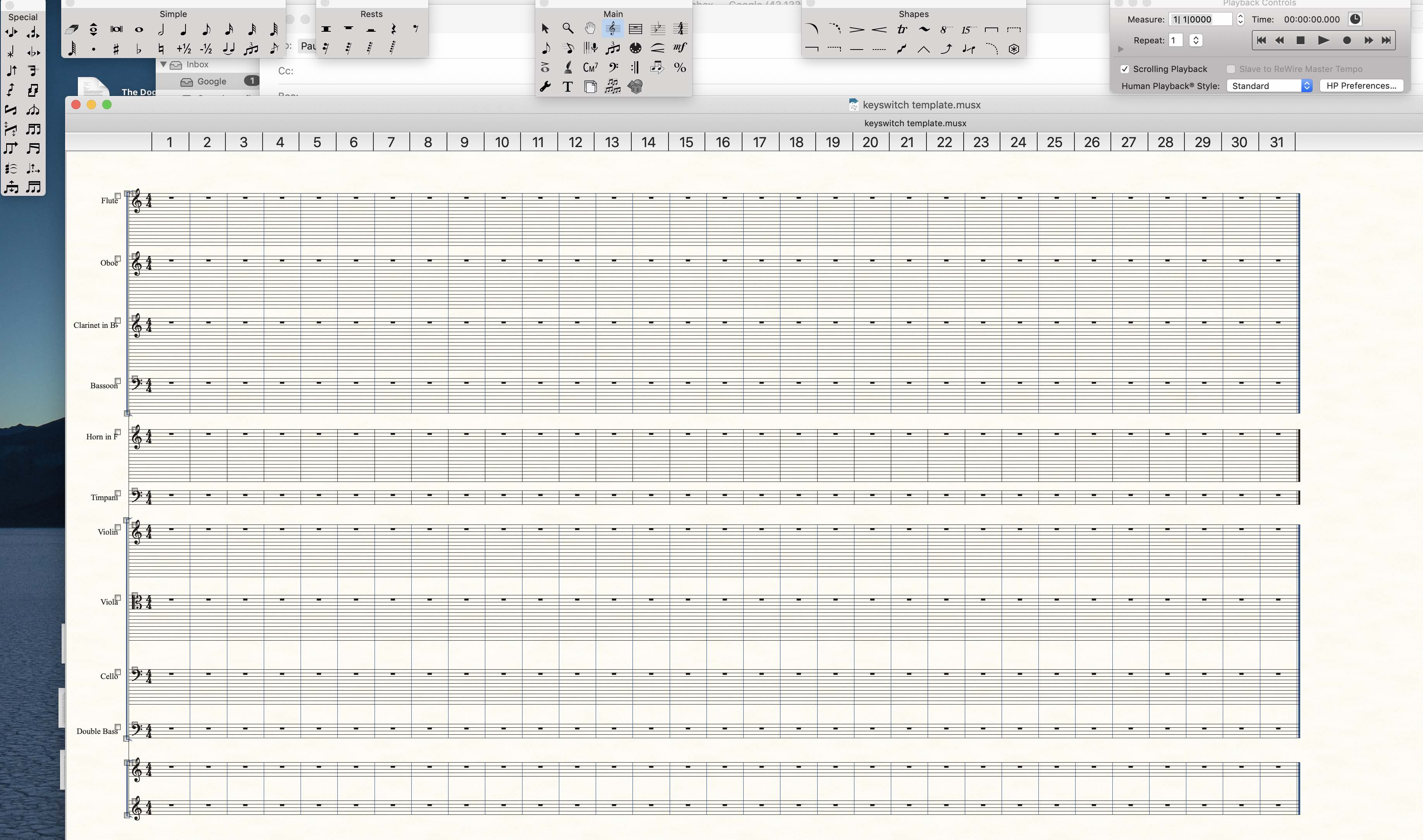
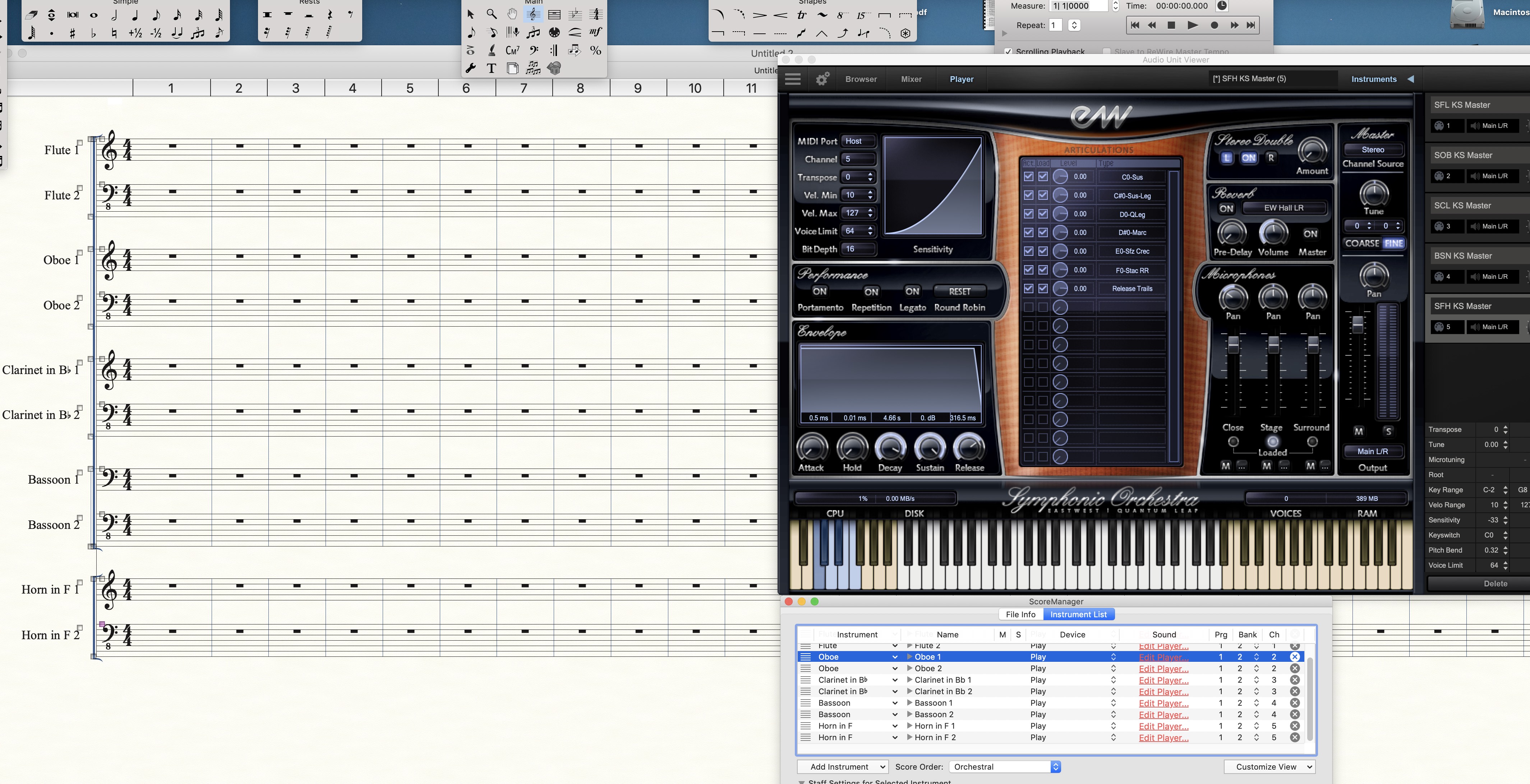
This technique should theoretically work with any key switched instruments in any compatible sound library. I haven't tried it with Garritan yet. I prefer the EastWest as these sounds seem to have greater depth and certainly more variety in the produced sounds. Philosophically I know that this is forcing a notation program to be more like a sequencer. Why not if it works? Compositionally I find it very useful to compose and test the playback sound and produce something closer to what I desire, without any more than just the computer (no attached hardware, no DAWs, etc which challenge both the computer's capabilities and my own learning curve).



4 comments
Date Votes