How can I put a double barline into a measure (like this) in Finale 26.0.1.655 - Windows?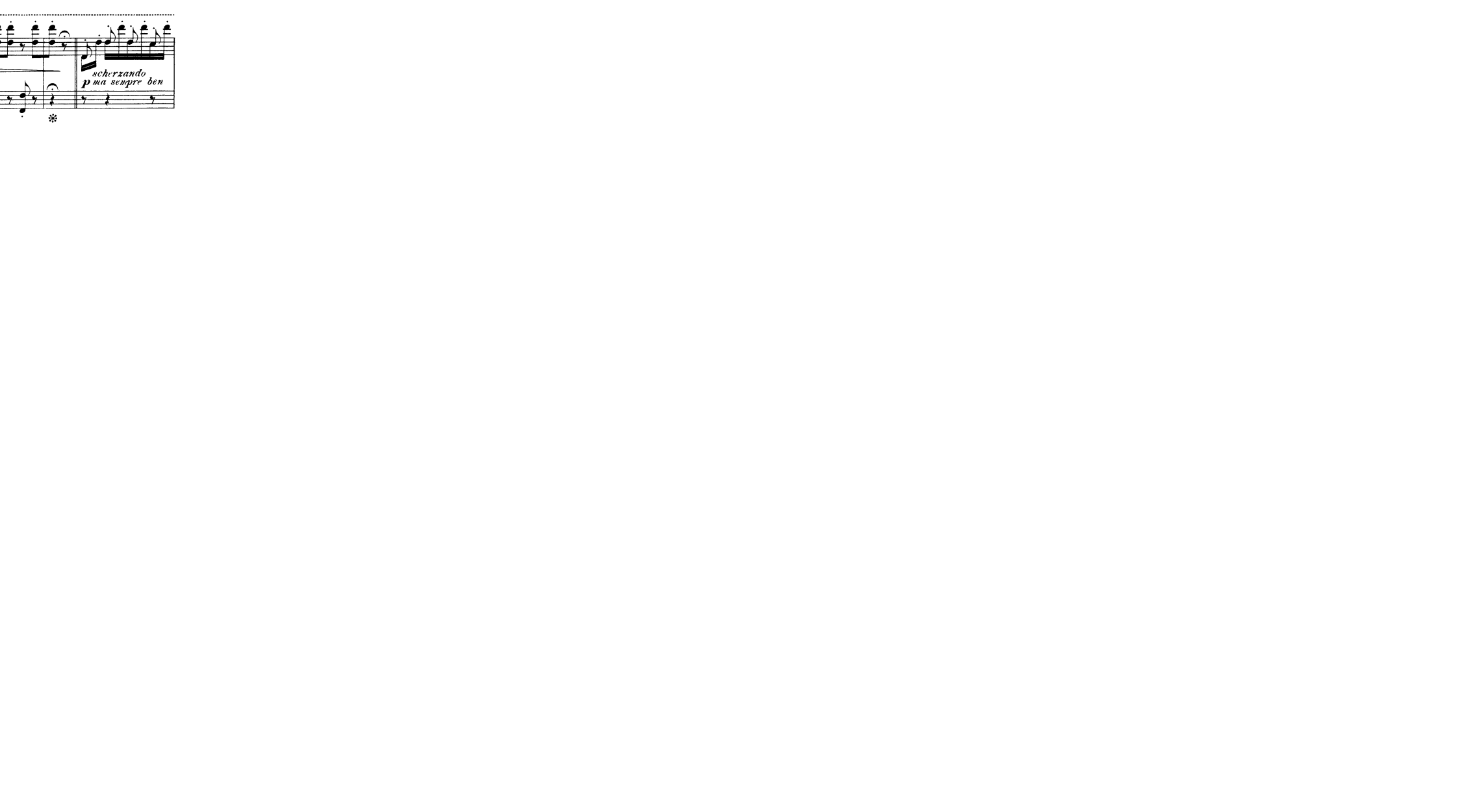


I am not sure I understand.
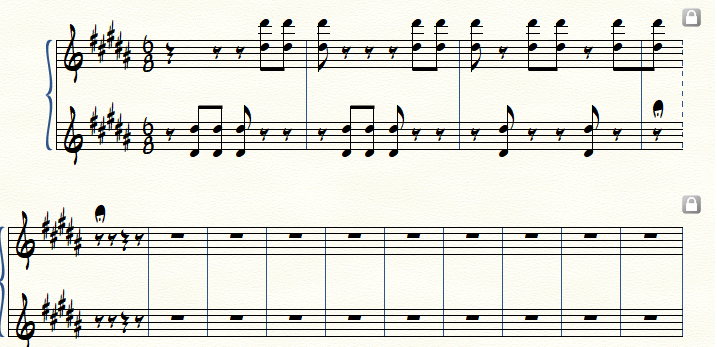
The “pause with fermata” is in the measure before the barline you need to make a double barline.
From the Measure Tool, double-click on that very measure.
You get to the Measure Attributes where you can choose a Double Barline (right barline).
In your attached graphic I see a double barline after the “pause with fermata” (= a double barline ending the measure).
I thought you were trying to create that double barline.
If I misunderstand you, then I apologise.
Please sign in to leave a comment.
8 comments
Date Votes