

Windows 10, Finale v26
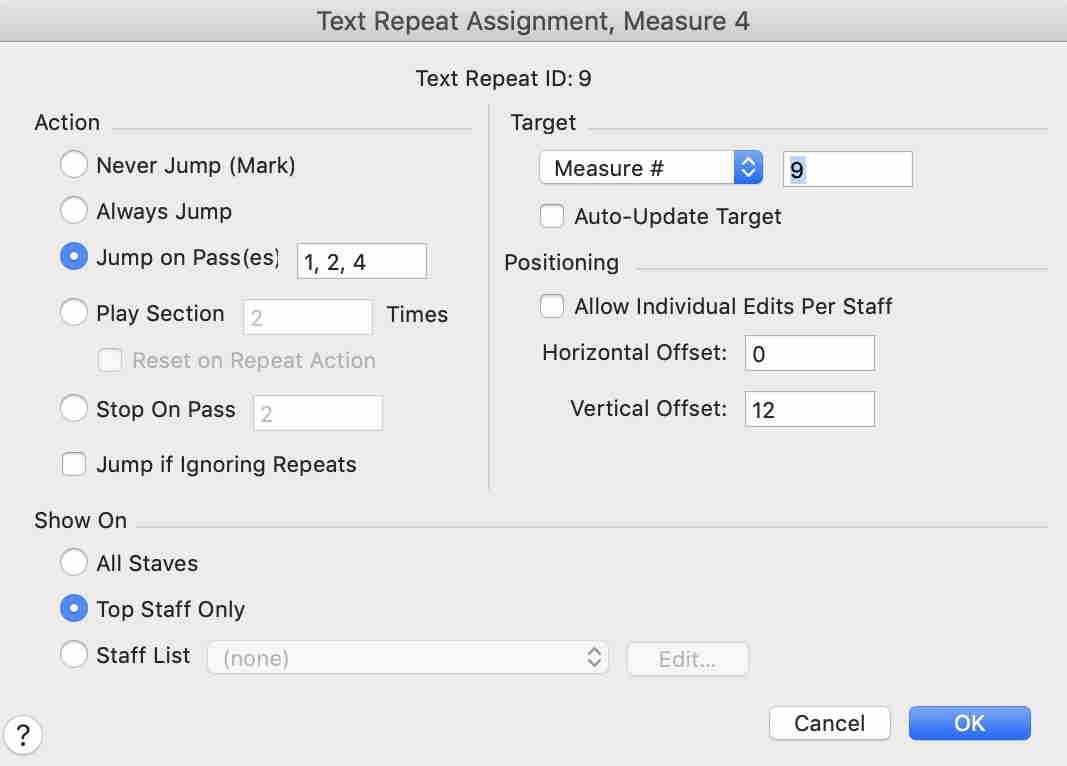
Sometimes sheet music has a repeated section where certain measures not constituting an ending are meant to be played on certain passes, and skipped in others.
For instance, suppose that a 13-measure section that is played 4 times has measures 1-4 (relative to the beginning of the repeat section) and 9-13 played all 4 times, but measures 5-8 played (in-between the other sub-sections) only the 3rd time. In other words:
Pass 1: 1,2,3,4,9,10,11,12,13 (9 measures long)
Pass 2: 1,2,3,4,9,10,11,12,13 (9 measures long)
Pass 3: 1,2,3,4,5,6,7,8,9,10,11,12,13 (13 measures long)
Pass 4: 1,2,3,4,9,10,11,12,13 (9 measures long)
This would be indicated in standard "commercially-released" sheet music by placing the 13 measures in the same repeated section, with an ending-style "horizontal bracket" over measures 5 - 8 (in the middle of the section) and a caption such as "Play third time only". I can use SmartShapes and Text to create the visual effect, but that won't cause the effect to be generated on playback; by default, measures 5-8, which should be skipped on the 1st, 2nd, and 4th passes, would play on all 4 passes. I've seen many (although not a lot) of sheet music where some of the "pre-ending" repeat sections have measures meant to be skipped except on certain passes, and I'd like to be able to generate the appropriate playback effect without having to "arrange" the piece differently.
(NOTE: I'm talking about playing or skipping entire MEASURES, not musical aspects of measures, such as "muting" and "unmuting". In my above example, pass # 3 would last 4 measures LONGER than passes 1, 2, and 4.)
It's not a live-or-die issue for me, but I've seen enough examples in commercially-released scores to want to know if there's a way to do this kind of thing in Finale.

4 comments
Date Votes