

Windows 10, Finale 26.x current
It just seems to me, back in a memory long ago and... fading... that there was a way to turn off or hide a handle.
In the case, I mean the little square boxes that appear when certain menus are selected, such as Articulations or Expressions.
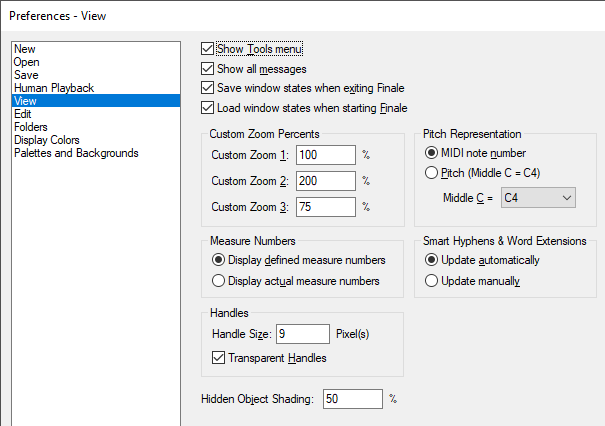
In Preferences, I see where one can change the size of the handles (Edit/Preferences/View...).
I seem to remember is was similar to "Show" in that one could control-click a handle and tell it to either fade or disappear -- likely the former.
This is very useful when multiple handles appear in proximity, creating a cluster that is challenging to select via mouse. Similarly, when one is working with slur or phrasing lines on notes that are tightly aligned to each other.
Does this still exist?
Thank you,
:-)
Vanessa



4 comments
Date Votes