

I am on a MacBook Pro (15-inch, 2016) running macOS Mojave version 10.14.6 with Finale 26.3.1.643
I have done a lot of searching for the issues with cadenzas in Finale and am using the technique of creating the cadenza across several measures. This seems to be the way to do it, since the horizontal split points don't seem to work well (from what I read). I did 5 measures, 6/4. 2/4, 5/4, 8/4 and 1/8 to fit the cadenza in the solo part. I am hiding the bar lines and turning off measure numbers in those measures so the cadenza looks like one measure and the numbering comes out correctly. This works fine in the score and the solo part with the written cadenza. What I am having trouble with is the formatting of these extra measures in the remaining parts. I have hidden the unnecessary rests, so the measures have the correct number of beats, however, I can't squeeze the extra measures enough for the spacing to look correct. In fact, no matter what I do or how the measure looks on the screen, once I print the part, the measure never prints the way it looked. Finale always moves things around to some degree and I can't really get what I want.
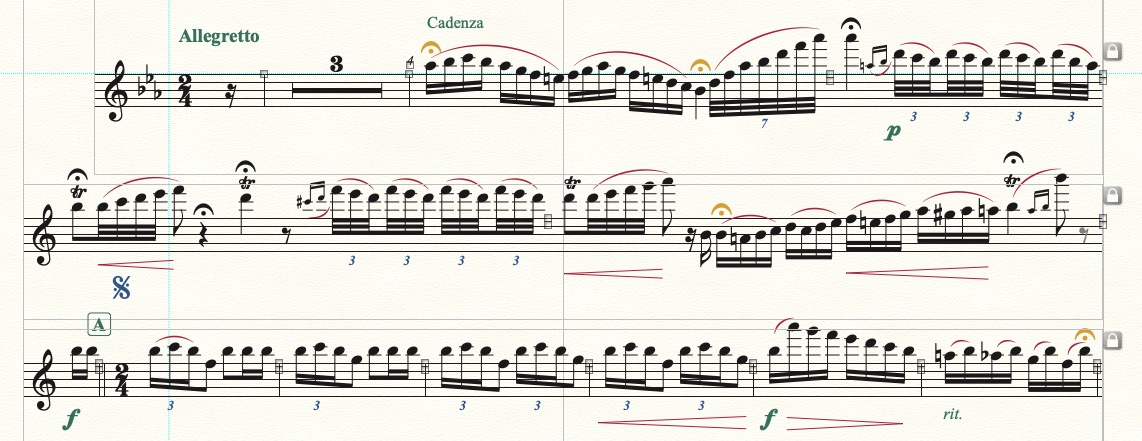
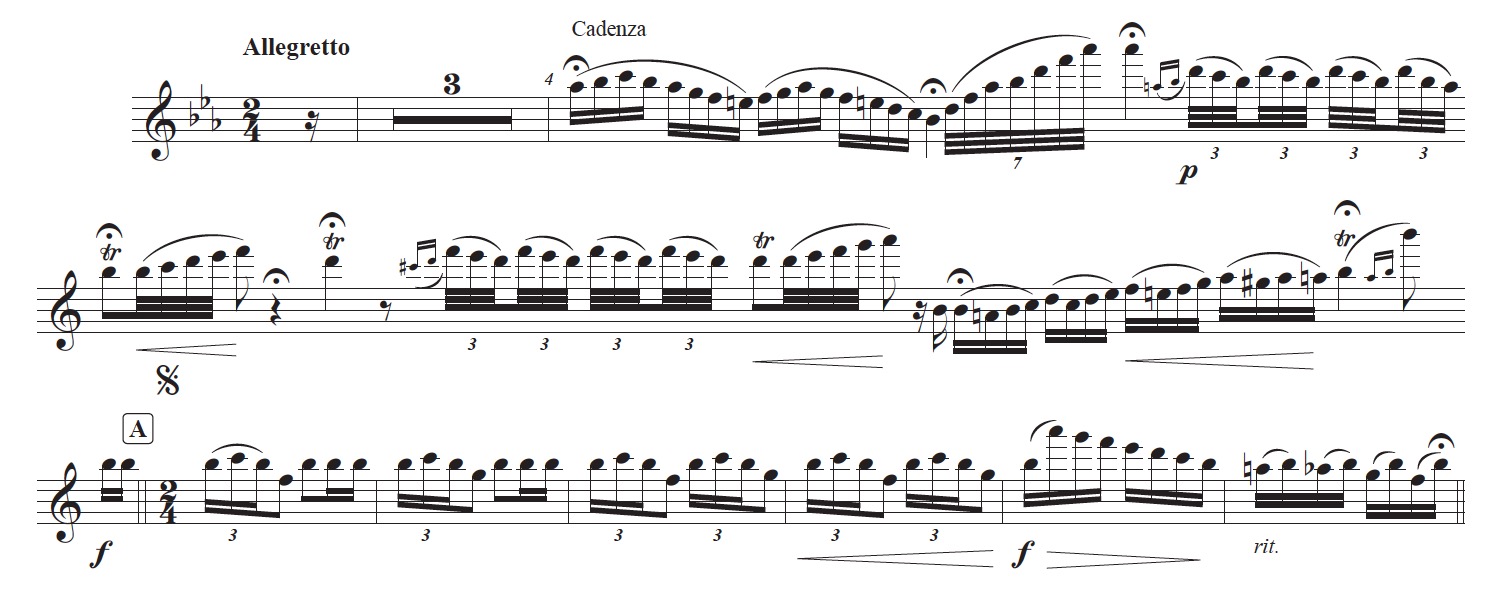
I have attached before and after images where it is clear that I can sort of get close, but this took a LOT of trial and error just to get to this point. There is still a pretty obvious gap where those "hidden" measures are located. I can't seem to close that gap any further.
So, how can I squeeze these measures together to look normal in the parts? If there is a simple solution, it would be a great idea to add this solution to the cadenza area of the manual. This has been a very frustrating process.
Thanks in advance!




5 comments
Date Votes