Hey
How do I make 16th note like this ?
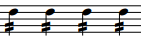
I'm on Finale 26.2
Hans Henrik


1) Enter a regular quarter note.
2) Use the Articulation Tool to add the double “beam-slash” on the stem.
If your Finale document was created from the Default File, you will have ready made articulations with single, double and triple beam-slash (with metatools on the number keys 6, 7, 8).
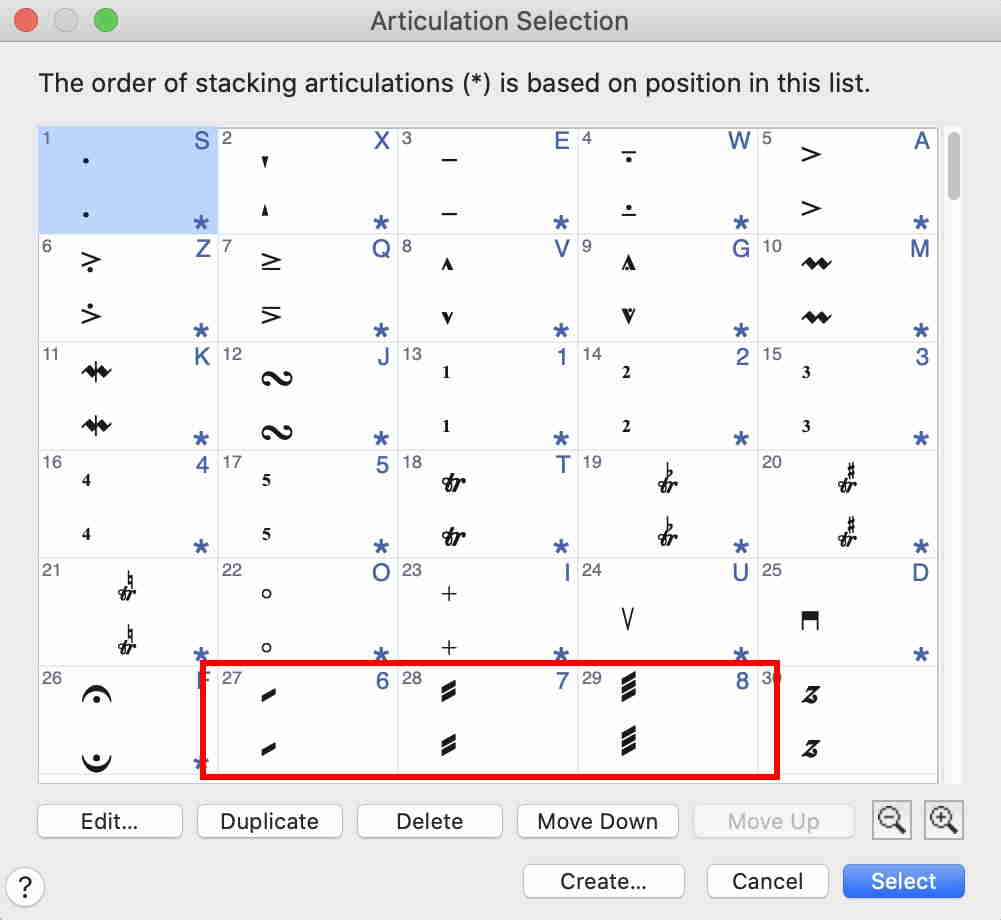
The screen shot shows beam-slash characters from the Maestro font.
You might prefer to try another font, or to create your own, custom shape articulations.
Please sign in to leave a comment.
2 comments
Date Votes