

Mac OS 11.6.1 (Big Sur)
Finale - 26.2.2.493
iMac 2017
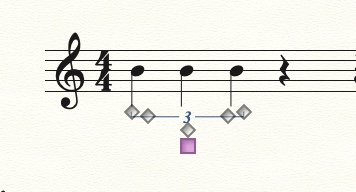
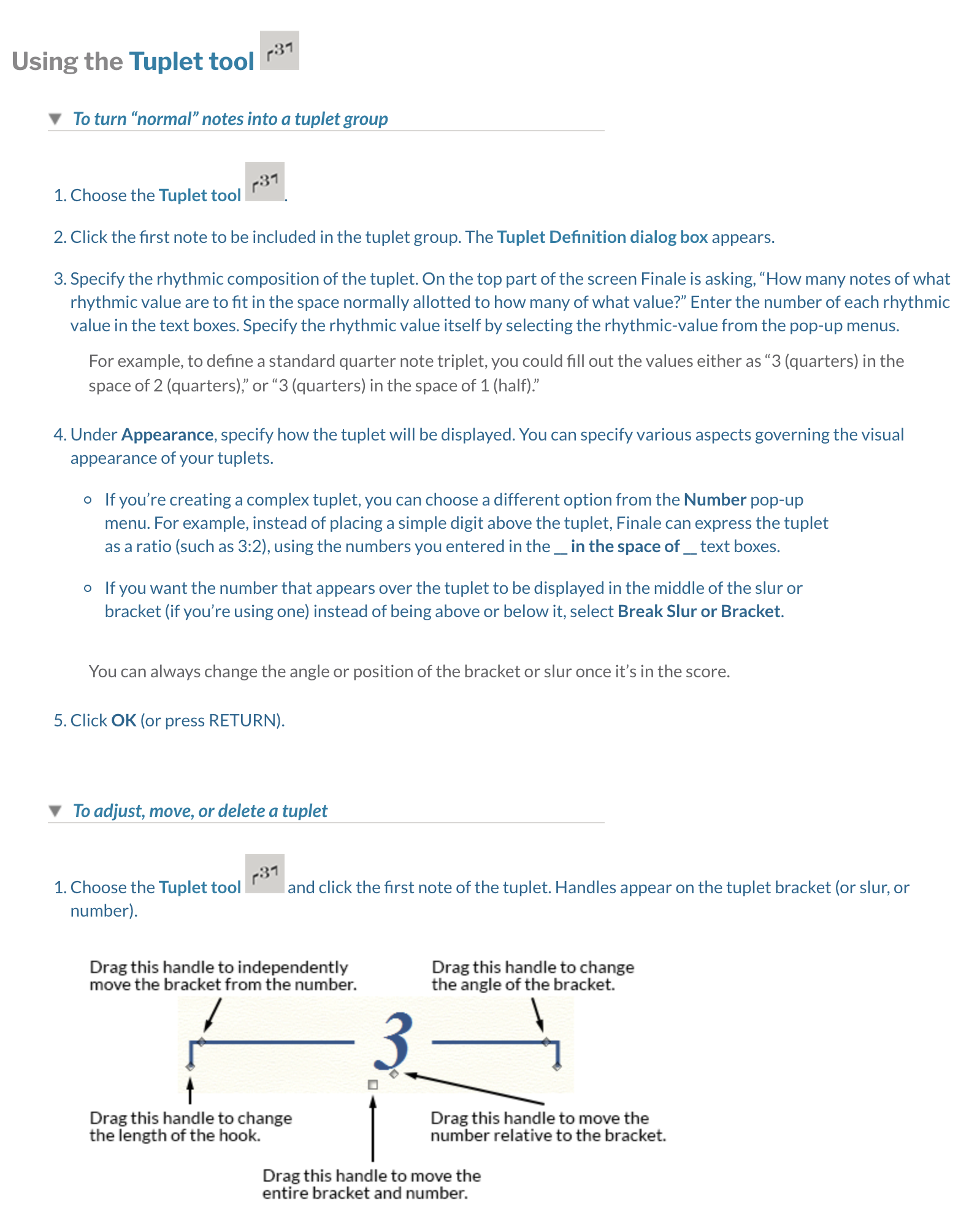
I admit I haven't been using Finale much in the last couple of years (or any notation program, for that matter), but I can't seem to do something that I used to be able to with my eyes closed. I can create a tuplet (in both Simple and Speedy note entry), but if I want to edit the tuplet itself -- like changing the bracket angle or to reposition it completely -- the manual says to select the tuplet tool, then click on the handle of the first note of the tuplet, then I'd be able to edit it. But instead of that, it just returns me to the Tuplet Definition dialog box. Why can't I edit the tuplet directly? I have some pretty wonky looking tuplets, and a quick hands-on edit would make me a happy person. Can any of you give me a simple answer, like "plug in your computer" or something? Thanks.
Andrew Levin

3 comments
Date Votes