Finale 27.2.0.142 OSX 12.5.1
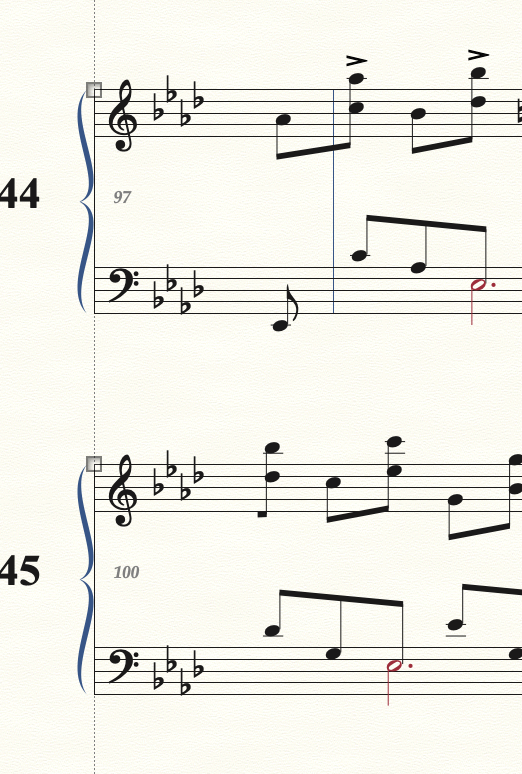
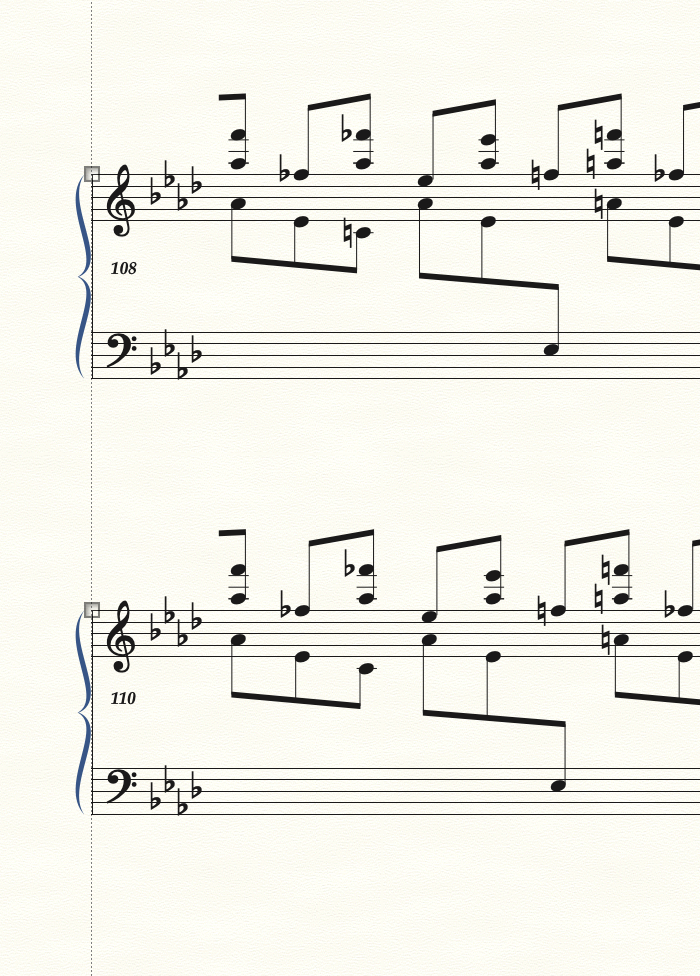
Greetings... in page layout, edit system margins, some of the system numbers have disappeared (although they are included in the 'count'). This is happening in all scores from a new group of four.


… in page layout, edit system margins …
If I understand you correctly, you are talking about the window Edit System Margins - right?
In the window Edit System Margins you can specify a system range:
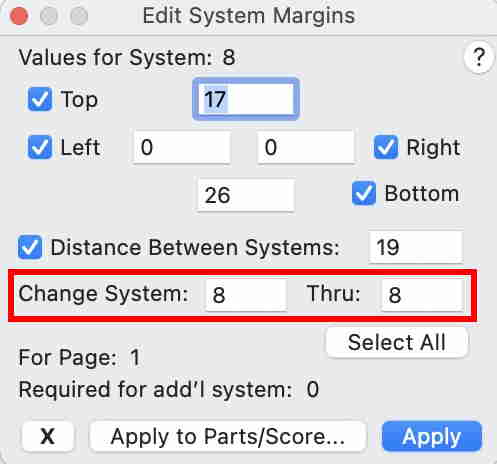
What happens if you type the system numbers into the fields?
Does Finale allow you to do so?
… This is happening in all scores from a new group of four …
I suppose that your word ‘scores’ means ‘Finale documents’ - right?
What do you mean by your word ‘group’?
- a group of Finale documents?
- a group of Finale templates?
- a staff group?
- or?
Anyway, I suspect some sort of file corruption.
A trick that often fixes problems:
Export the document as MusicXML.
Then, import the MusicXML into a fresh, new document.
Please sign in to leave a comment.
5 comments
Date Votes