

I'm on Windows 10, running Finale 25.5.0.290.
I've got an orchestral score setup and have been writing an orchestra piece for my final semester of university. For the past few weeks I've been having this issue and can't find any fixes online.
I have it formatted in a commercial/film sort of way, where there's one large measure number above the Violin 1 staff. The page size is 11x17 and I have a measure number on every bar. Within Finale itself, it looks great and everything is where it ought to be. But when I export a PDF the first measure number on each page (after the first page) will jump to the left by about an inch.
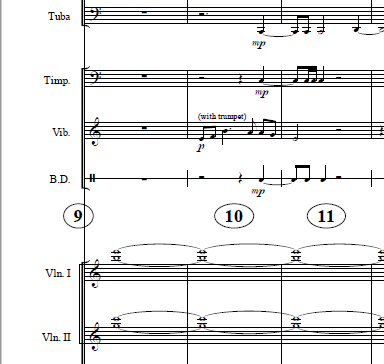
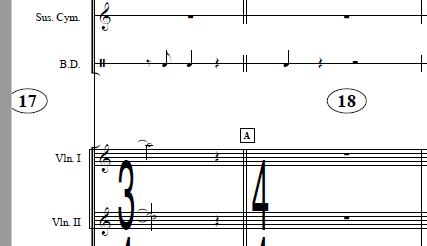
So the first page is fine. Second page has the first measure number on that page offset and over the far left barline. The third page has the first measure of that page halfway off the page and not visible. By the fourth page, the first measure of each page is no longer seen at all.
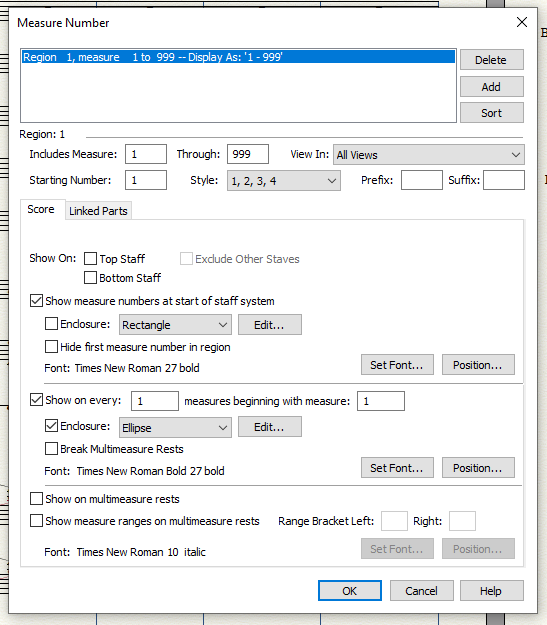
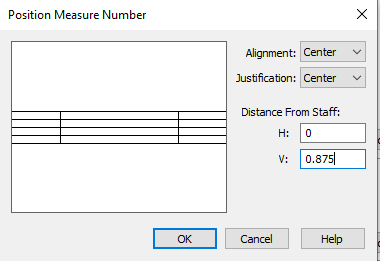
I've tried as many different settings as I can in Preferences>Edit> automatic music spacing/layout options, as well as everything within any auto features for the measure number dialog box.
Hopefully someone has run into this issue before and has a fix. My composition jury is it two weeks and this will be totally unacceptable for the jurors.
EDIT:
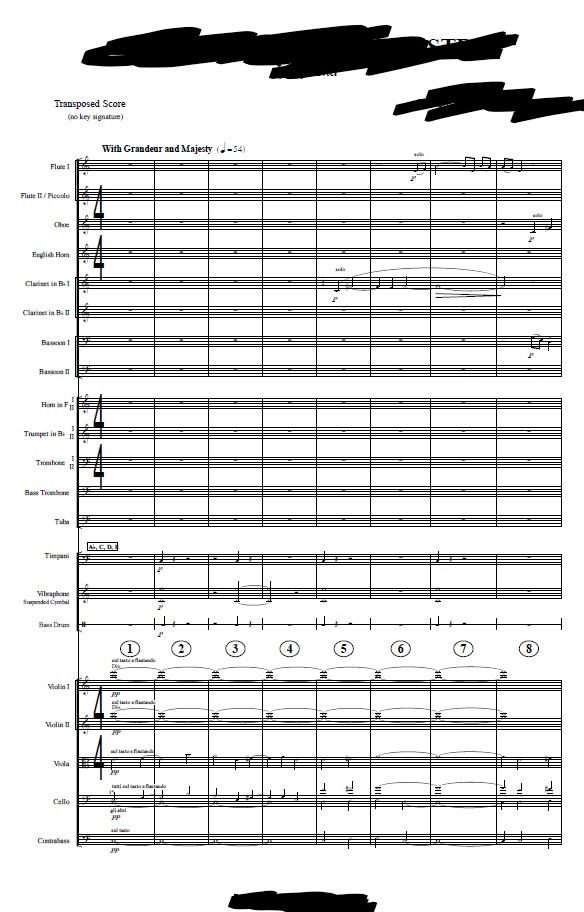
Here's what it's supposed to look like, this is the first page of the export.
And then then these are the following pages of the export where the issue occurs.


7 comentarios
Fecha Votos