
There was an issue with one of the component files in Garritan World Instruments that prevented these sounds from playing back. This problem can also generate this error message:
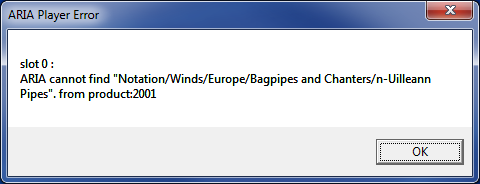
This problem can be corrected by downloading the attached .xml files.
- Place "World Instruments.Notation.bank.xml" in Garritan World Instruments > Banks > Notation
- Place "World Instruments.Standard.bank.xml" in Garritan World Instruments > Banks > Standard
In a standard installation, the Garritan World Instruments folder can be found in "C:\Program Files\Garritan" (Windows) or the Applications folder (Mac).