

Two issues with playback
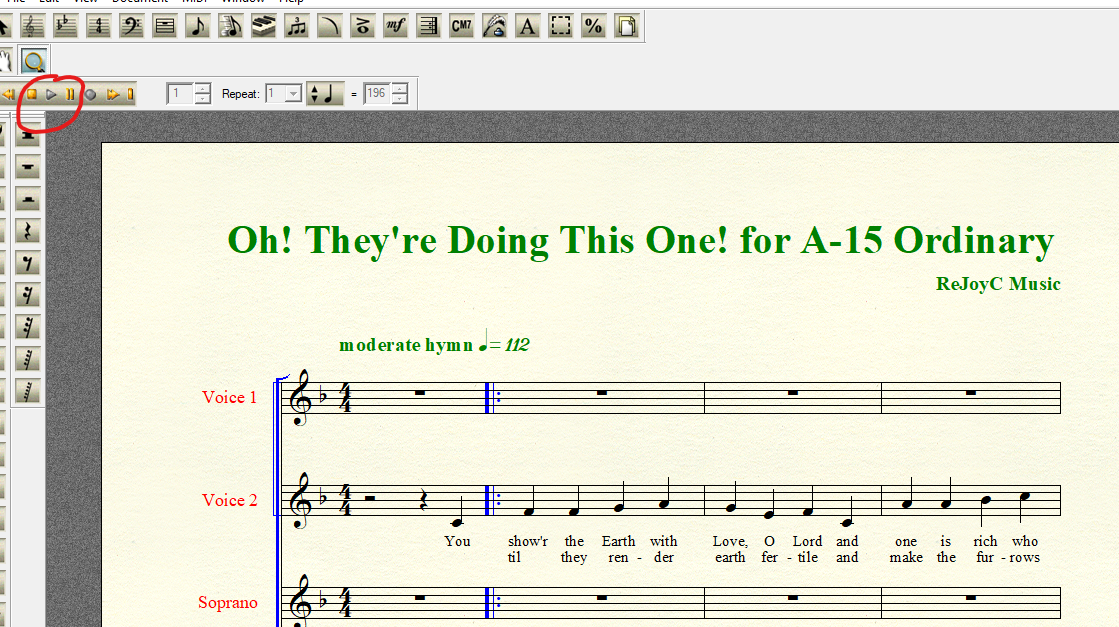
1. Playback starts in measure 1 rather than in measure clicked
- Select Speedy Entry tool
- Click in a measure other than measure 1 to select it.
- Spacebar + click in selected measure to start playback.
- Playback starts in measure 1 rather than at the beginning of the measure clicked in.
This is quite troublesome when working with a large score.
2. Once started, playback does not stop when the score is clicked. Sometimes it will stop after several clicks. Sometimes it does not stop until the end of the piece, even after as many as 30 clicks.
Using PrintMusic 2014a.v855 on Windows 10 version 1607 (OS build 14393.479)
I would attach the Finale file but I don't see that option in the Edit Post dialog.
Thanks in advance for your attention.
BruceP


8 comments
Date Votes