New post
Avatar
0

OS X Sierra MacBook Pro

Finale 2014.5

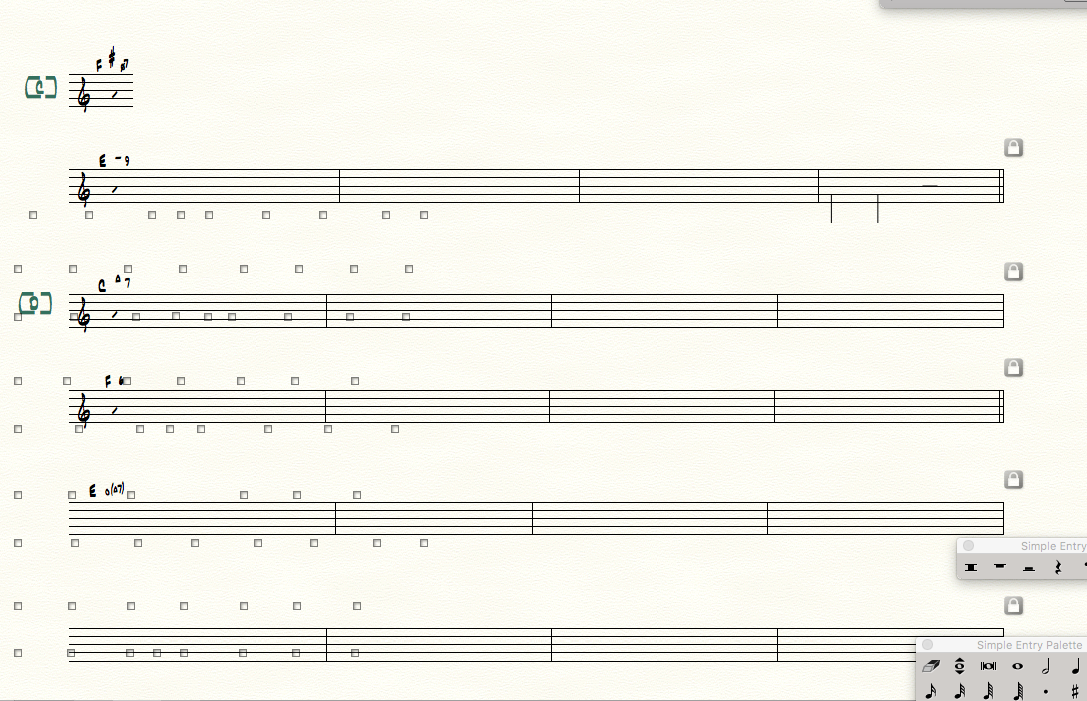
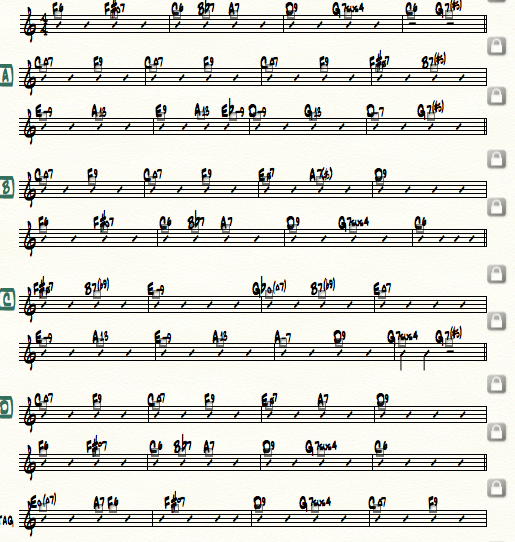
I was working on a chart.  The chart was all slash notation but then I changed a few measures to rhythmic notation,  At some point after many of the normal functions (being able to select and individual measure, insert a measure stack) either weren't working or only worked after several minutes of waiting.  Also when I switched to a closer view the closer view was garbage.   What's worse, is this now true on every Finale Chart in my computer - even though none of them was open at the time.  I'm trying to finish a bunch of charts by Friday.  I have included a screen shot of the chart at normal magnification and then below it a magnified version.  I have closed the program, restarted the computer etc to no avail.  Can anyone help?  Thank you.

Henry


2 comments

Date Votes
Avatar
0

[edit]

Comment actions Permalink
Avatar
0

Hi Henry,


That actually looks like you may be running into a bug that exists in Finale 2014.5. Do you have a document minimized when this happens? If so, the problem your having can be resolved by changing a preference in the Mission Control section of your Mac's System Preferences. Namely, the option Displays have separate spaces - if that option is active, and you have another Finale document minimized, you will get display issues in your current document. That mission control setting requires that you log out and log in for any changes to take effect - it mainly affects the behavior of multiple displays.


This issue has been resolved in Finale (Version 25).


Does this all appear to be the case on your end?

Comment actions Permalink

Please sign in to leave a comment.