New post
Avatar
0

I've used straight flags before but I want to use angled block flags, not the standard curved ones. I have changed the font for 'flags' to Maestro Percussion and then changed each flag (first upstem, first downstem etc.) in document options. The 8th note flags look perfect but anymore sub divisions than 8th only show as 8th. My 16ths all show as 8ths.

Can anyone help?
9 comments

Date Votes
Avatar
0

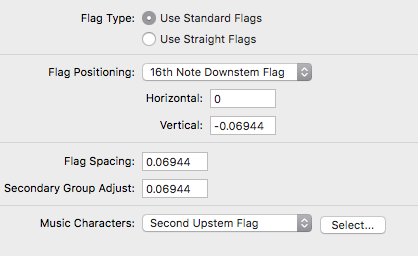
What are (all) the settings in

Document Options - Flags

?


More specifically, what is the value for “Secondary Group Adjust”?

Comment actions Permalink
Avatar
0

All of the settings are as they should be, font set to Maestro percussion (also tried the same setting with Tamburo) but no success. I've gotten it work with straight horizontal flags but I want the straight diagonal versions.


Each character has been selected according to the correct up or down orientation.

Comment actions Permalink
Avatar
0

Erhm …

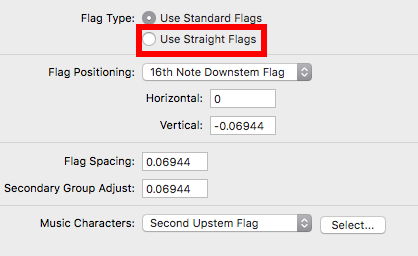
You have not selected “Use Straight Flags” …

Comment actions Permalink
Avatar
0

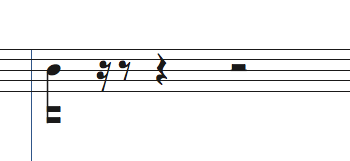
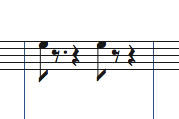
Selecting 'straight flags' gives me this


Comment actions Permalink
Avatar
0

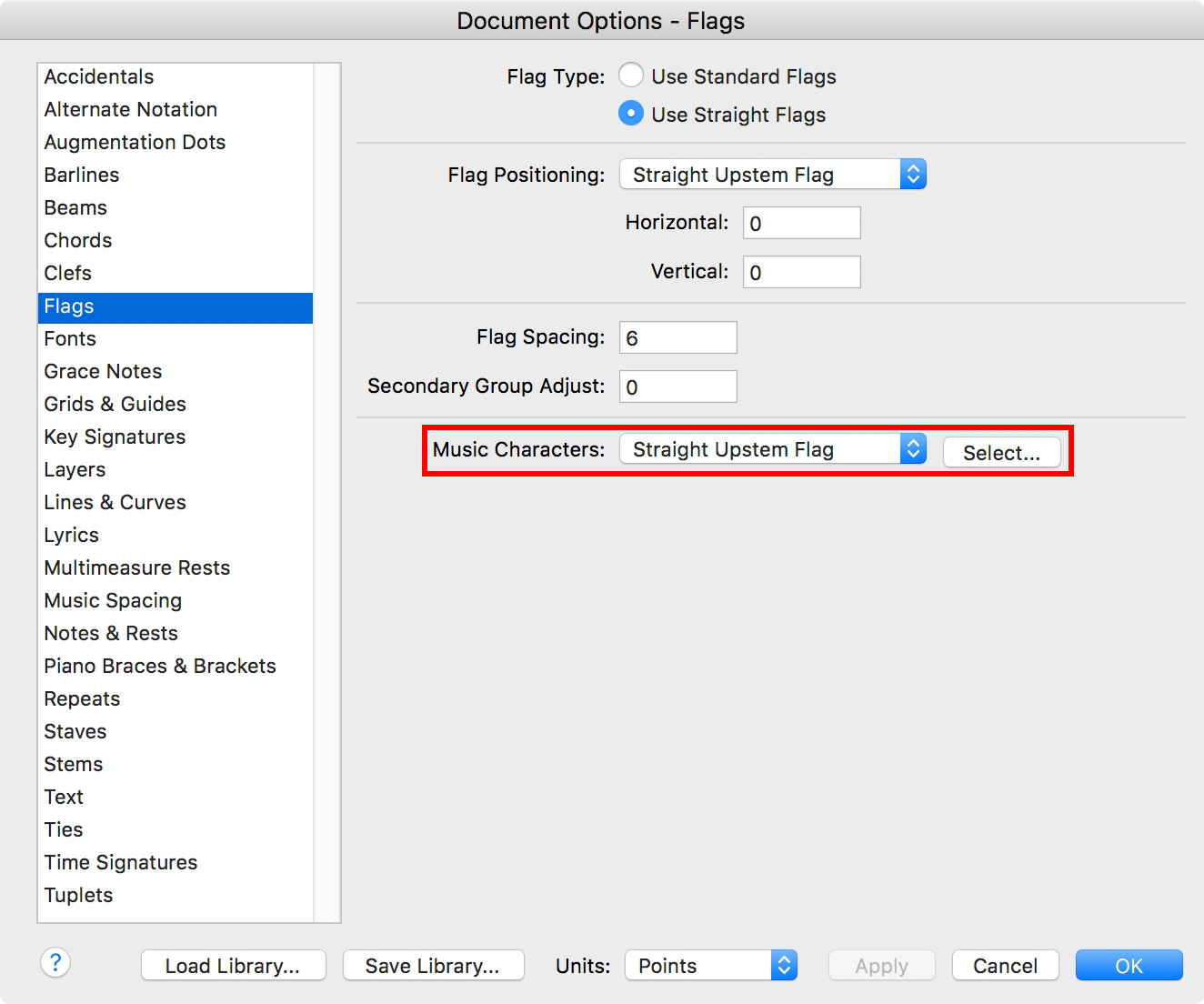
After selecting “Use Straight Flags” you must select font characters for the straight flags (Upstem and Downstem).


Comment actions Permalink
Avatar
0

Yes, as I've previously explained earlier, I have already selected the characters. I have done this many times successfully for straight flags but it is not working for straight angled flags.


Would be nice if Finale could once again resume it's technical support. I find this forum most unhelpful.

Comment actions Permalink
Avatar
0

Scott McIntyre,


We may need to see an actual Finale document with the problem.

Without a Finale document we can only guess.


You can not upload a Finale document here, but you can upload it elsewhere, and add a link here.


You could e. g. upload (attach) the document here:

http://www.finaleforum.com/index.php

Comment actions Permalink
Avatar
1
Comment actions Permalink
Avatar
0
Comment actions Permalink

Please sign in to leave a comment.