

Hello,
I’m having trouble getting the correct look of my multiple-note tremolos.
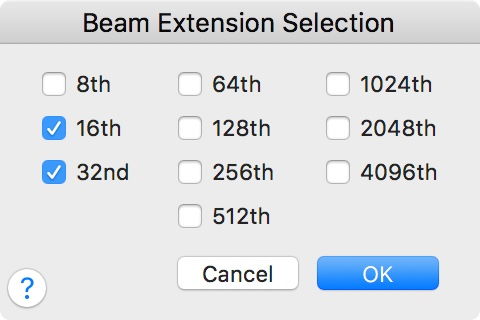
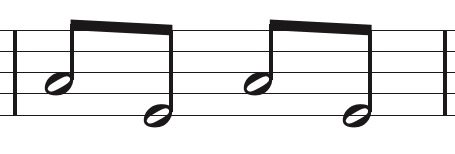
I have a half-note tremolo between two notes - measured tremolo with a 32nd note value. The TG Tools easy tremolo gives me three beams all touching both notes. What I’d prefer is that just the 8th note beam touching the notes, and a gap between notes and beams for the 16th- and 32nd-note beams, which I believe to be the correct notation.
Is this possible, and if so, how?
Many thanks in advance for your response.
Joe Makholm
Macbook Pro - OS versions 10.10.5
Finale version 2014d


3 comments
Date Votes