

Windows 7, Finale 25.4
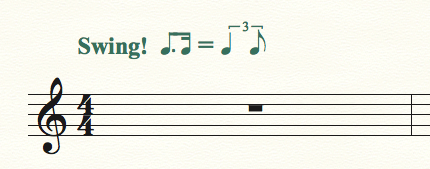
I'm trying to change the swing "this equals this" tempo marking that comes default when you open a new document and are given the preset tempo markings.
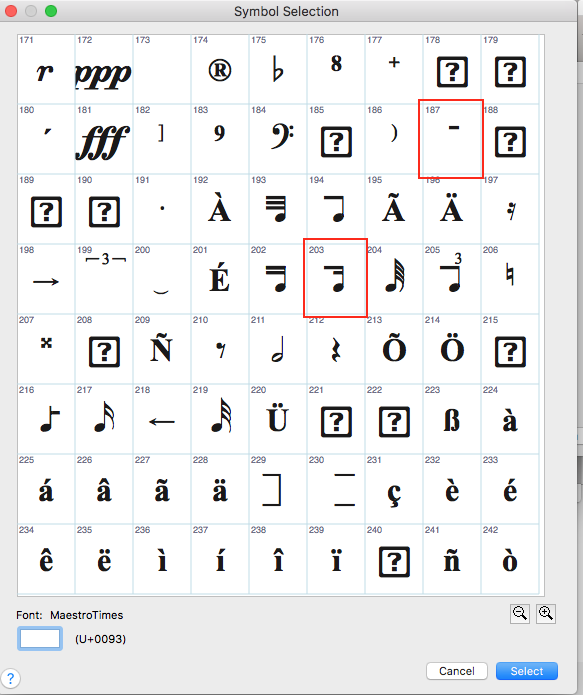
The default example given when you open a new document is two eighths = a triplet quarter + eighth. I'd like to change this to a dotted eighth plus sixteenth = triplet quarter plus eighth. The default font is maestro, but I can't find anywhere in the maestro character set where the two beamed eighths figure is, or where I could find the alternative I want.
If i paste the text into Word into Times Roman, the character string is ŒÂ = Œ lj.
Thanks!


3 comments
Date Votes