New post
Avatar
0

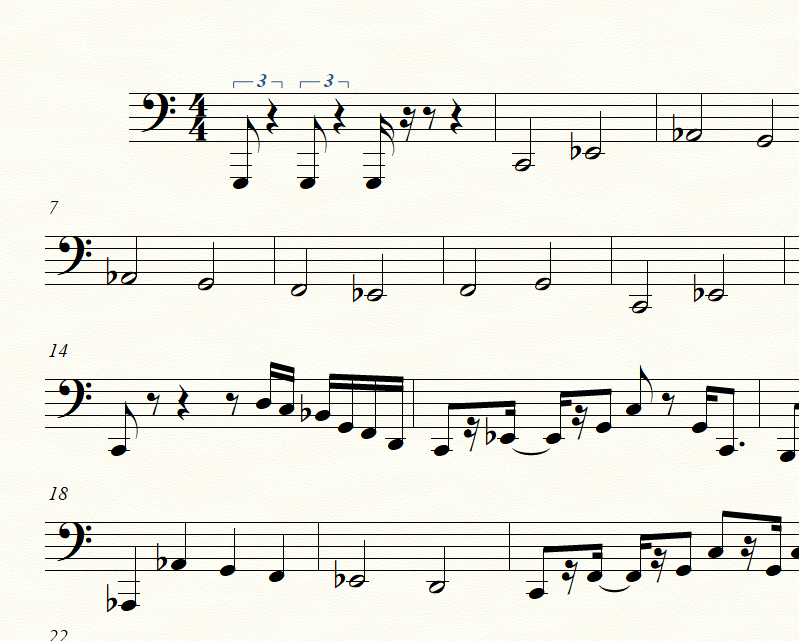
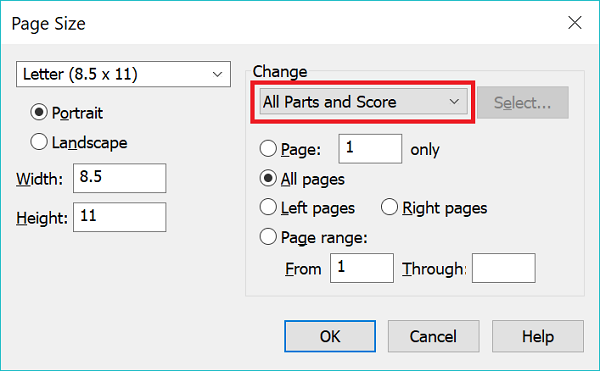
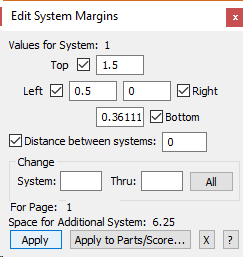
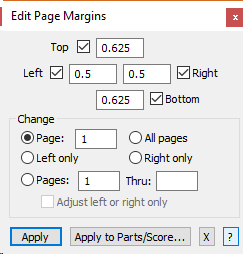
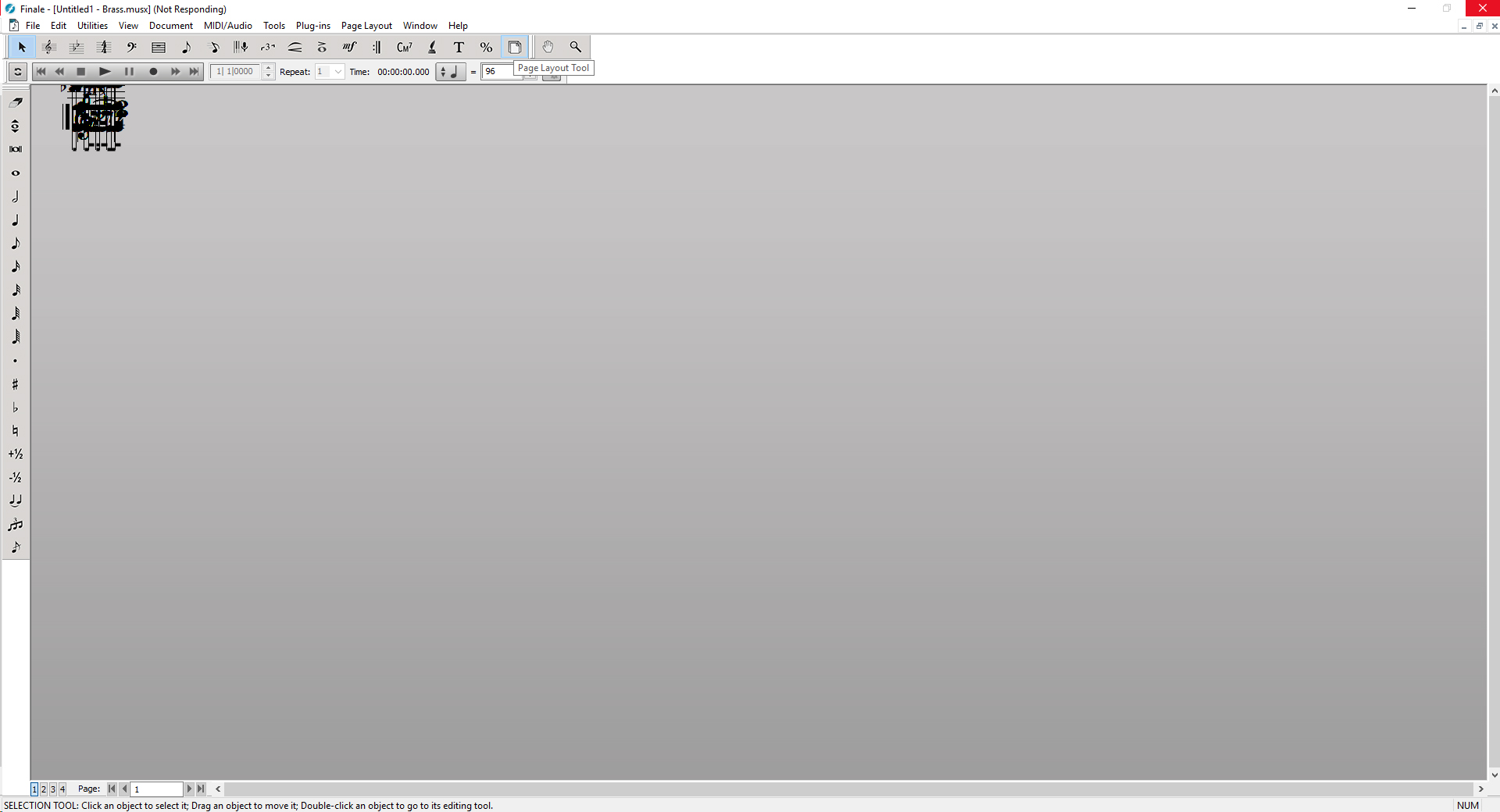
Had this before.  Stumped the entire finale staff.  How to make it happen.  Open a midi file.  the score looks fine.  then export any part(s) and this is what you get.  the workaround before was, click on page layout and discover finale has sets the page height and width to 0 (yes zero) for all parts.  change that to 8.5 X 11 and you were good to go.  but now as an added bonus, when you click on the page layout button, finale hangs indefinitely.  you can't make this stuff up.  anyone know how to get around it?  did it before and after the last update.  did not seem to be a reason why the page layout tool makes the program hang. 
9 comments

Date Votes
Avatar
0

Have you saved the imported MIDI file (full score) in Finale format before exporting?

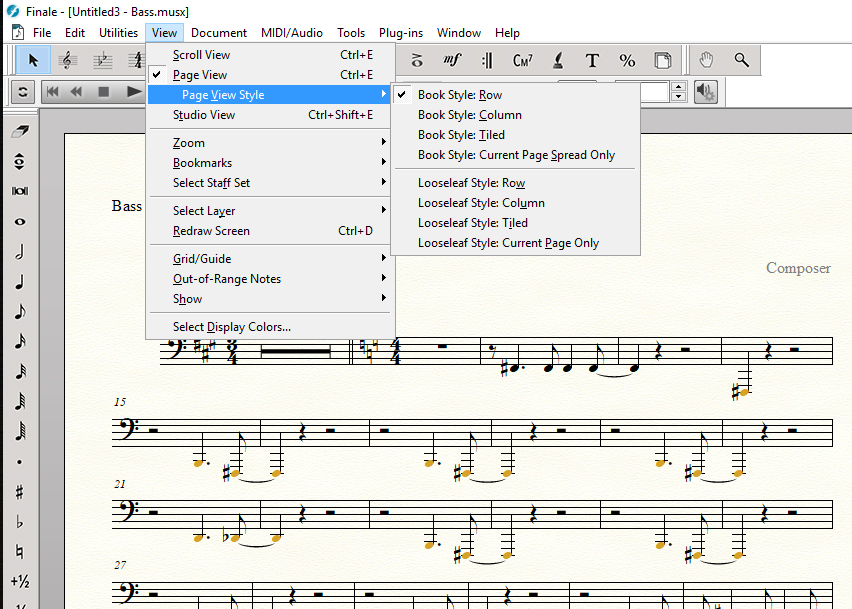
What does the linked (Brass) part look like (in Page view) before you export?

What version of Finale are you using and what Operating System (what version of Windows)?

Comment actions Permalink
Avatar
0

OK, thanks, that helped.  I got it to work last night on a project I needed to finish but couldn't remember the hoops I jumped through to make it happen. 

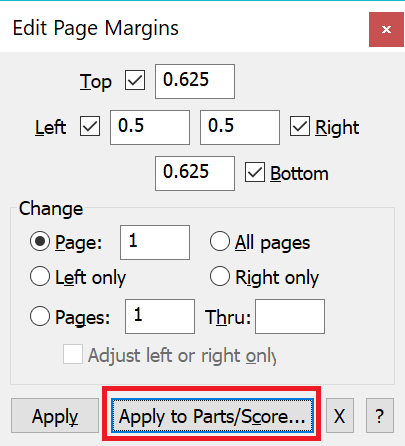
If I import the midi file, do nothing but save the full score as a musx file, close the score, open the musx file I just saved - I can select the page layout tool without Finale hanging.  then I can go in and change the page size from custom (which defaults to 0 height and 0 width), edit/change all the page and system margins, and at least get at the part.  Once I get it to where it will let me select the whole part and copy it, I just bail out and copy it into a template which fixes all the remaining spacing/layout problems.  This has been a problem from at least a year ago that MakeMusic has failed to address.

What happens on your computer when you open a midi file and extract a part?  I was able to duplicate this problem on THREE fresh installs on THREE different computers the last time I went into a rant over this.

2.5.0.290

Windows 10

Comment actions Permalink
Avatar
0

I get a normal size file.

Comment actions Permalink
Avatar
0

Well OK.  I don't know what to say.  Like I said, I reproduced the problem on three separate computers - two desktops and a laptop - with fresh installs of Finale.  The laptop had never had any version of any kind of Finale on it, EVER.  Unless you can think of something I might have left out on the install.  Seems to me I remember doing full installs, installs without the instruments, reinstalls, modify, repair, etc. with no difference.  It's very frustrating as I produce a lot of charts for bands off of midi files and the hoops I have to jump through just to get to a part are time consuming and wasteful.  I went so far as to look at Sibelious but I've been using Finale for years and don't want to start over. 

What you get is nowhere near what I get when I extract a part from a midi file.  The problem, IMO, is the extracted parts page size defaults to "custom" (0 height and 0 width) and the system margins and spacing all default to 0 - Every last parameter in those windows.  Is there a preference file hidden somewhere that I can delete and have Finale recreate?

Comment actions Permalink
Avatar
0

… The problem, IMO, is the extracted parts page size defaults to "custom" (0 height and 0 width) and the system margins and spacing all default to 0 - Every last parameter in those windows.  Is there a preference file hidden somewhere that I can delete and have Finale recreate? …


Just a wild guess:


When you import a MIDI file, Finale imports it into an untitled copy of your default file, right?


Take a look at the page format settings in your default file:

Document menu > Page Format > Parts…


NB:

When you extract parts, you can not avoid generating linked parts, since the extracted parts are created from the linked parts.

The layout settings in Page Format for Part are settings for the linked parts.

Comment actions Permalink
Avatar
0

First, rest assured that no one is blaming you for the problem. We are simply trying to diagnose what is going awry.

  • I believe you are using the latest version of Finale even though I think the initial "2" is missing from your mssg.
  • You haven't said what the linked part looks like in page view. Have you checked that?
  • Where is your MIDI file from? Is it from the internet, from a DAW, from an earlier version of Finale?
  • What do your default Page information panels say for Parts?


(This is not to say your readins will be different, but it makes sense to check.)

Comment actions Permalink
Avatar
0

Yes it imports it an untitled file.  The page format settings are correct in the score that opens up - untitled.  However, I can not duplicate the problem today.  The parts extract and look fine.  Started and restarted Finale several times.  Restarted the computer - parts still extract fine.  this has been an ongoing nightmare on THREE computers for over a year.  I'd take the hits/rants/flames about "it must be a problem outside of Finale" - "you're computer's dicked up" etc. if it wasn't for all three computers having the exact same problem.  I am at loss for words at the moment and when it starts doing it again, and it will, I'll revive the thread.  I appreciate all your responses and hope it never happens to you. 

Comment actions Permalink
Avatar
0

The midi files are 99% from midihits.com  Worked just fine for years.

RE.  what the part looks like in page view.  I've been in page view the entire time vs. "scroll" if that's what you're referring to.


Comment actions Permalink
Avatar
0

>The midi files are 99% from midihits.com  Worked just fine for years.<


I've never had a problem including recently but I'm on the Mac version of Finale. I'll be interested in what the issue turns out to be.

Comment actions Permalink

Please sign in to leave a comment.