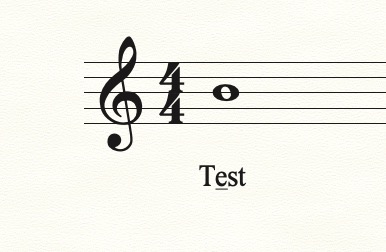
I want to underline an individual letter in a lyric but can't figure out a method. Any suggestions? Thanks.
Bruce Siegel


Select the lyric. Clicking the lyric again should put your cursor back in the lyric, and you can drag to select the individual letter. Then, go to the Text menu (NOT the lyric menu) and select Style > Underline. Or, select the letter, and (on a Mac) Shift-Command-U. (I'm sure Windows has a similar shortcut.

Please sign in to leave a comment.
3 comments
Date Votes