Maybe not a big deal, but annoying (Finale 27.3.0.160 on Mac Sonoma)
When I work with the Fit Measures dialog and unintentionally enter a '/' in the start measure text field, followed by return, Finale stops working and requires force quit.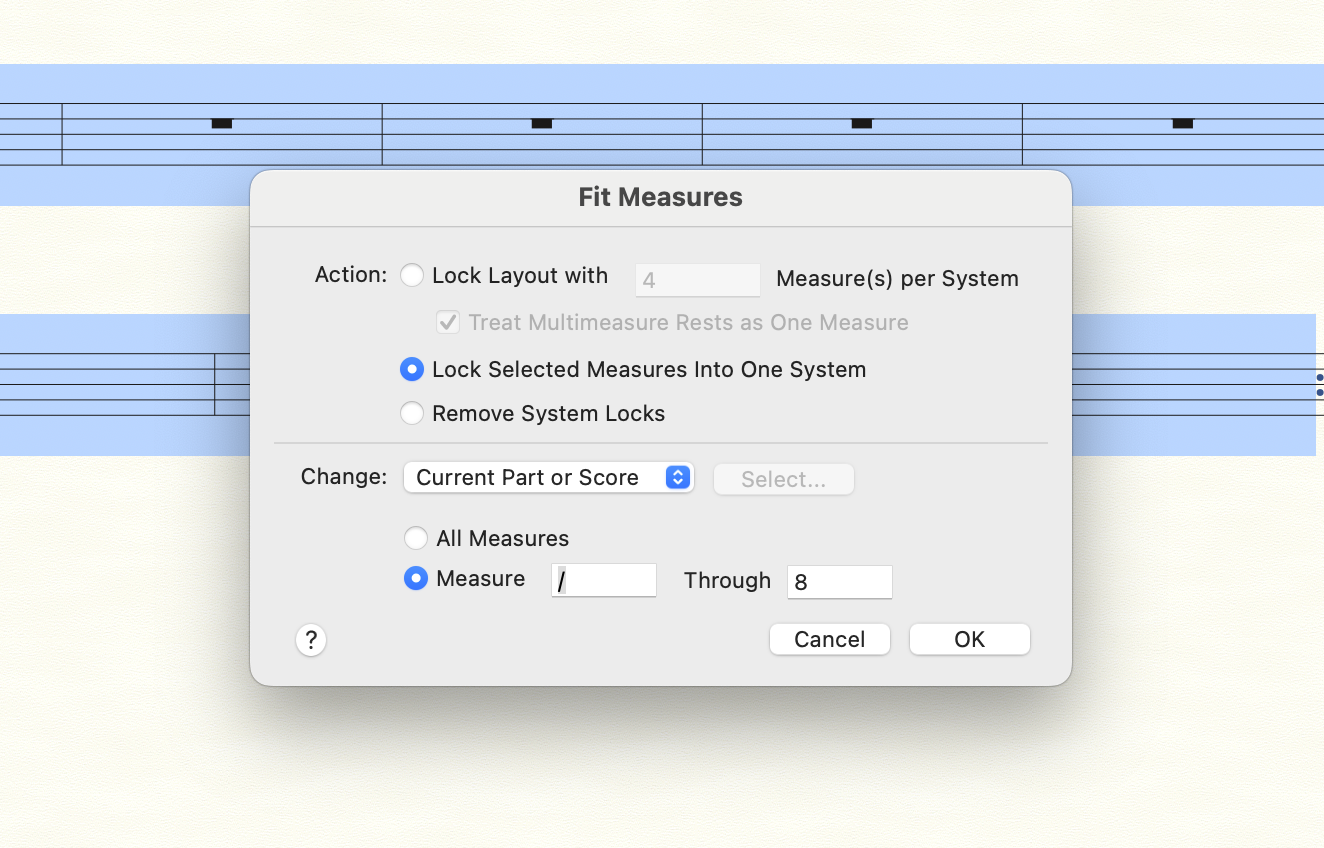


I can confirm it freezes in Mojave through Monterey as well...
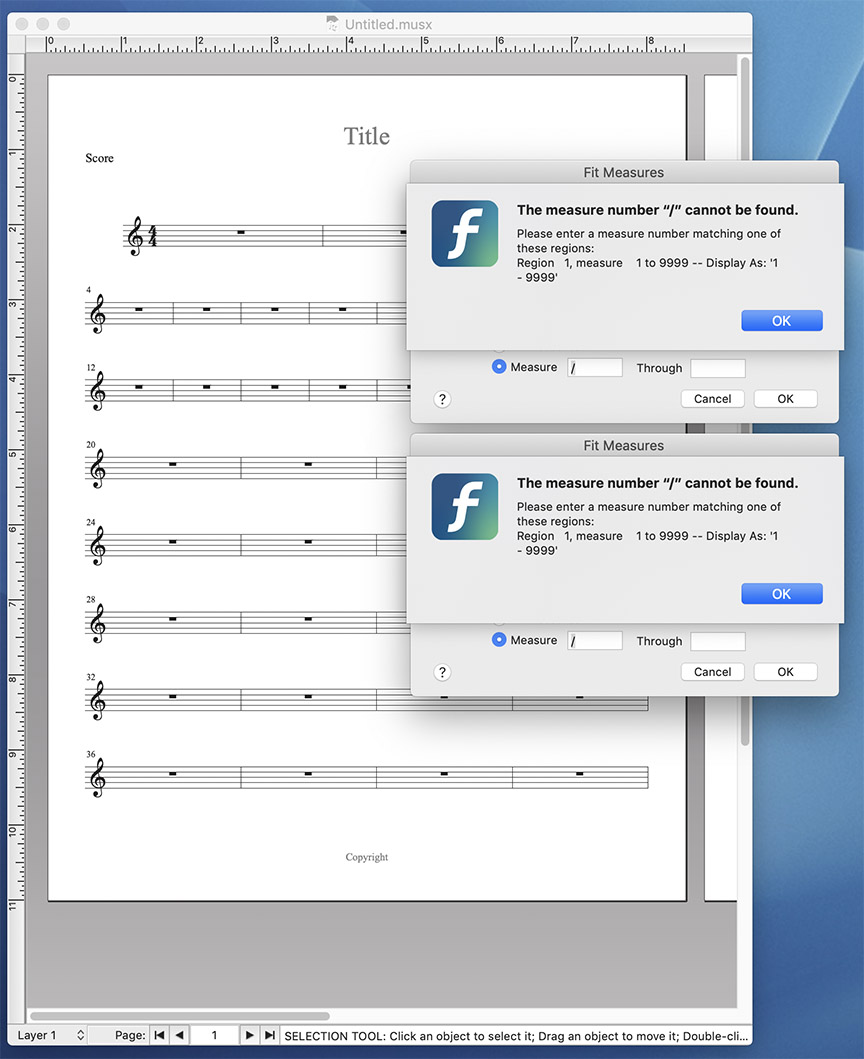
The warning dialog box remains, but if I click on the desktop and back to the Finale file, I'm able to resume enough to save/quit/restart.
If I try to repeat the bug, I now have two "Fit Music" dialogs that do not close. They are movable, and as long as I click the desktop and return to the file window, I can save and restart.
In many (not all) dialog windows... I noticed that Finale will "beep" if a non-alpha/numeric character is entered. Hopefully this is added to the bug list...?
UPDATE: This behavior exists in Finale 26 as well.

I see a User mistake, not a bug.
When I work with the Fit Measures dialog and unintentionally enter a '/' in the start measure text field, followed by return, Finale stops working and requires force quit.
What measures are numbered "/" ? The dialogue pop-up is clear: don’t do that.
Mike,
As the image in my previous post shows, the freezing occurs after the "warning" dialog pops up - and clicking the OK button doesn't do anything. The warning dialog box is not dismissed, it remains on the screen, on top of the original Fit Measures dialog. Try it?
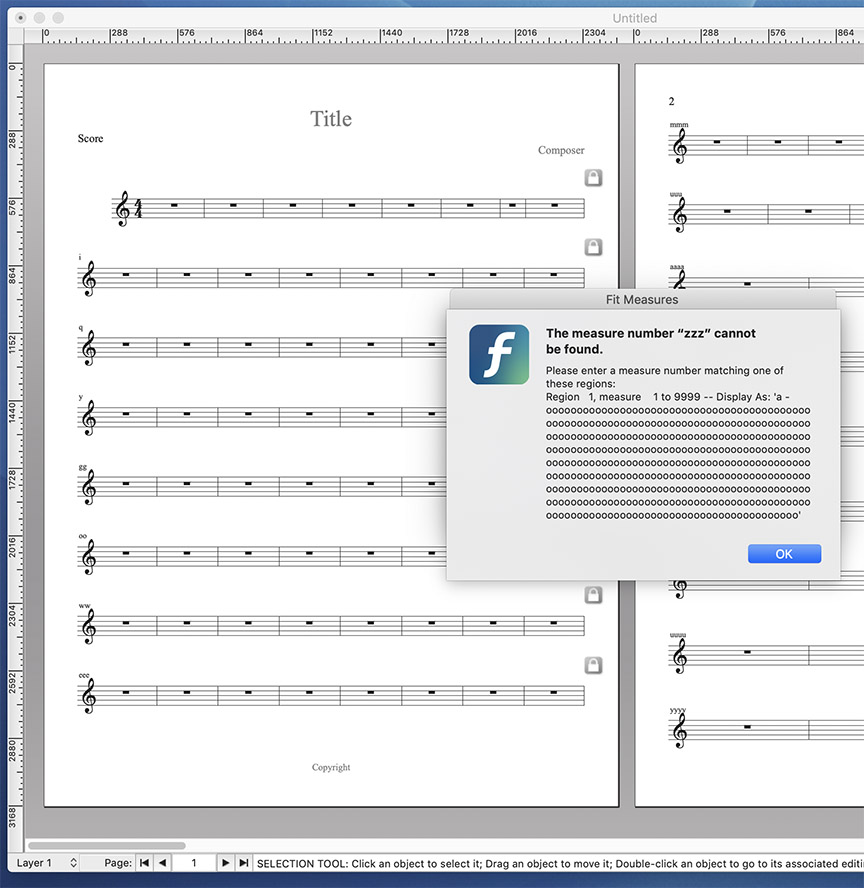
The same freeze occurs if you enter zero in the first range field, or any non-numeric character (including letters) in the first range entry field... if and only if the measures are labeled with numbers. If the user has configured the measures to be counted with letters, entering an out of range letter will also generate the freeze:
Almost every other Finale user entry field either beeps (and doesn't accept the entry) or has an equivalent warning dialog that allows the user to correct their entry - after clicking the OK button in the warning dialog box (acknowledging their error), and the user then corrects the invalid entry. In this instance it does not. It freezes on the screen. I guess I consider any frozen dialog that can't be dismissed without quitting or force-quitting an app a bug.
Explaining to me that you have found variations on your original user error that result in the same crash doesn't make it a bug.
I don't work for Make Music but I have done app and OS support for a few companies over the decades. If MakeMusic wants to commit resources and address this the way you want, that's good. If, however, Engineering and Marketing do not prioritize this, don't be surprised. Nothing you have posted negates this being User Error and the workaround is to know this so you don't do it again.
This is not the same as when Apple tried to convince us all that Drag and Drop Printing was a good idea. Problem was that hitting Command p crashed the OS completely—and that was done on purpose (hmmmm... who had the power to make that call?). The consultant hired to test that mess had to tell the person behind that idea that he couldn't allow the normal Print command to crash the Mac just because he thought we should all Think Different. Yea, I really told him that. So, D'n'D Printing was released with fanfare but ⌘ p didn't crash the OS and the idea quickly faded into obscurity so no one noticed and few remember. You can still enable it (Windows, too) but no one thinks to do so.
Please sign in to leave a comment.
6 comments
Date Votes