New post
Avatar
8

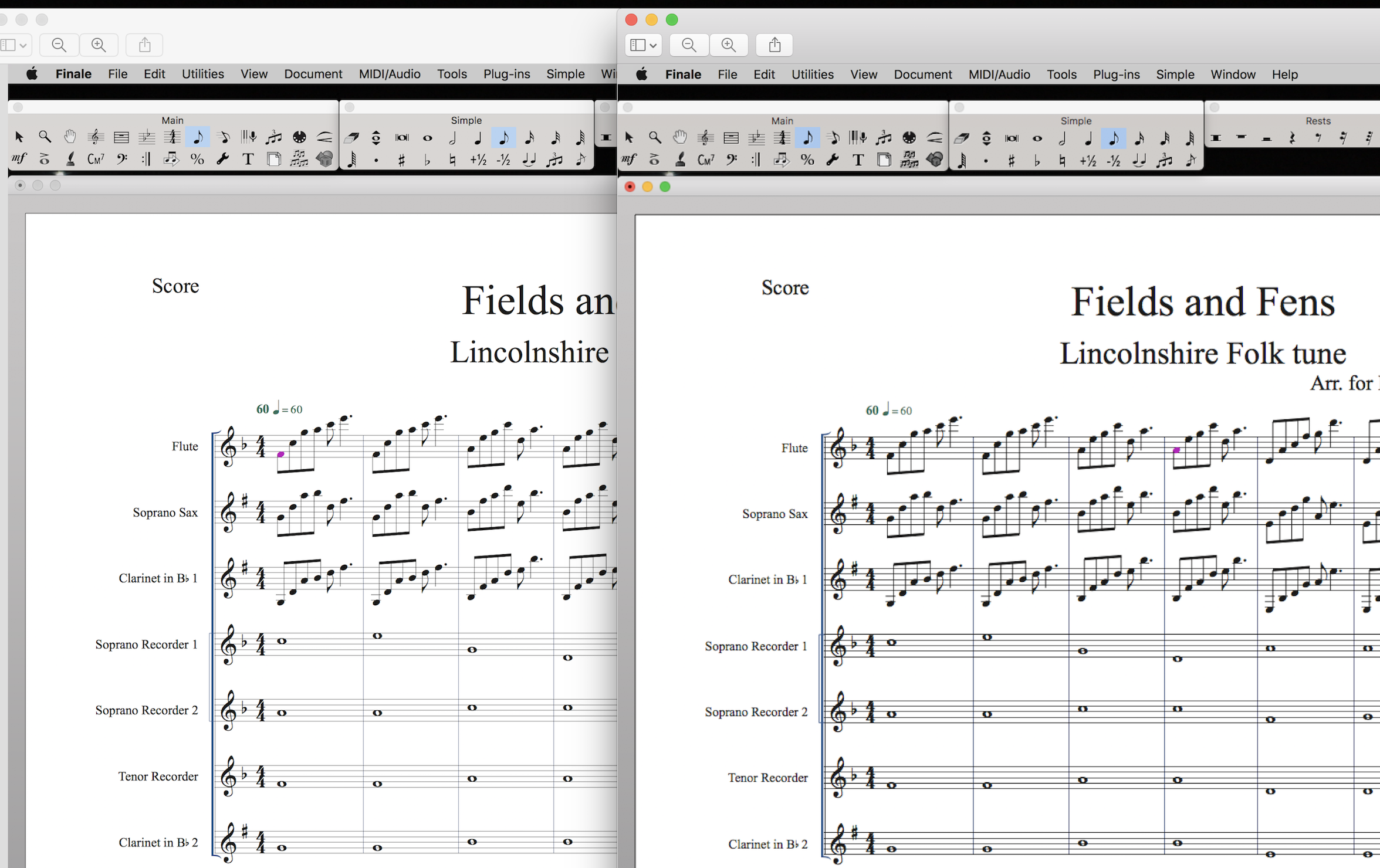
I'm running the new Finale on a brand new iMac.  The machine is pretty stocked up with ram and processing power.  Unfortunately I am experiencing noticeably laggy performance.  For example with Speedy Edit, there is a good quarter-second to half-second delay between my pressing a key on the number pad and the note showing up on my screen.  In every previous version of Finale I've used, the task was completed instantaneously as far as the human eye can perceive, and this includes much older programs running on much older machines.

There is also noticeable latency when playing on my MIDI keyboard.  It's very difficult to deliver a good performance when one can detect a time delay between playing keys and hearing notes.  I'm pretty certain it's not my gear or setup that is at fault, since I also run Logic and Garageband with no perceivable latency.

The new Finale just runs slow, plain and simple; I thought the whole 64-bit thing was supposed to ENHANCE performance.  Can anyone shed any light or offer suggestions?

Thanks in advance!

Finale 25

iMac 3.2 GHz Intel Core i5

16GB RAM


97 comments

Date Votes
Avatar
1

 iMac 5k after all the hardware is standard to all iMacs


Only the 27"  from late 2014 on. 


Finale 25 has been out a year now. Something is clearly going on with Finale 25 and the graphics output on some 27" 5K iMacs.


>I believe that a Mac is the same model to model? <


While the display screen may be similar, the Video cards (at least 5 different ones from AMD) and VRAM (type and amount) vary greatly. You can see for yourself by comparing the different years and models here.

https://everymac.com/systems/apple/imac/index-imac.html 


This is not affecting all users with 27" 5K iMacs. I have no idea what years and models are exhibiting the problem. I hope to buy one myself pretty soon—whether this is addressed or not. Finale is not the only app I run.


The 21.5" iMacs are using Intel video cards. They come with either standard or 4K displays.

Comment actions Permalink
Avatar
1

I'm hopeful of a resolution Mike.

Finale is a great piece of software and the guys get back to you straight away! That is not the case with some other music software suppliers where I've waited over a week to get a human response.

I hope that all 5k Mac users having problems let Finale know because as an ex R&D designer myself I know that accurate customer feedback  is essential. I was a little frustrated last night after along day so apologies if that came out, I hope they nail the code that needs sorting. The fuzzy low res mode is horrible its worse than my old Packard bell monitor on my PC - I checked last night.

Thanks for your comments Mike as ever always polite and educational, much appreciated.

Lawson has already replied before my questions on here and asked for further sys info which I have sent.

Comment actions Permalink
Avatar
0

Mike,

just checked the link it's broke for me, the data may have moved since you last posted it? (see comment below)

Comment actions Permalink
Avatar
0
Comment actions Permalink
Avatar
0

Yes, I was pointing to the iMac specs for all years at EveryMac.com. It can be a most valuable resource. Here's the home page:

https://everymac.com/

Comment actions Permalink
Avatar
0

Original poster here; nothing has changed in a year now.  This is disappointing, considering I was assured 12 months ago by someone from MakeMusic that a retina-display compatible Finale would be in the offing soon.  I guess we can still hope they will follow through on that eventually.

For the moment I still need to run in Low-res mode to avoid lag.  I'd rather have a fuzzy screen (albeit it's annoying) than slow performance.

Comment actions Permalink
Avatar
0

Unfortunately as of today nothing has changed regarding a suitable work around. I am still in discussion with support so will keep you all updated.

Comment actions Permalink
Avatar
0

Discussion over, the solution at the moment from finale
is run the iMac in low res mode...

Comment actions Permalink
Avatar
0

I'm glad the discussion is over.

Comment actions Permalink
Avatar
0

The discussion with support I meant, they have closed the query. I would like to think the discussion from my end is always open :)

I hope the fix comes for free, I did ask but there has been no confirmation as yet, I am as always forever hopeful they have a good rapport with their customers.


Comment actions Permalink
Avatar
0

I recently (October 2017) purchased a new 27" iMac with 40 Gigs of RAM, 512 SSD, plenty of power to run Finale. Although I've used PCs most of my life, I'm pretty well versed on a Mac as I use one for work. I just upgraded to Finale 25. It is unbelievably slow and clunky, the palette windows don't function and the basic display size of just about everything is so small as to be unusable. I just tried to create a simple document and haven't gotten past the first measure. I'm a lifelong Finale user, am extremely well-versed in Finale and have done professional engraving for various people and organizations. Finale is now a joke. My older version of Finale worked much better on my 11 year old HP laptop that is still running Windows Vista. Can't believe Finale would release such poor software and charge $150 for it. This is reminiscent of what one would go through 20 years ago. Not acceptable! If the upcoming updates don't correct these problems, I'll be requesting a refund and move to a different software altogether and will alert others to stay away from Finale!

Comment actions Permalink
Avatar
0

Have you read the rest of this thread?


> ...switching to low-resolution works. Apparently Finale 25.whatever cannot handle the new super high-res retina displays.<


A number of applications are having issues with the Retina displays on 27" iMacs and 4k displays in Windows. It's not just MakeMusic and Finale.

Comment actions Permalink
Avatar
2

Yes, I read the entire thread. High-res displays have been around a while now and aren't going away. I hope Finale steps up. 

Comment actions Permalink
Avatar
-1

Ok, problems solved. I upgraded this afternoon and the new version said that I had the most recent version of Finale and there weren't any new updates. The last time I updated Finale was 2014 so the update was the 2014.5 version. After encountering the many issues I mentioned in my post above, I clicked "check for updates" several more times to make sure I was up to date, which was confirmed. In my experience, Finale has always let you know if there are any updates, no matter what they are called. But there was a bit of confusion about the naming of the versions, which I found other people were having after several google searches. Because I was seeing I had the "most recent" version of Finale, I was assuming that was that, but then discovered I had to separately download v25.4. Everything is now working properly- the palettes are now functioning and the speed of the program is back to normal. No need to switch to low-resolution. 

Comment actions Permalink
Avatar
0

Why they made the icons so similar between 25 and 2014, I’ll never understand. This caused a lot of confusion. 

Comment actions Permalink
Avatar
0

That's a very good point. It was one of the things that kept the confusion going longer than it should have!

Comment actions Permalink
Avatar
0

Daniel, we're you finding it laggy until you re-downloaded the full installer and reinstalled? I'm on 25.4.1.163 and it's still laggy, though worse or better depending on the screen zoom level.  

Comment actions Permalink
Avatar
0

Hey Sean, it was laggy until I re-downloaded and reinstalled v25 version. Mine says 25.4.1.164 (not 163). Not sure if that is another update, or just a naming/Mac vs. pc naming thing? Everything seems to be working fine now. I haven't done any detailed music scores since I got it up and running properly. But simple entry is super fast now with no noticeable lag. The palettes work properly, although every now and then it takes 5 or 6 clicks to get them to drag around on the screen. I'll be doing a big document and will let you know if I see anything else. Sorry you are still having lag issues even with the 25 version!

Comment actions Permalink
Avatar
0

As far as I can tell, 25.4.1.164 solves a High Sierra installation issue that the MM blog mentioned. They said an update would be released a few days later. There was no announcement and I find no release notes so, if it's anything other than an installer fix, no one was told.

Comment actions Permalink
Avatar
-1
Comment actions Permalink
Avatar
0

It's not just Finale. A number of applications have graphics issues with 4K and 5K monitors. This is true for both Win and Mac. The workaround is to work in lower resolution mode. There are many threads on this.


This is a user board. If you wish to complain directly to MakeMusic, please use the Submit a request link at the top of the page. Those of us who answer routinely do not work for MM and have no more influence than you do.


Really.

Comment actions Permalink
Avatar
0

Thanks Mike,


I immediately deleted my comment, as well as I could, as I immediately realized that this is universal. (May I ask how you saw my comment, as you seem to have responded an hour after I cleared it?)


Basically, my experience with increasingly glitchy behavior, in all IT areas, as tech permeates our lives, where things that once worked perfectly are, in later versions, hosed, has me nostalgic for earlier information-age days. I'll take a bare-bones, unattractive (even clunky) interface and graphics, any day, if it means we can go back to the days when the applications were stable and worked as they were designed, where the human actually has to fight to keep up with the machine, rather than wait for the machine to catch up to the human.


Rendering and bouncing, like bouncing a final mix, can take forever...I'm cool with that. Timing a note, like a quarterback judging the distance and velocity of a wide receiver, in order to put the ball where it needs to be... well, that's not too cool.


So, yeah, just too much frustration, and an ah-ha, "this is just another common problem" moment, made me a bit too impetuous, and downright silly.


And, so far, as my brand-new system is a pure, music-production environment, running Logic, Reason and Finale, only, I haven't discovered issues with other applications. But, then, I've always run Logic, Pro Tools, Cubase, Reason, et. al. in low-res mode, going back to the beginning, because production performance is king (or queen), there. Graphics just use processing power and memory that could be more wisely allocated elsewhere.


With Finale, in the past, as it's merely a composition and notation program for me, where dealing with midi is the most resource-heavy task I'll ever ask of it, which should be near nil, in the scheme of things, I've never had to turn features off (or play with the default preferences to get it working properly, as designed).


My apologies...

Comment actions Permalink
Avatar
1

I remember when windows was introduced Darryl and it did away with the msdos batch files. Everything had its own directory before that with individual subroutines rather than shared library files. Things were really fast. Delete a directory and you deleted the whole program clean and precise. But now it feels that we have all have got used to pretty too... which costs us! Having said that it is amazing how much processing power we have manipulating 3d designs with reflections in real time rather than an overnight render to achieve a single image that was not that realistic anyway. I prefer cleaner lines that give me instant results to bells and whistles that marketing use to sell product. 

Comment actions Permalink
Avatar
0

To answer the question, any comment on any thread where I have posted is emailed to me.


Normally, it goes to my junk folder—always has and I can’t make it go to my regular In box. My iPad doesn’t have a junk folder so I see these as they come in. 

Comment actions Permalink
Avatar
1

I agree, Cliff. MSDOS and the earliest versions of MAC OS were superior, when it came to running a machine, but MSDOS wasn't intuitive enough (or simple enough) for the average home-PC user. (I also believe Wordperfect and Lotus were superior to Word and Excel, when it came to performance, but that's another can of worms.)


But, the increased advances in hardware, processing power, RAM, connectivity (USB, Firewire, Thunderbolt, etc.), over the last 30-40 years, are quite amazing. And, I have to admit, I'd never have been able to do half of the things I do in Pro Tools, Logic, Reason, etc. with my first, real desktop comp (a TRS80 III) or my second (an Apple II) or my third (HP PC - Windows 95).


Yin and Yang... I just wish that operating systems and software, today, were less subject to the bloatware phenomenon. But, yeah, right now, it does appear to be all about image. Make it pretty (pretty attractive, graphics-wise, and pretty glitchy, performance-wise). Ha! :)

Comment actions Permalink
Avatar
1

Bloatware... that pretty much sums it up in one word! :(

Comment actions Permalink
Avatar
0

“Bloatware” is a term I first encountered while I owned my Mac Plus. Others want feature enhancements. If you really long for whatever you think are the good old days, you can buy such a system for less than pennies on the dollar. I still have a G4 if I really need to wallow in ClarisWorks—Word 5.1—Finale 1998—ClarisDraw nostalgia. Ok, I don’t fire it up even once a year but it’s there—more often than my Windows laptop.


Go. Be. Do. Have fun. Oh, you’ll need to stay off the internet as it's incompatible with nearly everything nowadays.

Comment actions Permalink
Avatar
0

Ha! I'm not longing for the good ole days; I'm merely pointing out that software development and operating system design may be sacrificing performance and stability for smells and bells, bells and whistles, baubles and doo-dads... (i.e.: bloatware). :)

Comment actions Permalink
Avatar
0

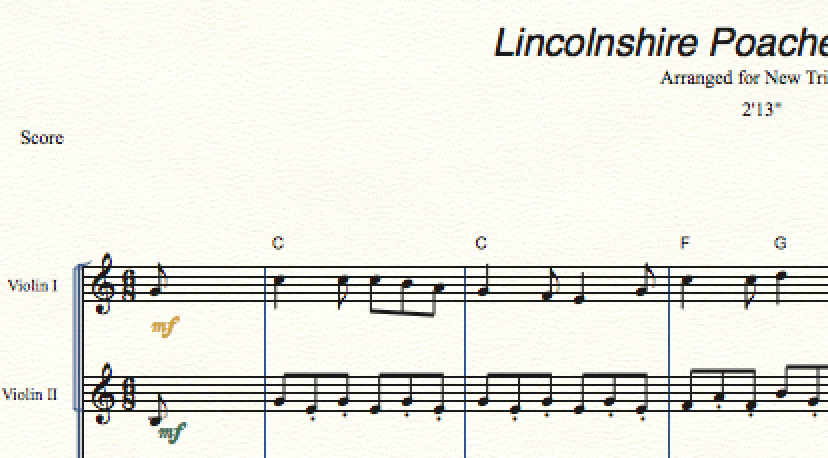
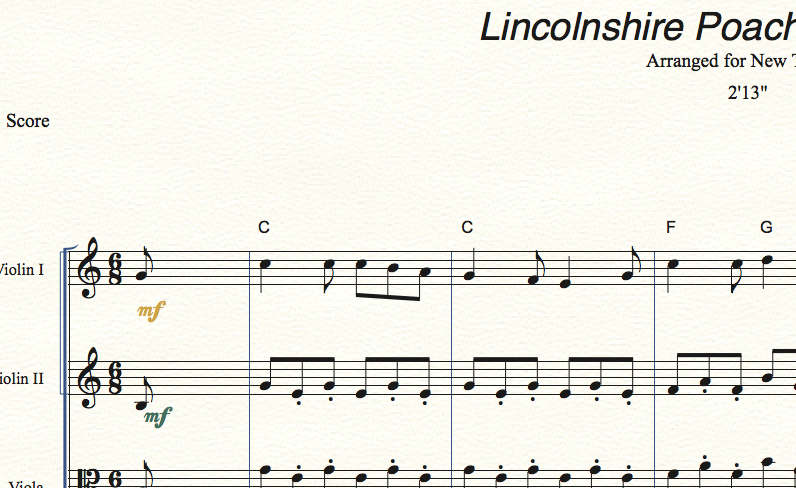
I got to this thread when the first thing I noticed after buying a 5K iMac and trying Finale 25 was a half-second delay in Speedy Entry when moving to a new measure.  Of course, this was unacceptable.  The "Open in Low Resolution" trick works and Finale 25 is back up to speed.


After reading the entire thread, I realize that there is some confusion about the term "low resolution".  


The solution to this problem is to go to "Show Info" on the Finale app and check the box "Open in Low Resolution".  The solution is not to lower the system resolution.


There is no diminishing of display quality in this mode.  Note that I'm using the highest resolution on my iMac (which they dumb-down to calling "More Space").


I hope this helps others.

Comment actions Permalink
Avatar
0

Not for me John. but thanks for the optimistic post you had me excited then.

My story is quit lengthy but basically I had to upgrade when a scanner installation started crashing my finale 2012 I think it was. This forced me to upgrade, hopefully curing the scanner install. I tried rollback and reinstalling both scanner and finale in various permutations still to no avail!  I am convinced the scanner option was in the V25 trial version that I trialled. However an upgrade and a bit later and a 64bit 5k Mac and for what I use it for I have gone backwards in a few ways. V25 doesn't even support the scan option.

So for me John your email only reminds me what I have lost rather than gained.

As a former IT staff member I understood the low res switch and where to set it. It hasn't worked for me. I had a lengthy discussion with support and only after a lot of discussions did I get the acknowledgement of the problem. I have put my disappointment in my feedback to them, asking when a solution is found I will not have to pay to have the upgrade, there has been no answer to that question. 


Comment actions Permalink

Please sign in to leave a comment.