

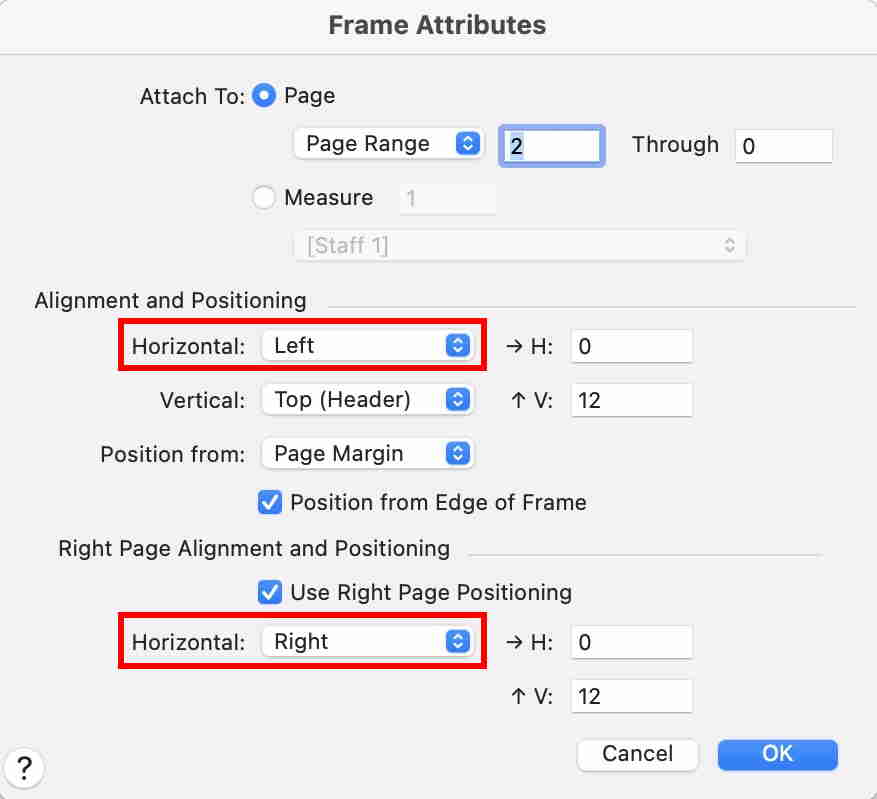
I'm currently working on an orchestral piece in different files, and I'm trying to change the format of the second movement so that the opening page is in a pair instead of a single sheet - i.e, I want the page number on the opposite side of the whole file. I know I could merge the orchestral files using Scoremerger, but this option is proving to be buggy. I bought my version of Finale in 2015 (version 25?).
I have a feeling it has to do with "facing pages", but I don't know how to change the pairing. I also know I could add a blank sheet before page one, but I'd prefer not to do that. Help!!

1 comment
Date Votes