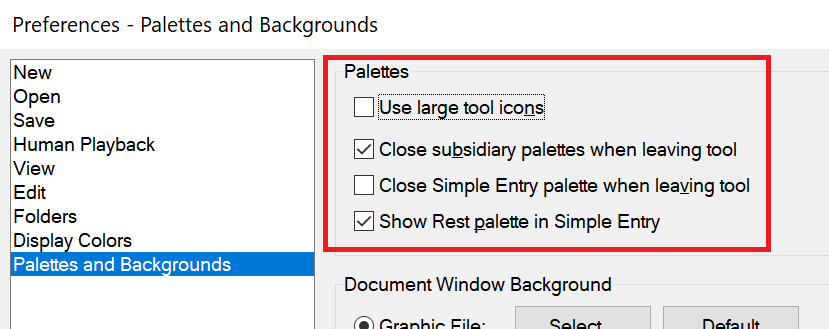
Windows 7, Finale 25.5. How do I get the *%#@! smart shapes palette to stop disappearing every time I use it.


Thanks Mike. It's been about 5 years since I last had to reinstall from scratch and my memory doesn't function that well anymore. (It took me several hours to figure out how to get Garritan libraries recognized by Finale. I can't believe that the .xml and data files can't be installed as part of the installation process--or that MM can't include a simple script--or even a note in the "Read Me" about having to download and move those files.)

Some of us go way back. When I am trying something I've not done in awhile, I have to have the Help files open on a second monitor. Fortunately, they are also online so that I can open them in my iPad when working on a laptop.
I'm way too old and there's way too much in Finale to do it any other way..
Please sign in to leave a comment.
5 comments
Date Votes