New post
Avatar
0

Hi,

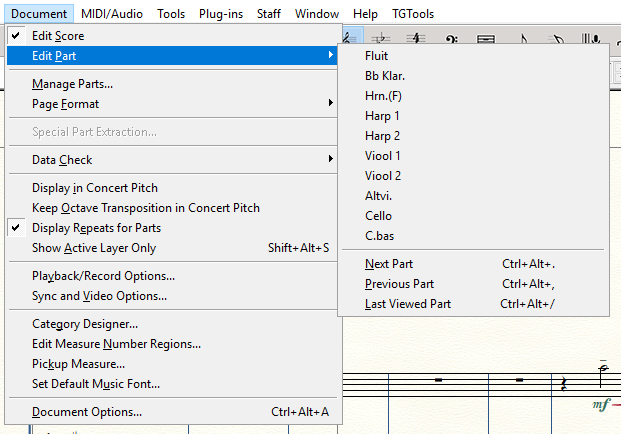
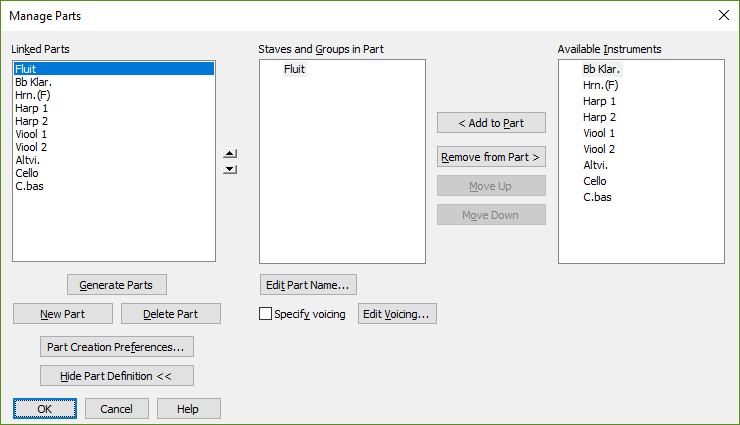
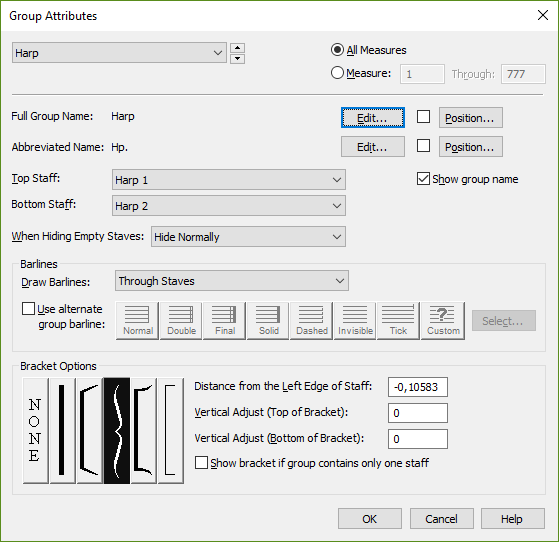
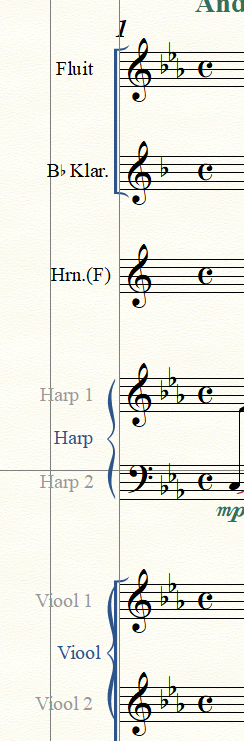
I'm unable to generate a harp part in two staves. This was never an issue in other scores, however in this score the group name ('Harp') doesn't appear in the Manage Parts menu. I tried deleting the parts in the Manage Parts menu and creating a new one, but this was instantly removed and replaced by 'harp 1 / harp 2' after hitting 'Generate parts'. I added some screenshots for reference.

Any suggestions appreciated!

Finale 25.5 | Win10


4 comments

Date Votes
Avatar
0

I still haven't been able to figure about the problem above. I neither found any work-around. Does anyone have any suggestions? Thanks!

Comment actions Permalink
Avatar
0

Michael Havenith,


The culprit is that your two harp staves have a Full Name.

Go to

ScoreManager > Instrument List

Select the first Harp staff, and delete the staff’s Full Name (no need to delete the Abbreviated Name).

Select the second Harp staff, and delete the staff’s Full Name (no need to delete the Abbreviated Name).


When you now go to Manage Parts, you will see the Harp’s staff group in the rightmost column (= Available Instruments), and the two individual Harp staves are not displayed in the column.


If it bothers you that the two Harp staves do not have a Full Name, consider adding the Full Name back via a custom staff style.

Comment actions Permalink
Avatar
0

Wow Peter, it works! Thank you so much!

Did I just overlook it or is correct that this procedure is not in the manual?

Comment actions Permalink
Avatar
0

It is probably in the manual somewhere, but who cares when the problem has been solved?

Life is too short for that.

Move on!

Comment actions Permalink

Please sign in to leave a comment.